Capability 01
Collaborative Editing
Edit documents simultaneously with your team in real time.
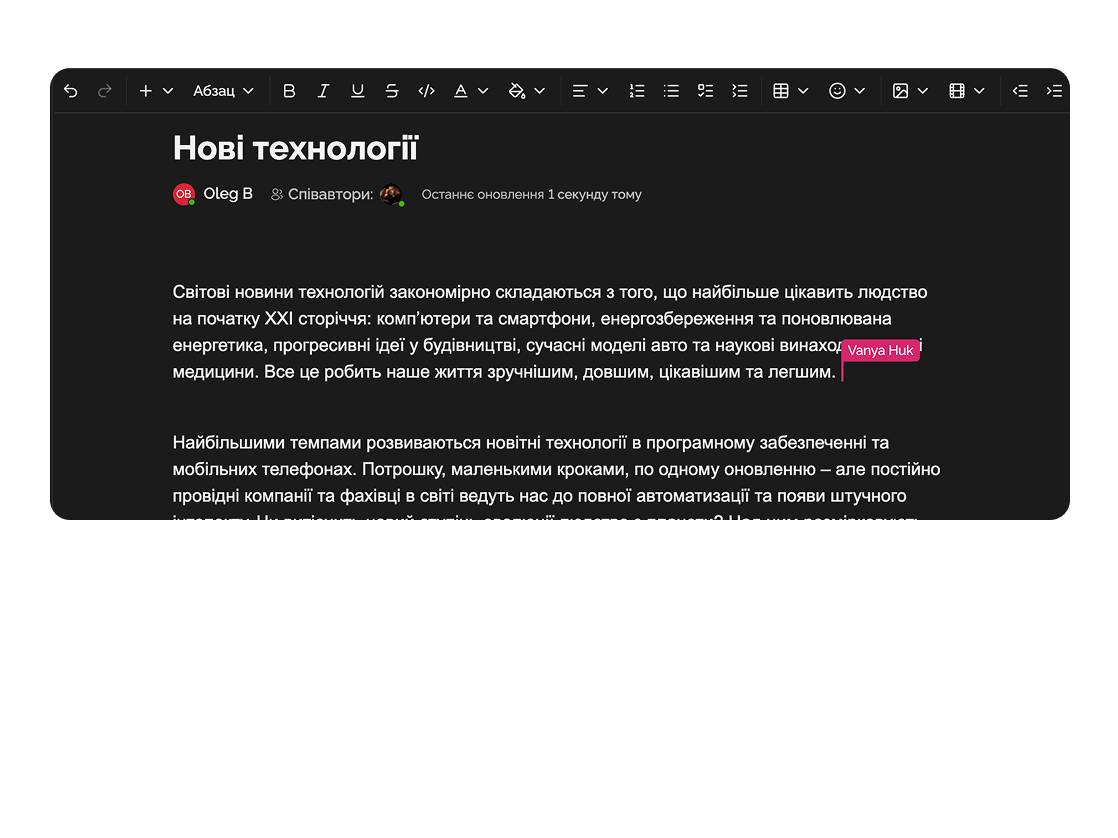
The PRO editor allows you to work with text, tables, and media files directly within your team — quickly and conveniently.
Built for
Goal — reduce checkout time to ≤ 2.4 s and drop-off by −18% on mobile (iOS Safari, Android Chrome).
Strip.js v2 needs Web Components polyfill for Safari < 15.6 — add edge-fallback.
Could add a fallback to link-token here
By the numbers
Real-time
multi-user editing
customer data
20+
block types
Easylim CRM
AI
rewrite and edit
Easylim AI
The PRO editor helps efficiently organize document workflows and collaborative editing.
Capability 01
Edit documents simultaneously with your team in real time.
Capability 02
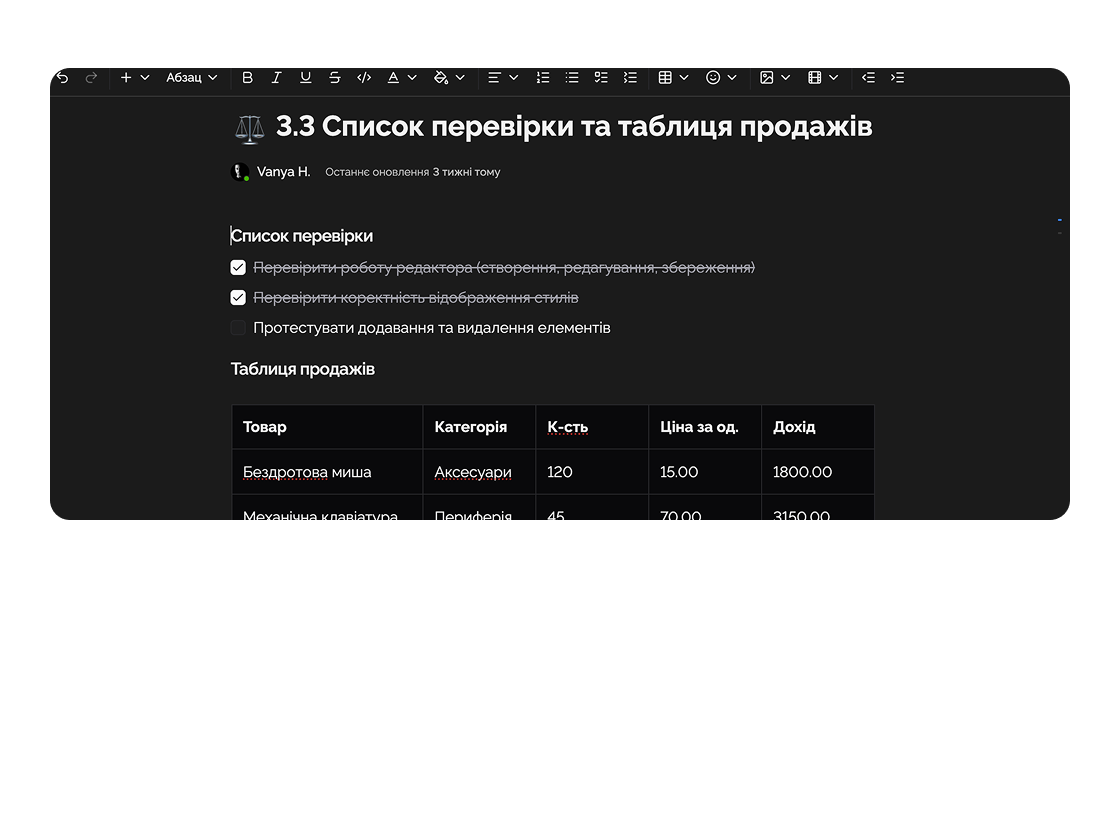
Use tables, checklists, dropdowns, and other enhanced tools.
Capability 03
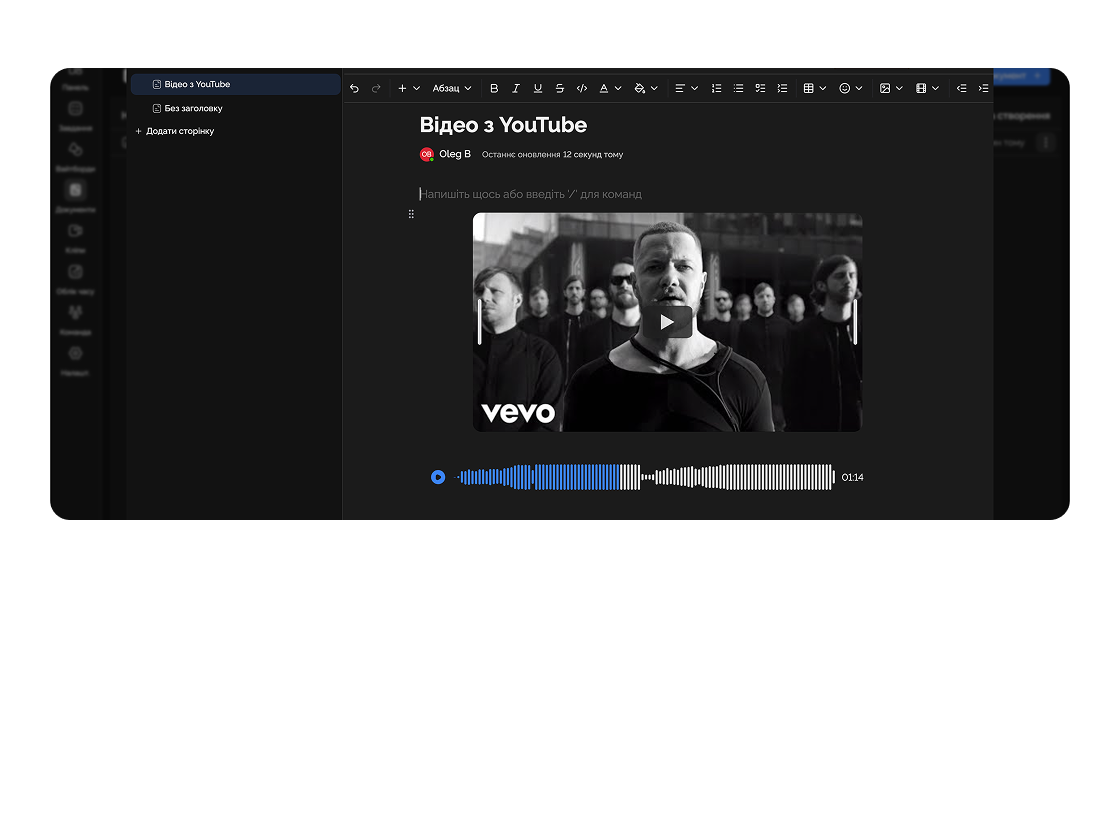
Add images, videos, or links directly into the text.
Capability 04
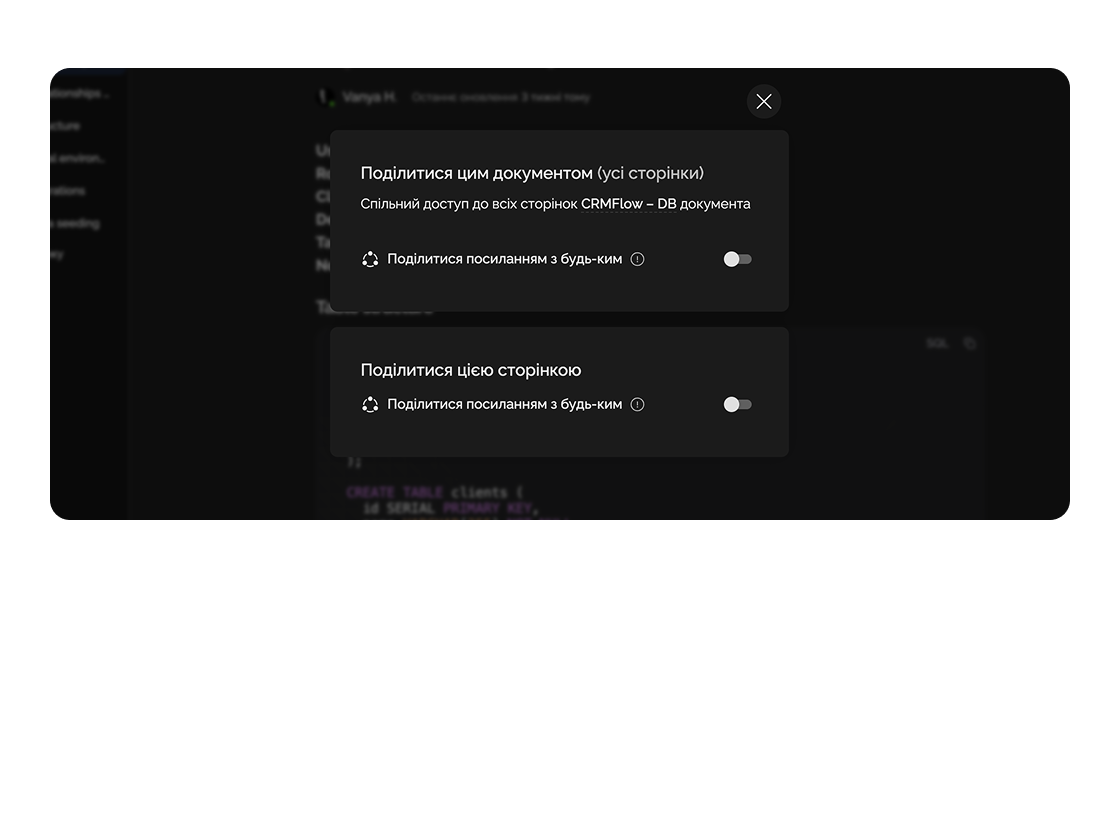
Easily share a document or a single page with others.
Document technical tasks, specifications, and protocols on one platform.

Share completed projects and presentations with clients without extra files.

Deep dive
5 chapters
Documents in most work tools lead two lives: either nobody reads them, or five people edit at once and the result is a soup with no structure. In a SaaS team a document isn't a Word file — it's a live block editor right next to your tasks, where a PRD, a brief or meeting notes behave like code: versioned, commented, linked to tickets. Here's how to make Easylim documents replace Google Docs and Notion for working text.
Розділ
A document in Easylim is a block-based editor, closer to Notion and Google Docs than to Word. Every paragraph, heading, list, table, image is a separate block you can drag with the mouse, duplicate, move to another page.
What that buys over a .docx in your email: links instead of attachments. Everyone sees the latest version in one click, no "final_v3_after_legal.docx". Comments anchored to text — not buried in a 60-message Slack thread, but on a specific sentence. Realtime + presence — you can see who's reading or typing, no locking.
Documents in Easylim are a good fit for working text with a lifecycle of up to a month: campaign briefs, PRDs, contracts, meeting notes, review protocols, ADRs (architecture decision records), 1-on-1 plans. Basically anything you write, discuss, sign off — and then either move into execution or archive.
Goal — reduce checkout time to ≤ 2.4 s and drop-off by −18% on mobile.
Delivery checklist
Add link-token fallback here
Розділ
Creating a document is Cmd+N (or the "+" in the sidebar). Then the important bit: don't start from a blank page. Easylim ships templates for PRDs, briefs, meeting notes, 1-on-1s, retros, ADRs. The template gives you a structure the team already recognises.
The / key opens the block menu: heading, checklist, table, callout, code block, toggle, embed, divider, quote. 20+ block types cover everything except specialised formulas (and there's a LaTeX block for those).
Embed blocks render Figma frames, Loom recordings, YouTube, Google Drive, even Easylim tasks right inside the document. So a campaign brief can show the current Kanban status instead of writing "in progress". That kills the need to alt-tab between tools.
Permissions sit at the document level: author only / team / specific people / link share. The last one is handy for contracts you want to show a client without provisioning them an account.
Розділ
Realtime with cursors works the way it does in Google Docs: you see who clicks where, text appears letter by letter. Easylim handles up to 50 concurrent editors on one document without losing cursor position. For most teams that's more than enough.
Suggest mode kicks in during review: edits show up as underlines with a proposal, the author accepts or rejects each one. Useful for legal documents, contracts, technical specs — anywhere arbitrary rewrites are a problem.
AI editing is built into the editor: select a paragraph, hit Cmd+J, pick "shorten", "make more formal", "translate", "check grammar", "continue". On a 500-word brief AI writes a draft in 8 seconds — then you tune it to your tone.
Version history stores every change. You can roll the document back to "yesterday 14:00" in one click — handy when somebody accidentally deletes half a page.
The new checkout reduces drop-off by 18% on iOS Safari compared to baseline.
Irina · 2m
Is this with the new SDK or polyfill?
Alex · just now
New SDK only. Polyfill kept old number.
Розділ
Monday, 10:00. Standup — the manager opens the "weekly standup" template, writes down what was discussed. Action items become a checklist, each item turns into a Kanban task via "/task".
Tuesday. The PM writes a brief for a new feature using the PRD template: goals, metrics, edge cases, technical requirements, design (embed Figma), dependencies. Tags the designer and the tech lead with @.
Wednesday. Legal opens the PRD in suggest mode, leaves edits on the "privacy" section. The PM accepts half, rejects the other half with comments. Thursday — a finished client contract gets a public link, the client reads it without an account, leaves a comment on one sentence.
Friday. Weekly retro — six people edit simultaneously, each in their own section. Export to PDF for archive + action items to Kanban. The document closes.
Alex · edited 3 paragraphs
Irina · accepted 4 suggestions
Mark · added “delivery” section
Alex · first draft
Розділ
Documents are a good fit for working text with a horizon of up to a month. If the text needs to live a year and be findable by new hires six months from now, it's not a document — it's a knowledge base page. Documents are flat (no subpage tree), pages are hierarchical with unlimited nesting.
Personal quick thoughts — not a document. If it's a 30-second idea or a shopping list, use private notes. Documents need a title, a share decision, context. Notes are just Cmd+N and start typing.
Visual layout (mind maps, user flows, architecture diagrams) — not a document. That's a whiteboard. A linear editor can't show 2D relationships between blocks.
Structured task execution — not a document. If you have 30 items and need to filter by status/owner, use Kanban, not a checklist that runs three screens deep.
Work-in-progress text: briefs, PRDs, contracts.
Evergreen knowledge: SOPs, onboarding, wiki.
transient → docs · evergreen → pages
This feature connects to the apps your team already lives in.
More features
No card required. Free tier forever.


