Capability 01
Deadlines Under Control
Track task completion dates directly in the calendar.
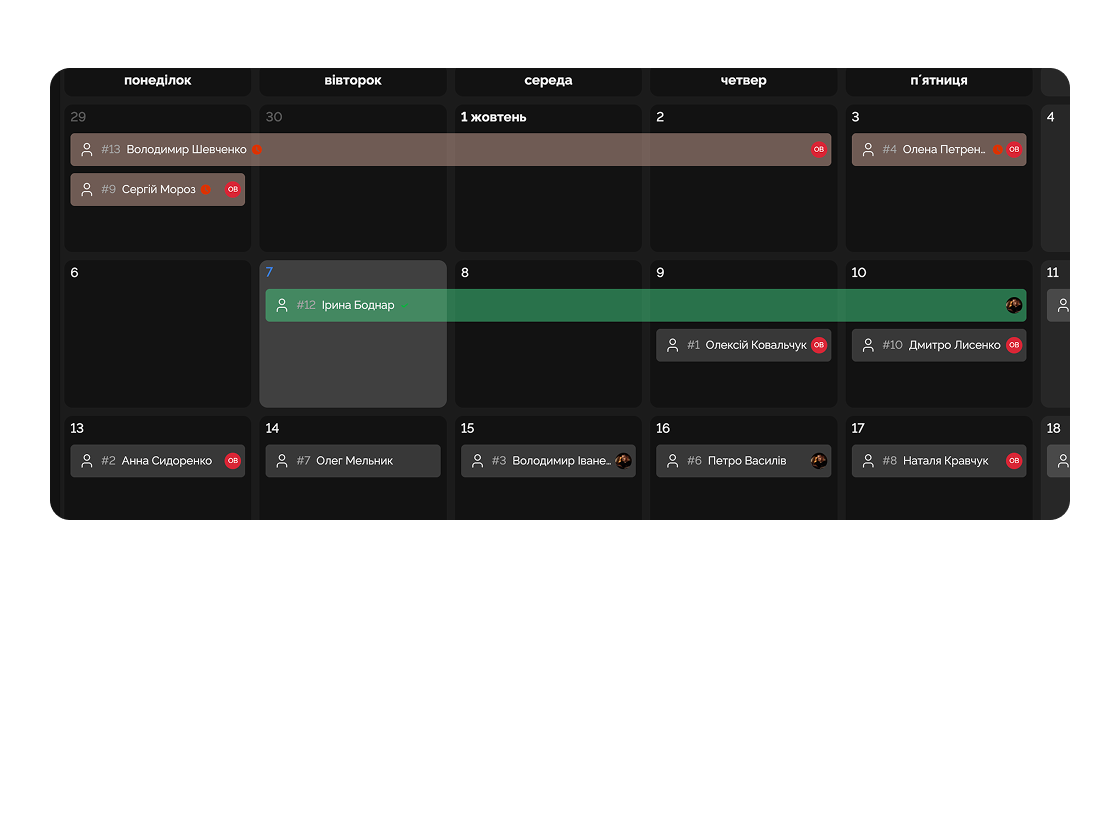
Keep all meetings, deadlines, and tasks in one calendar so you don’t miss anything.
Built for
By the numbers
2-way
sync with Google/Outlook
Easylim integrations
Drag
move task = new deadline
customer data
12+
time zones supported
2025 survey
Manage events, tasks, and projects in an intuitive calendar.
Capability 01
Track task completion dates directly in the calendar.
Capability 02
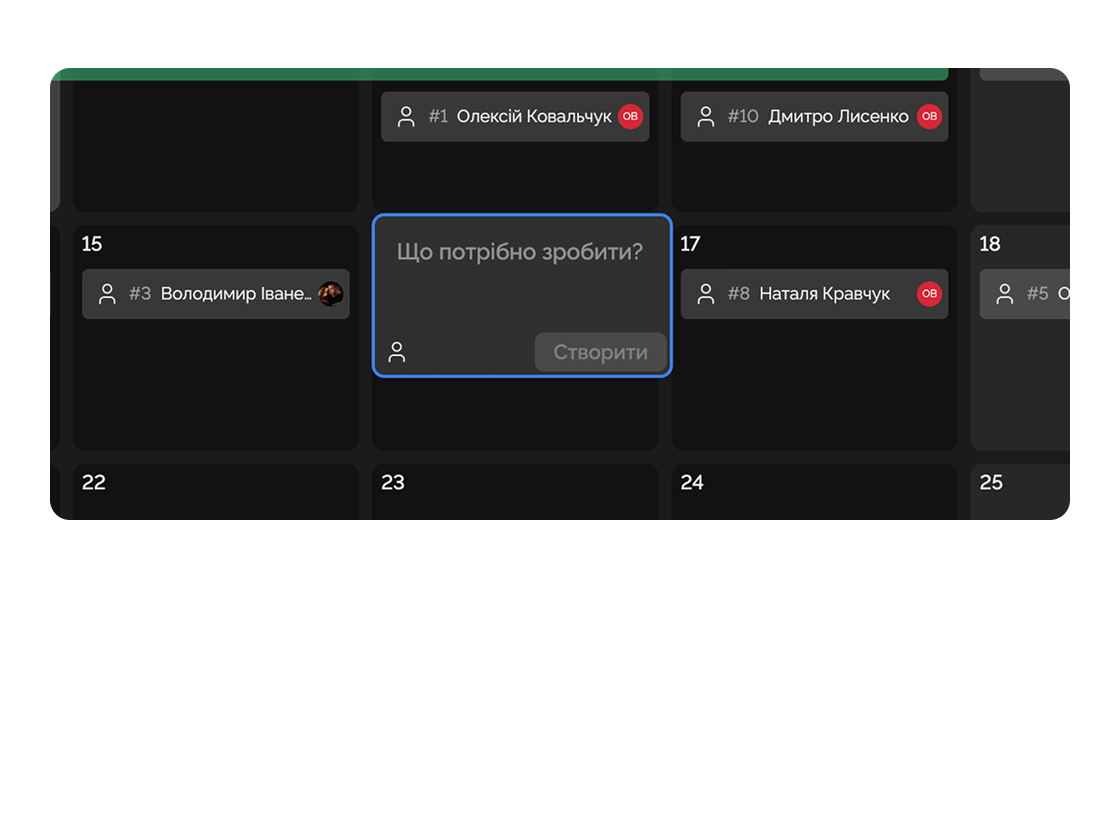
Quickly and conveniently add tasks right in the calendar.
Capability 03
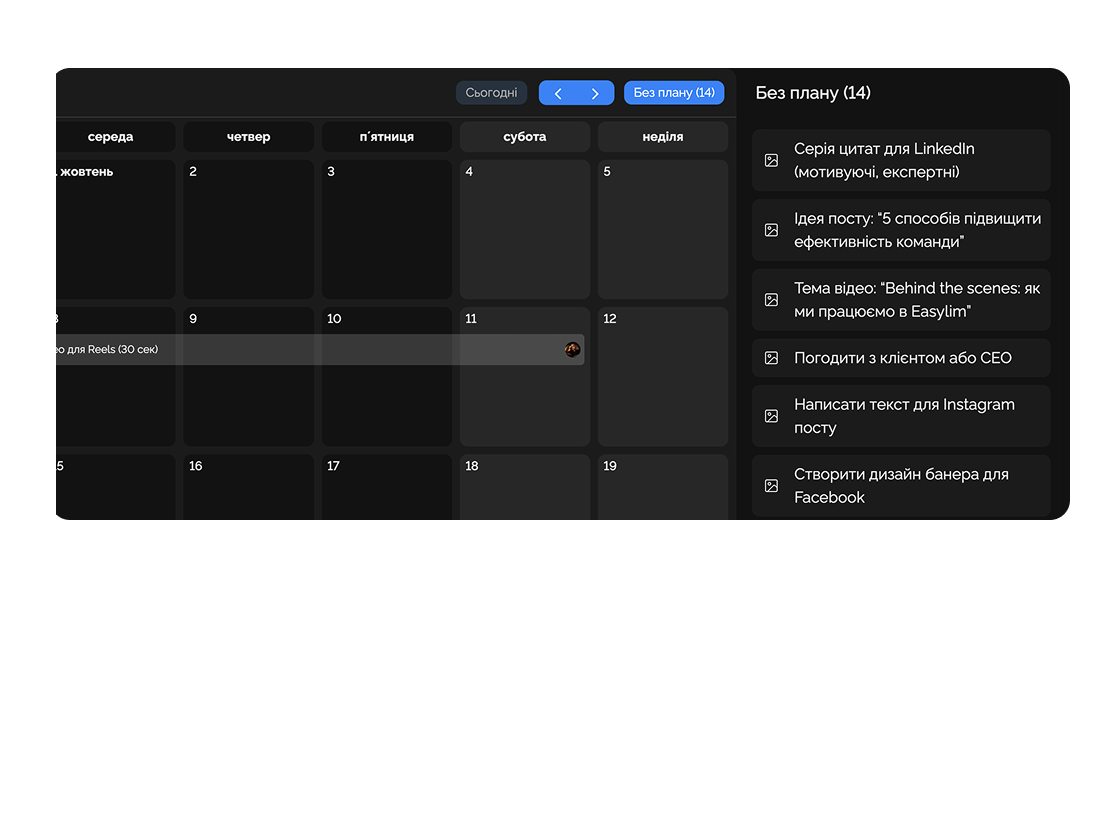
Easily drag undated tasks directly to the desired day.
Capability 04
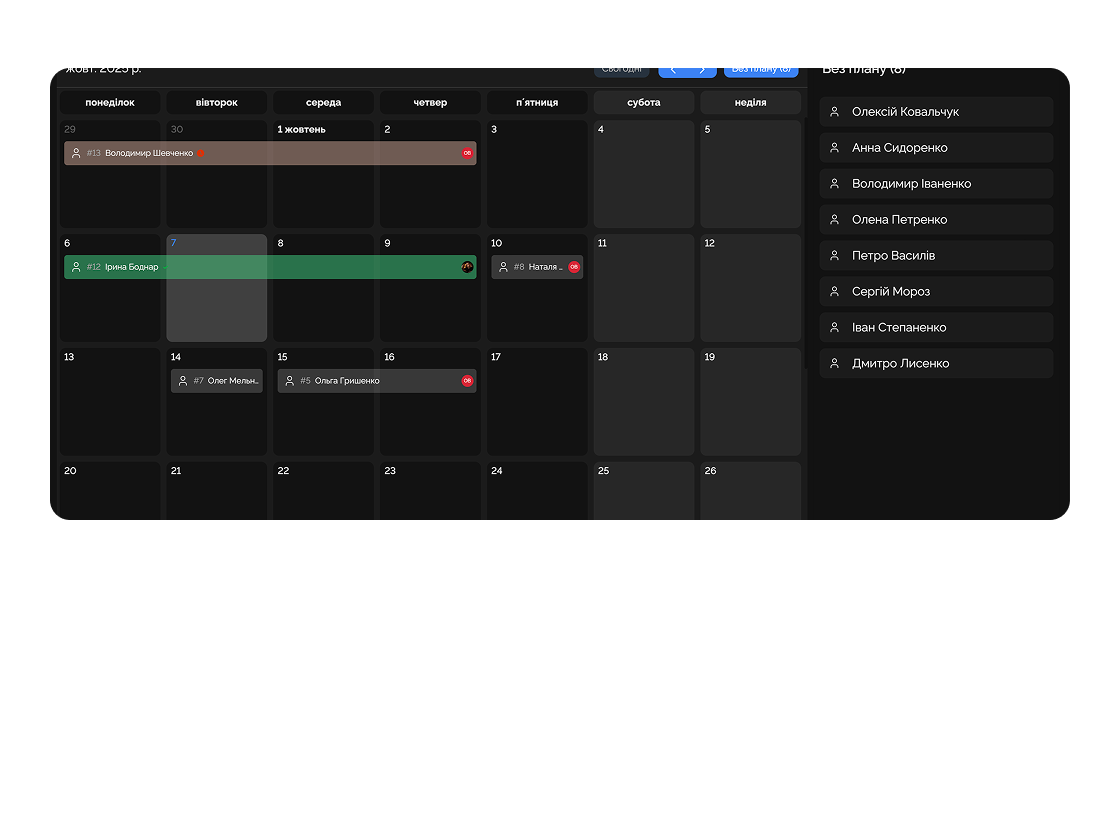
View the full picture of your plans to optimize time.
Add meetings with clients and stay focused on deals.

Plan work tasks alongside personal matters for better balance.
Deep dive
5 chapters
Most teams now keep their time in three places at once: Google Calendar for meetings, a separate task manager for deadlines, a personal notes app for everything else. That's how you get the classic failure mode — a manager sees a "free Thursday" in Google and books a new meeting, not knowing the same Thursday is already loaded with internal deadlines in another tool. Here's how to set up the Easylim calendar so the whole team's time lives in one place, with no double bookings and no missed deadlines.
Розділ
Google Calendar is a meeting calendar: it knows about timed events with locations, but knows nothing about task deadlines living in your task manager. So when a manager sees a "free Thursday", they don't see that Alex has a hard deadline that Thursday on a major brief — and books 4 meetings on top of it.
The Easylim calendar fixes this: events (meetings, calls) and task deadlines live in one view. Day, week, month — three zoom levels, one click apart. Undated tasks sit in a side panel; drag one to a day and Easylim creates the deadline.
Two-way sync with Google and Outlook means external meetings flow into Easylim automatically, and tasks you time-block in Easylim appear back in Google — so colleagues see your real availability.
Розділ
First — connect Google or Outlook in one click via OAuth. Easylim will ask for read and write permission; that's needed for 2-way sync. If you only want read access (see Google events in Easylim but don't push tasks back), that's a setting too.
Second — set up project colors. By default every deadline is gray, which is unreadable. Assign each project a color (Acme blue, internal dev green, marketing orange) and the month stops looking like noise.
Third — filters. The selector at the top toggles between your own tasks, the whole team, or a specific project. Managers usually keep "whole team" on, to see everyone's load. Engineers run "mine only" + "my project".
toggle off → events hide from grid
Розділ
Booking conflicts. The Easylim calendar shows overlaps right in the grid — two events at the same time render side by side, not stacked. It doesn't prevent a conflict (because some conflicts are intentional), but you see it immediately. Manager scheduled a client call on top of an internal 1:1? — they see it before confirming.
Timezones are the most common reason for missed calls. Easylim supports 12+ timezones and always renders times in the viewer's local zone. A meeting created in Kyiv at 16:00 shows up as 14:00 for a colleague in Lisbon. Daylight Saving shifts are handled automatically; you don't have to remember that US DST starts 3 weeks earlier than EU DST.
Recurring events — daily standup at 9:30, weekly Thursday 1:1, bi-weekly retrospective. Create once with a recurrence rule, Easylim unrolls it months ahead. Delete one instance and the rest of the series stays untouched.
Acme · Q3 kickoff
wed · may 14 · 14:00 – 15:00
Розділ
Monday 09:00 — week review (10 minutes). The manager opens the week view, filter on "whole team". They see Alex has 3 back-to-back meetings on Wednesday plus a deadline — and move one meeting to Thursday so Alex has time to finish the task.
Tuesday — client calls. The manager hard-coded a "client calls" block from 10:00–14:00 on Tuesdays, so Acme only sees free slots within that window (booked through Google), not mixed with deep-work blocks.
Wednesday — a 14:00–17:00 deep-work block. It shows as "busy" in the calendar, so colleagues don't book meetings on top of it. This is where two-way sync earns its keep: the block was created in Easylim but it shows up in Google.
Thursday — team 1:1s (4 recurring 30-minute events). Friday — wrap-up: the manager opens the month view and looks at next week. If Monday looks overloaded, they move meetings to Tuesday now, not Sunday night.
Mon
12
Standup
Deep work
Tue
13
Acme call
Wed
14
1:1
Demo
Thu
15
Workshop
Fri
16
Review
Wrap
Розділ
The calendar is optimal for work pinned to a specific time (meetings, calls, reminders) and dated deadlines. It isn't built for task status tracking: you won't see that 12 cards are stuck in "Review", because the calendar doesn't have that concept. For status tracking → Kanban.
Long-horizon project plans with dependencies (3+ months, phases, critical path) look like a mess of diamonds and bars in the calendar. For that use a Gantt chart: same dates but on a horizontal axis with explicit ordering. Personal day planning with time-blocking → daily planner.
In practice, larger teams use all four formats together: Kanban for daily flow, Gantt for the roadmap, calendar for time-based coordination of people, planner for personal day. In Easylim it's the same task set, just four different views.
meetings · deadlines
project · phases · deps
This feature connects to the apps your team already lives in.
More features
No card required. Free tier forever.