Feature 01
Team Management
Manage project structures, roles, and access — from individual employees to large departments.
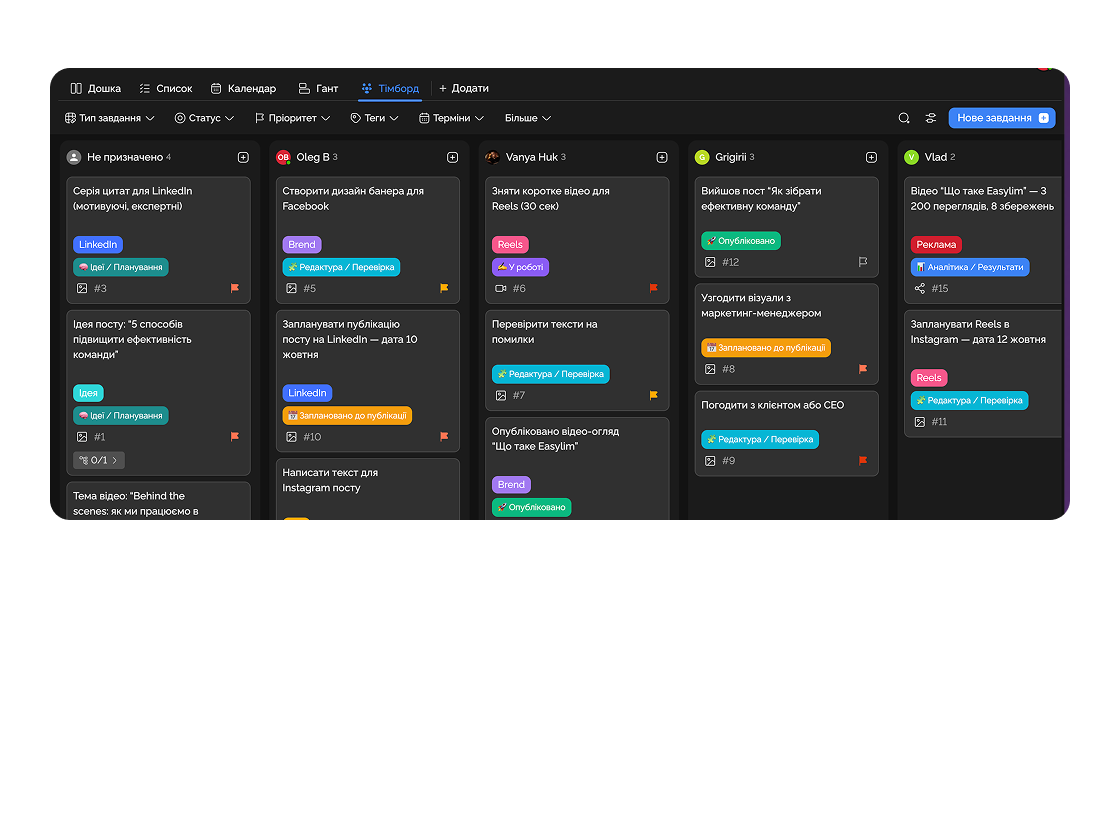
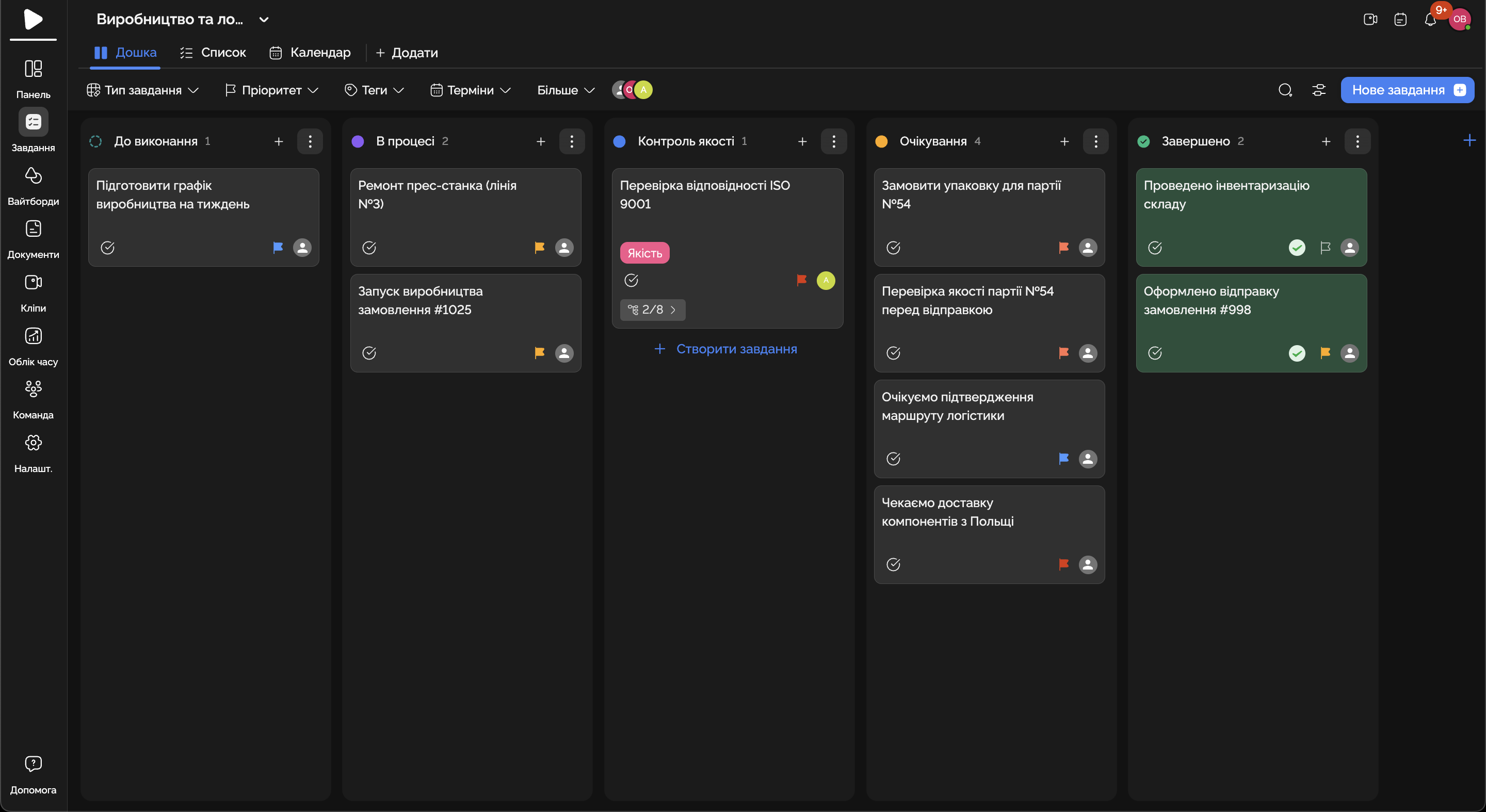
Manage production, teams, supply, and delivery in a single system — without the chaos of spreadsheets and chats.
Built for
By the numbers
100%
stages visible online
customer data
−35%
time on approvals
Easylim CRM
1 workspace
office + shop + field
2025 survey
Production stages, crews and supply — everyone sees their task and progress.
Feature 01
Manage project structures, roles, and access — from individual employees to large departments.
Feature 02
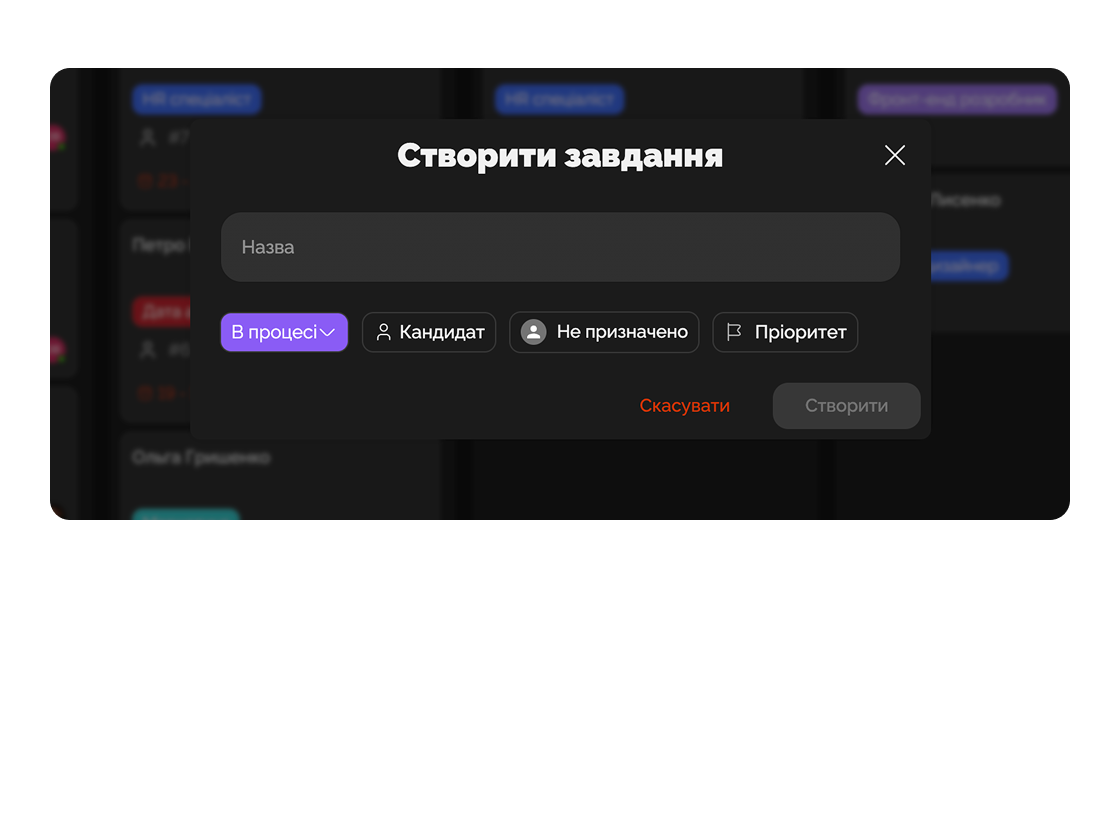
Create tasks in a few clicks, add priorities, deadlines, and assignees so everyone knows their goals.
Feature 03
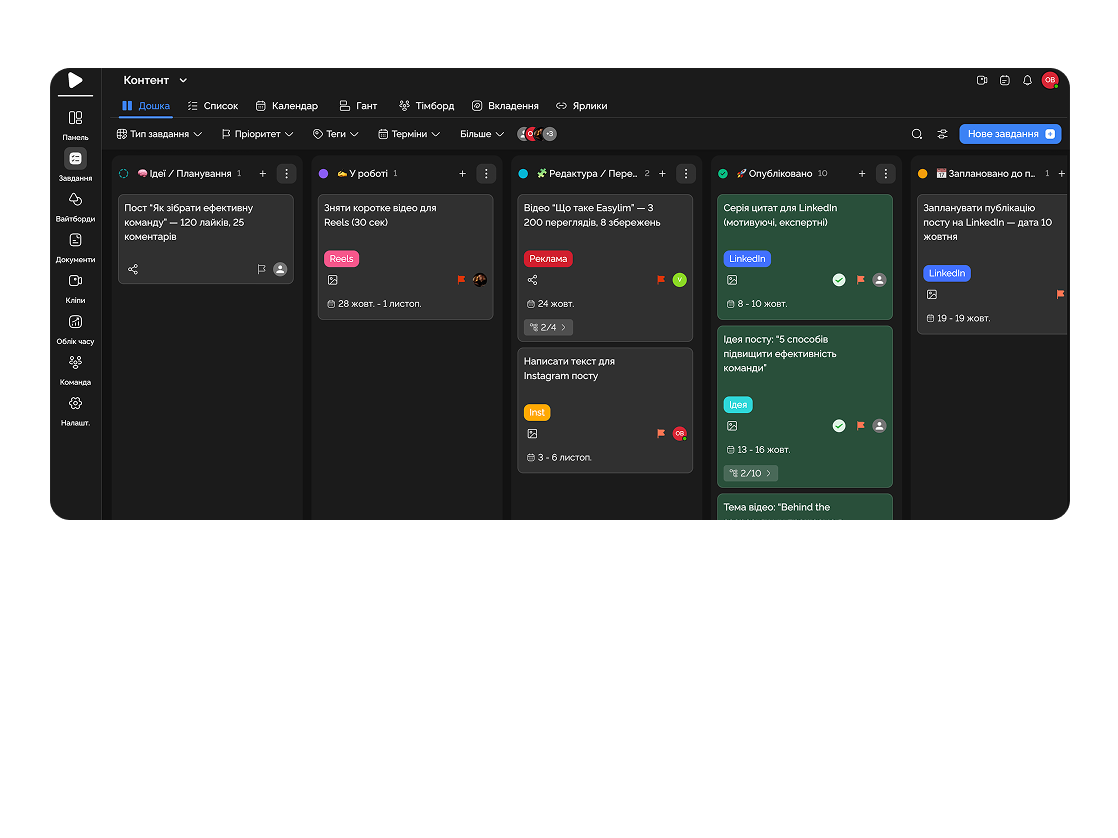
Monitor all team tasks across projects.
Feature 04
Discuss details directly in tasks — comments, files, and clarifications remain on a single screen.
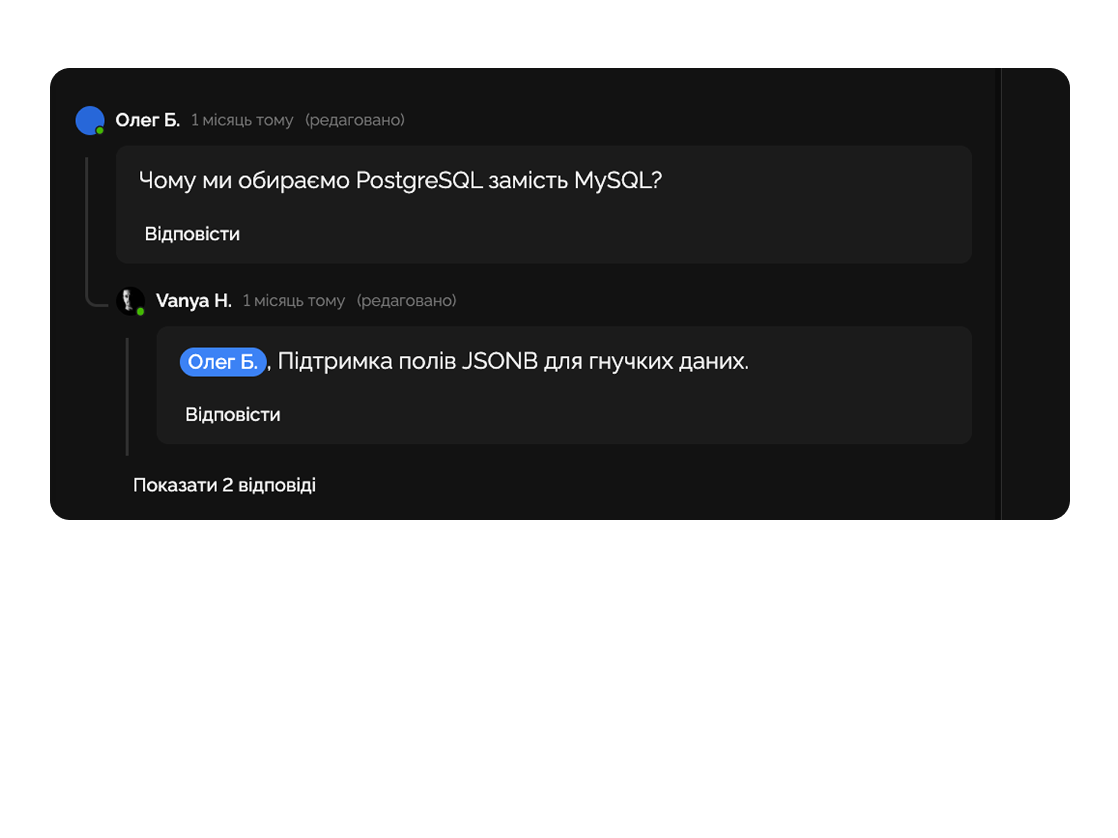
Team leaders create tasks with clear priorities, deadlines, and assignees. Each worker sees their role and deadline, reducing chaos and duplicated work.

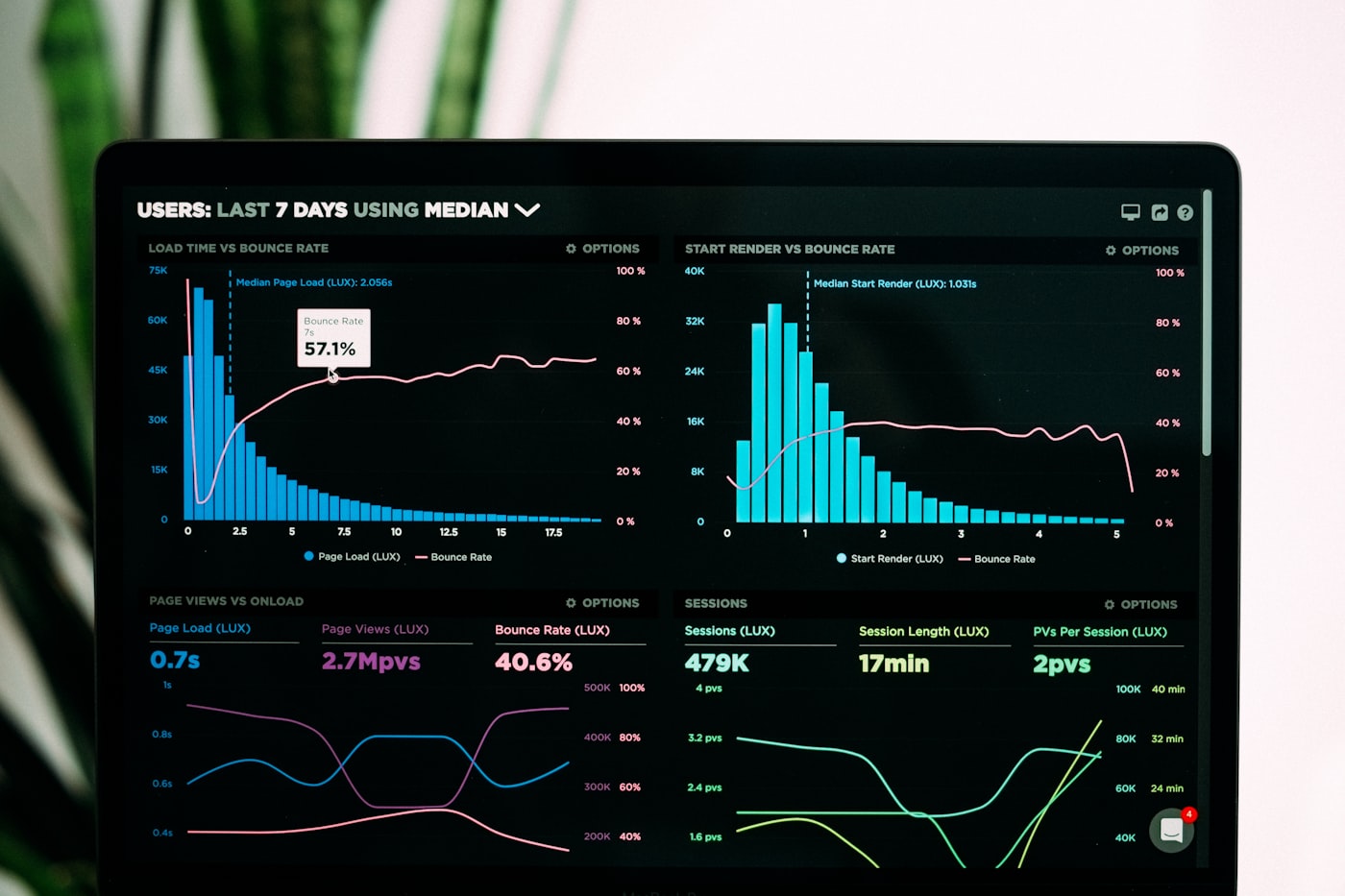
Easylim shows task completion statistics for each team — who performs more, who is delayed, and where extra resources are needed.
Deep dive
5 chapters
Running two sources of truth is fine until you cross fifty orders a week. After that, the foreman says "shipped yesterday", the planner sees "in progress", the ERP shows "awaiting parts", and the customer hears all three. The fix is not another mega-rollout — it is a thin operations layer that sits next to the ERP, runs the day-to-day, and pushes status back into finance through a couple of webhooks.
Розділ
Most plant managers don't actually have a labour problem — they have a visibility problem. Line A is pinned at 95% and still taking new orders because the planner can't see it; Line D is sitting at 20% because a single supplier missed a delivery two weeks ago and nobody flagged it.
A line-and-shift schedule fixes this on a single screen: week × line × shift with utilisation as a colour band. Red is not "bad" — it's a signal to stop loading. Pale is not "lazy" — it's a request for material or a chance to redeploy people. The schedule turns gut feel into a number you can argue about.
In Easylim the schedule is generated from the same task records the crew already updates: create batch PO-1042, pin it to a line and shift, and it lands on the board automatically. The foreman opens his column on the mobile app, the planner sees the whole floor. There is no separate "planning system" to update, and no spreadsheet to rebuild on Monday morning.
Розділ
A bill of materials in Excel is behind roughly 80% of avoidable production delays: someone duplicated the sheet, forgot to update the hinge count, ordered 100 instead of 200. As a tree (product → sub-assemblies → parts) you can see at a glance what is missing, in what quantity, from which supplier.
In Easylim the BOM lives as a project page with a task hierarchy: each sub-assembly is a parent task, each part is a checkbox with quantity, vendor and a status of "ordered / in transit / on stock". When a single part goes red, the parent node lights up: "can't build the carcass, panel missing".
This is not a replacement for proper MRP — it's a working layer for the foreman and the planner, kept in sync with whatever accounting believes. The ERP counts stock in money; you count hinges by the piece on the floor, and you see immediately whether the next batch can start.
Розділ
A standard office Kanban does not survive in a workshop: too many columns, fonts too small, no idea how many units are in a batch. The floor version is five wide columns (Queued → Setup → Running → QC → Done) with cards that show order number, quantity, operation and owner. Anything else is decoration.
Setup is its own column on purpose. In machined production, changeover eats 20–40% of a shift; if it hides inside "Running", real throughput becomes invisible and you lose the chance to batch orders with similar tooling.
Easylim lets you mount a tablet on the shop wall, switch it to kiosk mode and give the foreman a single action — drag a card. Photos of defects, custom fields, comments — they sync back into the office automatically. The planner stops phoning to ask for status; the status arrives on its own.
PO-1042 · drawers
×40op #1
PO-1043 · tables
×8op #1
PO-1039 · facade
×120op #2
PO-1037 · cabinet
×16op #3
PO-1041 · door
×60op #3
PO-1035 · shelf
×24op #4
PO-1033 · base
×12done
Розділ
Construction does not fit into sprints and resents excessive detail — you have month-long phases, days lost to rain, and concrete cures for exactly as long as concrete cures. A Gantt here is not "800 tasks across two years"; it is five to seven big phases with milestones: foundation, frame, MEP, finishes, handover.
Each phase needs a closing condition you can sign on: "frame closed = KS-2 act signed", "MEP complete = all pressure tests passed". Without those, phases blur and the team lives in "90% done" for two straight weeks.
In Easylim you keep the phase plan on a dedicated Gantt view, while the daily crew work lives as nested tasks under each phase. The site supervisor sees the week as a list, the client sees a weekly report as a phase progress bar — same task set, two views.
Розділ
Easylim does not run a barcoded warehouse, does not handle tax accounting and does not print legal invoices. If you expect one tool to do all of that you are looking at either a six-month SAP rollout or in-house software. The first is expensive, the second is slow, both miss the point.
The real architecture looks like this: Easylim is the operations layer (who, what, where, by when, with what photos), and the ERP is inventory, accounting and finance documents. Two small integrations stitch them together: a webhook on "batch passed QC" creates a revenue line in the ERP; a new PO in the ERP appears as a task on the production board.
If you already run a mature plant with MES, MRP and barcode inventory, your ops layer can be lighter. If you are a furniture or construction company under 200 people with no ERP at all, Easylim covers around 80% of the need; only past roughly 100 orders a month does a full finance loop become non-negotiable. For deeper visibility into financial KPIs see Dashboard or Projects with budget fields.
PM lives in easylim · money lives in ERP
Easylim connects to the apps your team already lives in.
Other industries
No card required. Free tier forever.


