Feature 01
Role and Access Management
Set access levels for departments, teams, and employees to ensure data security.
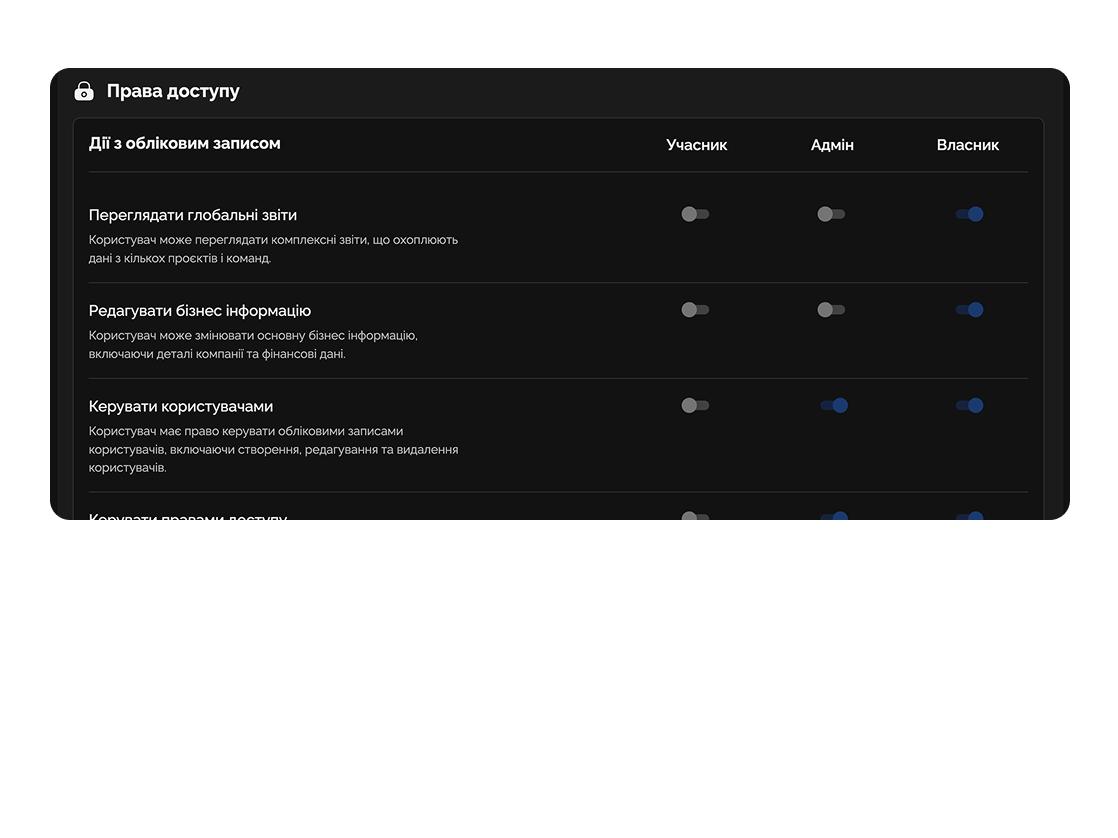
Easylim adapts to your organization’s structure, roles, analytics, and security, enabling thousands of employees to work efficiently at the same time.
Built for
By the numbers
1000+
users in one workspace
customer data
SOC 2
+ GDPR-ready
Easylim Security
99.99%
uptime SLA
Status page 2025
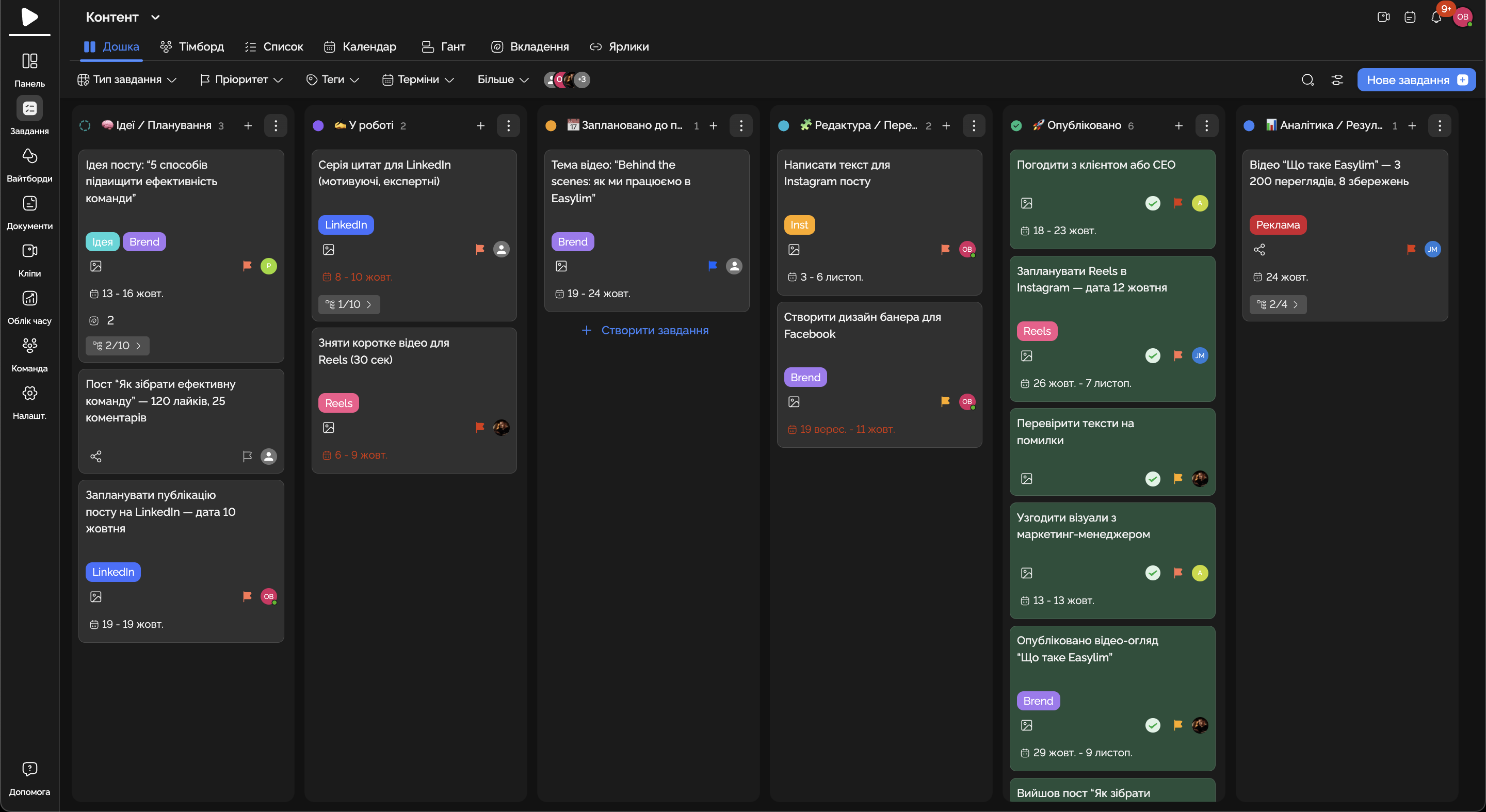
Large companies get a single space to manage teams, projects, and analytics.
Feature 01
Set access levels for departments, teams, and employees to ensure data security.
Feature 02
Manage parallel projects and tasks, ensuring alignment across departments.
Feature 03
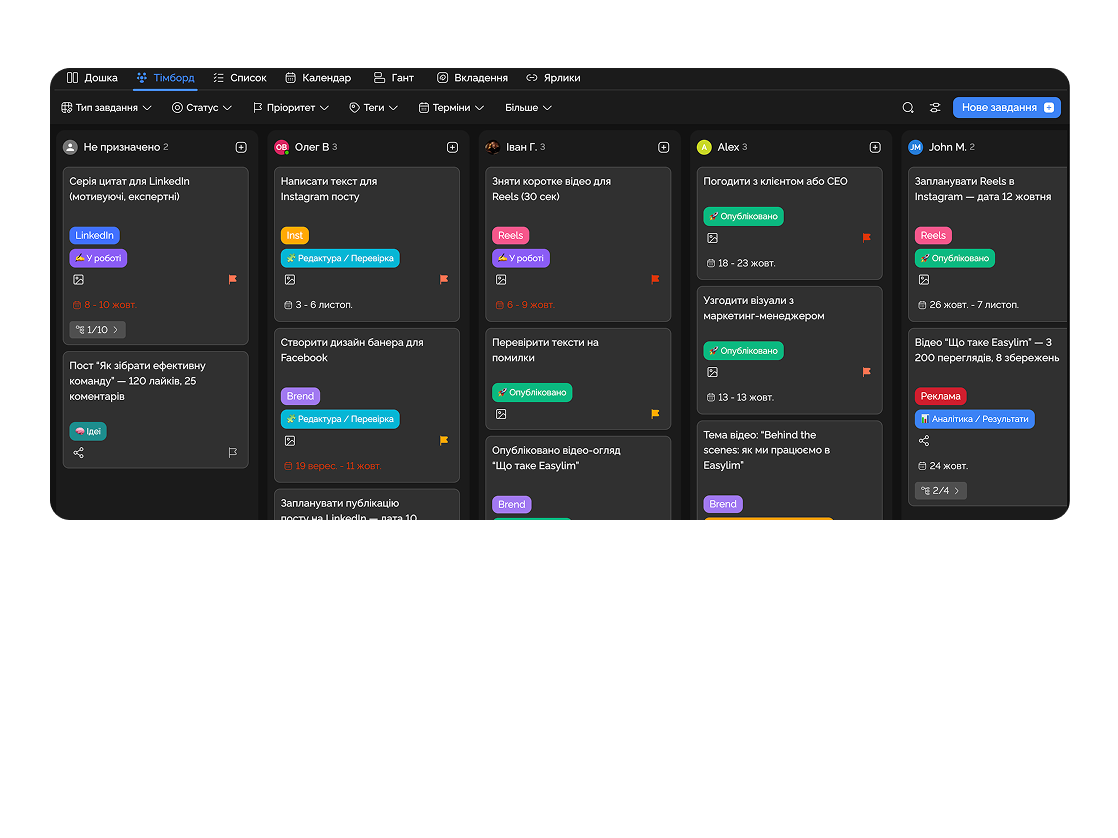
Monitor team workloads and allocate resources efficiently across projects.
Feature 04
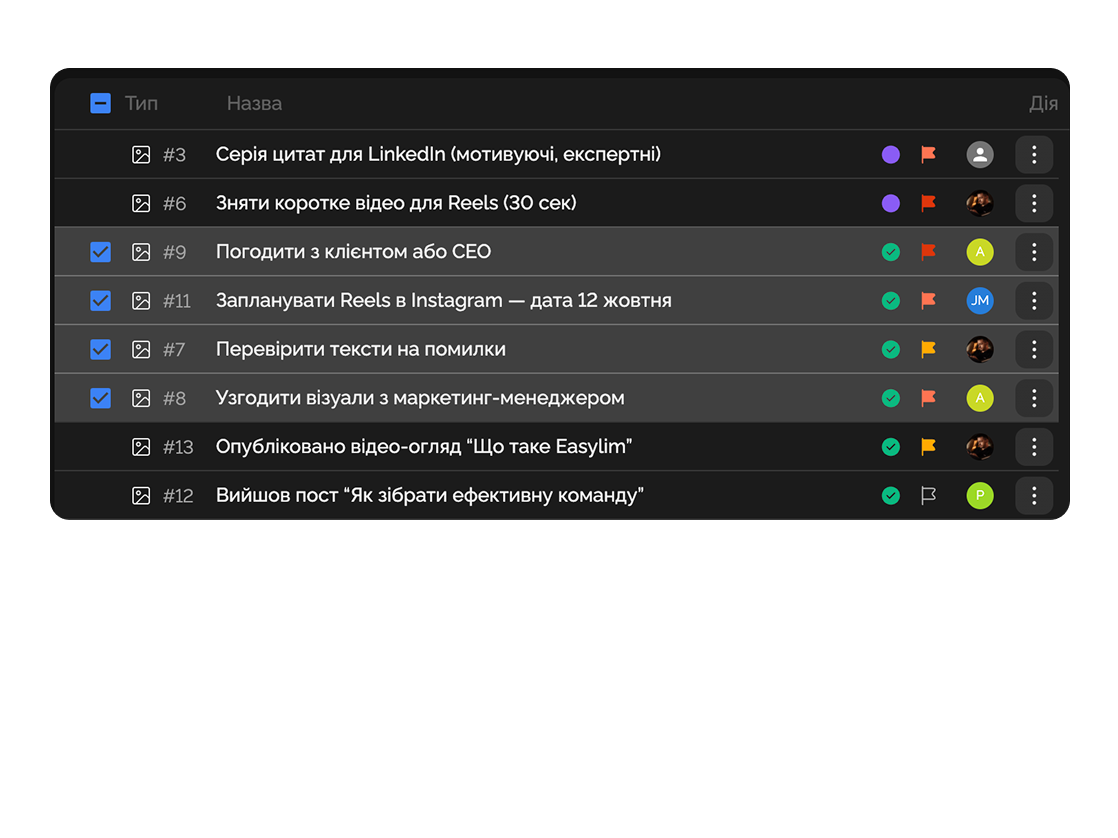
Combine documents, spreadsheets, and whiteboards in a single space for teams.
Coordinates tasks across sales, marketing, and development departments to avoid duplication and chaos.

Maintains control over client cases, documents, and deadlines with high security standards.

Deep dive
5 chapters
Any tool works at 50 people. At 200 you start hitting permission edge cases, cross-team search, security audits and quarterly reviews from the CFO. Here's how to set up a corporate workspace in Easylim so you don't end up bolting on a second product just to administer the first one: workspace hierarchy, RBAC without an explosion, cross-department rollups, multi-step approval chains, and the cases where you should probably build it yourself instead.
Розділ
The first impulse is to create one workspace for the whole company and add everyone. That works at 50. By 200, the activity feed becomes a landfill, search drowns in duplicate project names, and the workspace owner is processing 30 access requests a week.
The right model is one workspace per business unit or large department (Engineering, Sales · EMEA, Marketing, Operations, Finance, APAC office), each with its own admin and its own audit log. On top of them sits the organization layer — SSO, billing, project templates, and cross-workspace search that respects permissions: you only see what you actually have access to.
In Easylim, create workspaces from the admin console, assign owners, and connect SCIM provisioning via Okta or Azure AD. New hires land in the right workspaces automatically based on their HRIS `department` attribute. Nobody "forgets" to add the tech lead to the four workspaces they need.
Розділ
The classic mistake is spinning up a new role for every request. A year later you have 47 roles, nobody remembers how "Editor-Plus" differs from "Senior-Editor", and a security audit takes three days just to map out who can do what.
Easylim ships with four base roles — Admin, Project Manager, Editor, Viewer — and lets you layer permission overrides on specific projects instead of cloning new roles. Marketing got Viewer access to a product project? That's an override, not a new "marketing-viewer-product-only" role.
Separately, guest users exist for contractors, auditors, lawyers. They don't count against your billed seats, can be given a hard TTL (e.g. 30 days), and only see what's been explicitly shared. That covers ~90% of the "can we let a consultant in for a week" situations cleanly.
Розділ
A team lead needs their own project board. A CFO or COO needs a cross-department slice: how many tasks are in flight, how many closed this quarter, where utilisation is above 80% (burnout risk) and where it's below 20% (somebody's idle).
In Easylim, a rollup dashboard aggregates data from 4 workspaces against a fixed metric set and refreshes every 30 seconds. Data exports to CSV or to BigQuery / Snowflake via API — if you already have a corporate BI stack, don't force the CFO into our UI.
One caveat: rollups are not your finance system. They won't tell you margin per project — that's NetSuite or your ERP. Easylim shows you the operational pulse: where work is stuck, where it closed, and which teams are overloaded.
Total tasks · Q3
1,513
+12.4% vs Q2
78% load · 287 done
64% load · 412 done
51% load · 198 done
82% load · 254 done
Розділ
At scale, any purchase over $500 needs approval. The default flow without a tool: requester pings their manager in Slack, manager forwards to a director, director asks "what's left in the budget?", finance answers two days later. Five business days end-to-end and zero audit trail.
In Easylim, build an approval workflow: creator → manager (4h SLA) → director (24h SLA) → finance (48h SLA). Each step has a fixed SLA, a reminder two hours before the deadline, and auto-escalation when it slips.
The audit log records who did what, when — essential for SOX, SOC 2, ISO 27001. It exports to JSON / CSV and streams to your SIEM via API. When an auditor asks "who approved this vendor contract in June", you answer in 30 seconds, not two weeks of inbox archaeology.
A. Petrov
Creator
M. Chen
Manager
S. Volkova
Director
D. Müller
Finance
Audit log · last 3 entries
09:12 — A. Petrov created request
10:34 — M. Chen approved (within 2h SLA)
11:01 — S. Volkova opened request, no action yet
Розділ
Easylim is not the right fit when your process is so unique no template gets close. Example: a bank with a regulator-certified workflow where each step has to be signed off by the central bank — there you'll end up building, because the cost of a compliance miss outweighs four engineers for 18 months.
If your process is standard project / task / approval management, the "let's build our own" path usually ends one of two ways: a four-engineer team, twelve months, $1.4M, v1.0 ships, nobody budgets v1.1, system rots in two years. Or you write a $1,200+ per seat cheque to Jira / ServiceNow and add another $200k/year in admins.
For standard cross-team procurement, multi-region project management, or SOC 2 audit prep, Easylim covers it out of the box. For more specialised use cases (R&D pipelines, HR workflows at 5,000+ people), see remote teams or industry templates.
Same outcome · 30× less to own
Easylim connects to the apps your team already lives in.
Other segments
No card required. Free tier forever.