Feature 01
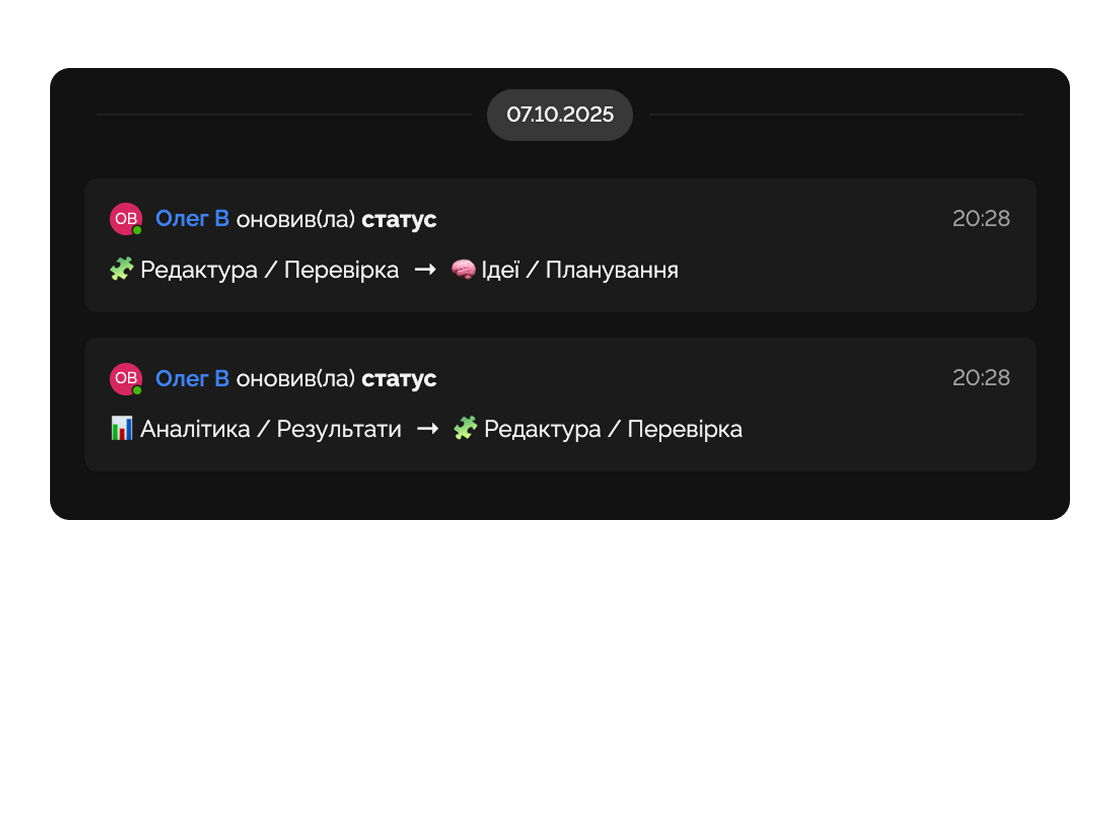
Task History
Track the history of each task conveniently in the corresponding menu.
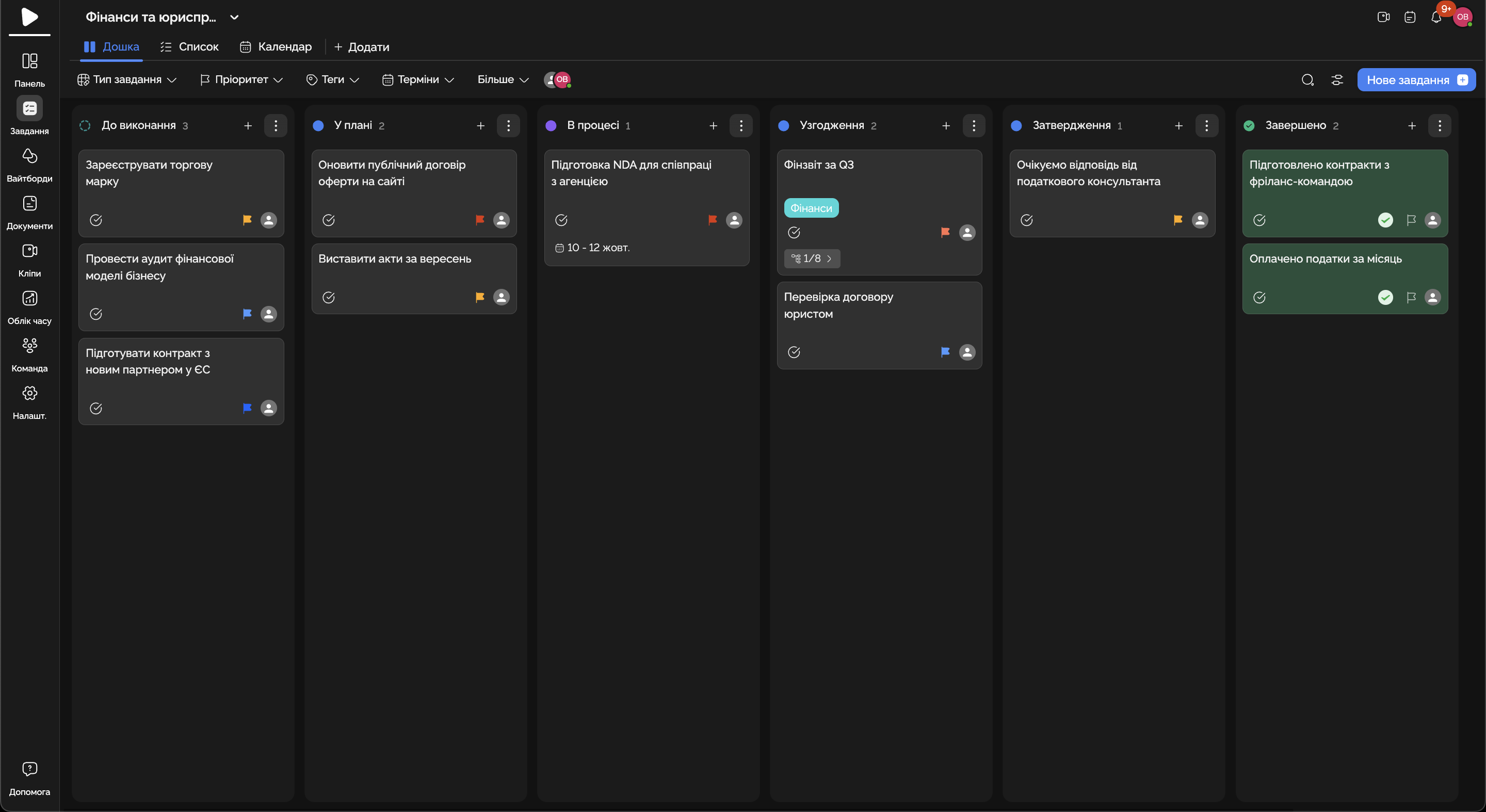
Cases, deadlines, documents, billable hours — in one place. No lost hours, no missed deadlines.
Built for
By the numbers
100%
billable-hours tracked
Easylim time
−50%
time finding documents
customer data
0
missed deadlines
2025 survey
Cases, deadlines and billable hours — in one workspace.
Feature 01
Track the history of each task conveniently in the corresponding menu.
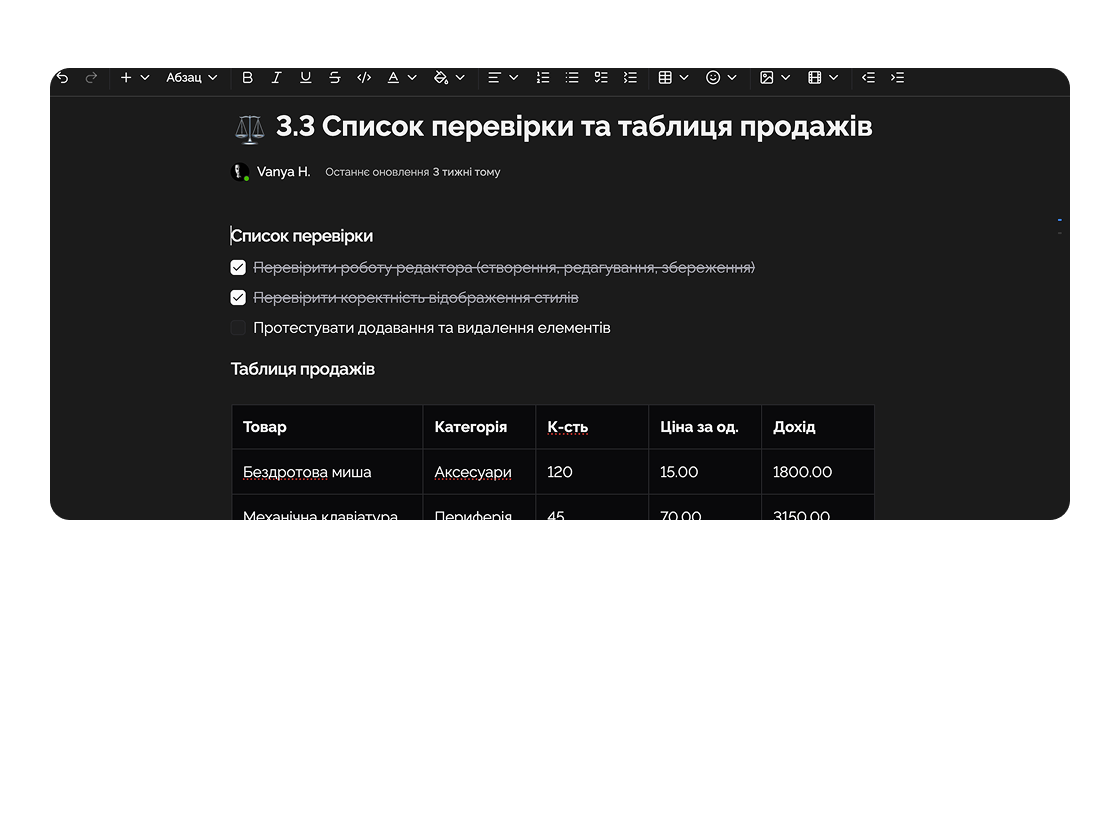
Feature 02
Create, edit, and manage team documents.
Feature 03
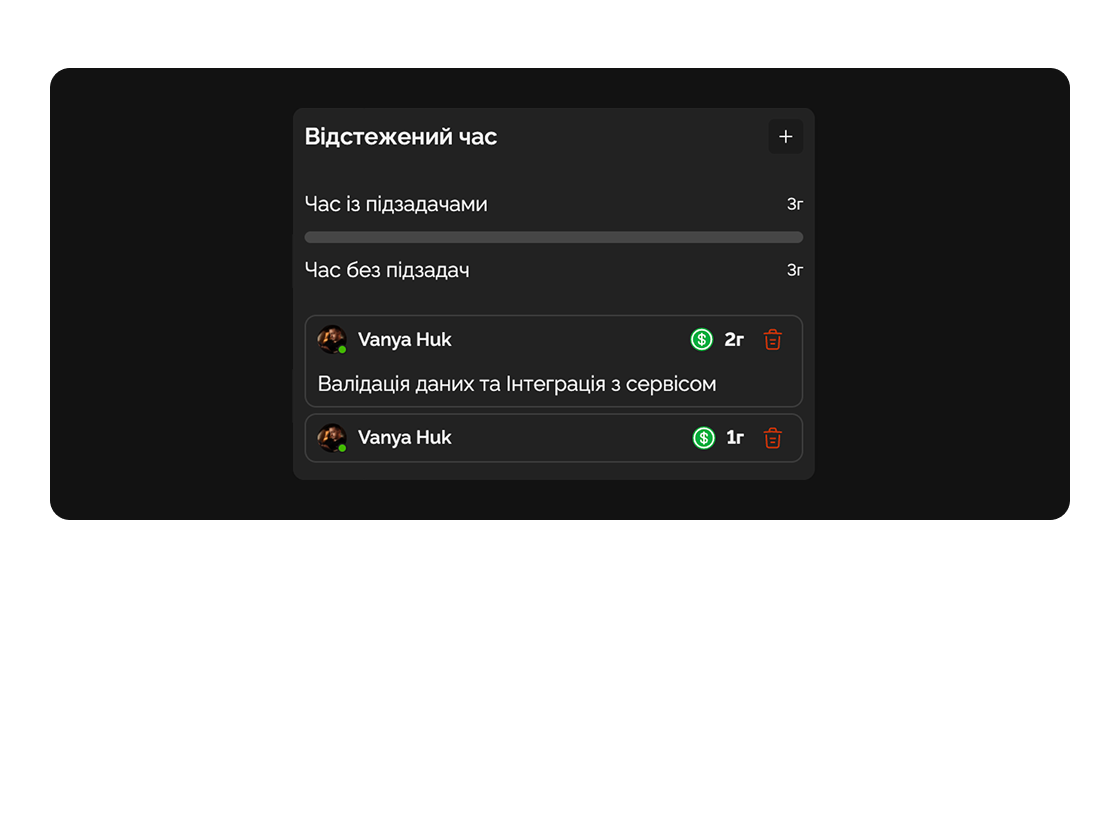
Log team work hours for transparent analytics and planning.
Feature 04
Analyze completed tasks, team workload, and task priorities.
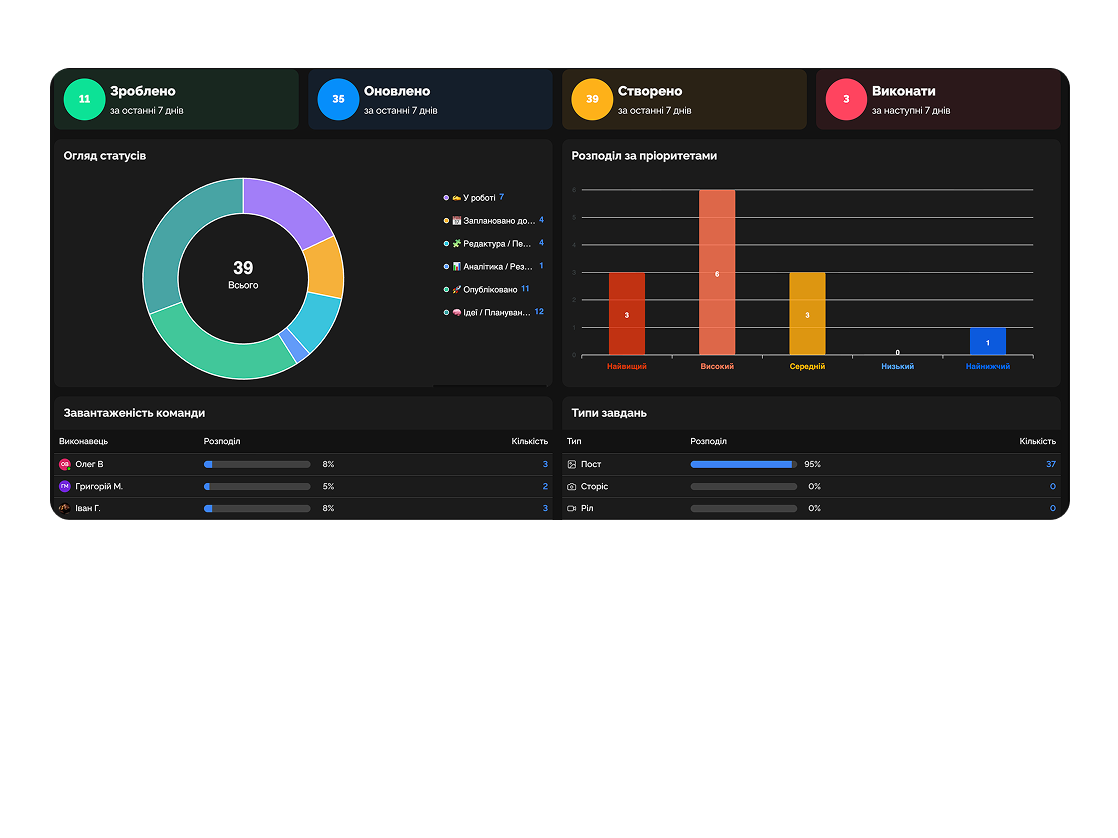
Manage court cases, contracts, submission deadlines, and reporting without Excel or chaos.

Plan audits, track team work hours, and generate detailed client reports.

Deep dive
5 chapters
Most finance teams (in-house, audit, accounting services) share the same pattern: <strong>working files in Drive, checklists in Notion, AP invoices in Slack threads, audit trail in someone's head</strong>. Month-end close drags on 10-14 days instead of 5, because nobody remembers who approved the WeWork invoice on Tuesday. Here's how to run a structured workflow for close, AP approvals, audit logs and reporting inside Easylim — and the cases where Excel is still the right tool.
Розділ
A typical 10-12 day close in a mid-size team isn't complex accounting — it's lost context. Someone's on PTO, someone doesn't know bank rec is already done, the controller is waiting on accruals from the AP lead, who's waiting on an invoice from HR.
A real close is one checklist of 30-50 tasks split into 3-4 sections: bank recs, accruals, intercompany, reporting. Each task has an assignee, a due-day (D+2, D+4, D+5), and dependencies ("don't start the P&L pack until accruals are closed").
In Easylim this is a close template you clone each month, with auto-rolled dates. Day 1 — bank recs (Maria), day 3 — accruals (Olha), day 5 — investor pack (CFO). Progress is visible instantly: "4 of 7 done, waiting on payroll accrual". No chat, no email, no lost context.
Real benchmark: teams that move from Excel + Slack to a structured workflow typically cut close from 12 to 5-6 days within 2-3 months. It's not magic — it's just visibility into who's stuck where.
Bank recs
Accruals
Reporting
Розділ
The biggest AP mistake is "every invoice goes through the CFO". The CFO gets 30 Slack pings a day: "please approve, please approve". By day 5, they're approving everything just to clear the queue.
Tier-based approval: T1 (< $2k) — auto-approved if the vendor is whitelisted; T2 ($2k-$25k) — AP lead or department head; T3 (> $25k) — CFO. Now the CFO sees 1-2 invoices a week and actually reviews them.
In Easylim this is an AP board with a custom "amount" field + automation: the invoice lands (Zapier from Stripe / bank / inbox parser), the bot tags T1/T2/T3 by amount and routes to the right approver. The card surfaces to that approver with a deadline of 3 days before the due date, so you don't rack up late fees.
Side story — duplicate invoices: 5-8% of AP invoices duplicate (vendor sends via email and the portal). Easylim cross-checks by vendor + amount + period and flags. Saves $5-15k/year for a mid-size business.
Розділ
The auditor shows up in November: "who approved the Salesforce $48k payment in April?". In a typical team, that's 2-3 hours digging through Slack archives, email search, and the eternal "I think Olha approved it, but I'm not sure".
In a structured workflow, that's an immutable log on every transaction: created / edited / approved / scheduled / paid, with timestamps, users and delta changes (e.g. "GL code changed: 6020 → 6030"). No field gets edited "quietly" — everything is logged.
In Easylim this is a default, not an opt-in feature: every card keeps an activity history of changes. Export to CSV → audit-ready evidence for compliance reviews and internal investigations.
Anti-pattern: "we all trust each other, we don't need audit logs". That works until the key controller leaves, or a new investor shows up for due diligence. By then it's too late to enable logging retroactively.
AWS · Apr 2026 invoice
5 events · immutable log
Created · $12,840 · AWS invoice
GL code changed · 6020 → 6030
Approved · within budget
Payment scheduled · Apr 17
Paid · TXN-9281
Розділ
A 40-page monthly report isn't reporting — it's a ritual. The CEO opens it a week after close (because you're still finalising), spots three numbers they care about (revenue, runway, AR aging), and closes the tab.
A real dashboard is 3-5 live KPI tiles: revenue MTD, AR aging > 60 days, runway in months, gross margin, burn rate. Auto-refreshed from your accounting tools, payment systems, and bank feeds. The CEO opens it at 9am, sees the trend, only asks questions when there's an anomaly.
In Easylim this is a dashboard page with widgets, each tile pulling data from a source via API. Plus drill-down: click "AR > 60d" and you see the list of overdue invoices with the client contact and a "send reminder" button. Tool, not report.
Common mistake: cramming 20 KPIs onto the dashboard "just in case". You won't use them. The CEO looks at 3-5. The rest belong in detail reports for the finance team, not on the main screen.
$842k
Revenue · MTD
$48k
AR aging > 60d
14.2 mo
Runway
Розділ
Honest disclaimer: Easylim doesn't replace Excel in finance. If you're building a three-river cash flow model with 200 rows, modelling M&A scenarios, or running budget vs actual through pivot tables — that's Excel/Google Sheets territory.
Easylim does workflow and process well (close checklist, AP approvals, audit trails, statuses). Excel does calculations well (models, formulas, scenarios, what-ifs).
Realistic setup: workflow and checklists in Easylim, financial models in Excel/Sheets, attached to an Easylim card (the "Q2 forecast model" task has a link to the Sheet plus a checklist "refresh assumptions, align with sales"). No duplication, but each tool does what it's good at.
If your team is drowning in client-report chaos, read up on versioned documents and billable-hours time tracking. For consulting teams those are usually the first pains to fix.
Excel for models · easylim for workflow
Easylim connects to the apps your team already lives in.
Other industries
No card required. Free tier forever.