Capability 01
Idea Brainstorming
Create mind maps and notes directly on the board during team discussions.
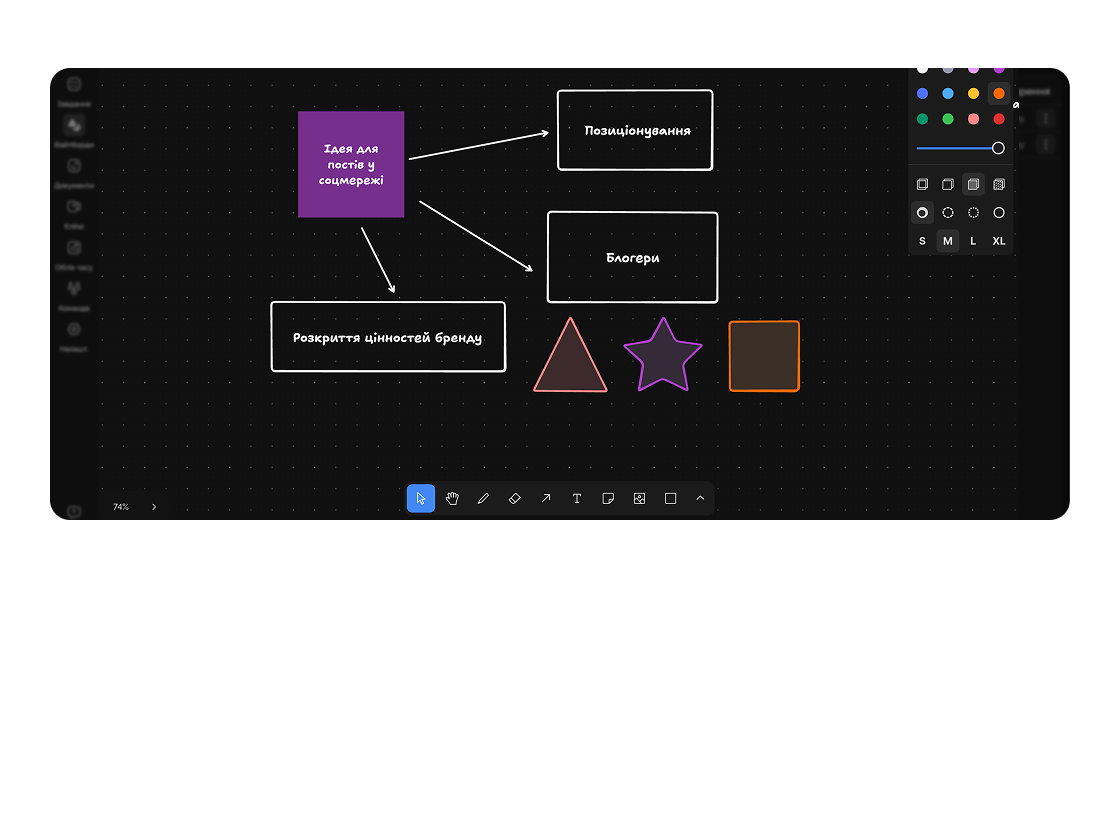
Draw, plan, and structure anything in real time together with your team.
Built for
By the numbers
∞
canvas size
Easylim CRM
Real-time
multi-user editing
customer data
AI
diagram from prompt
Easylim AI
Create visual plans, diagrams, and concepts that everyone can understand.
Capability 01
Create mind maps and notes directly on the board during team discussions.
Capability 02
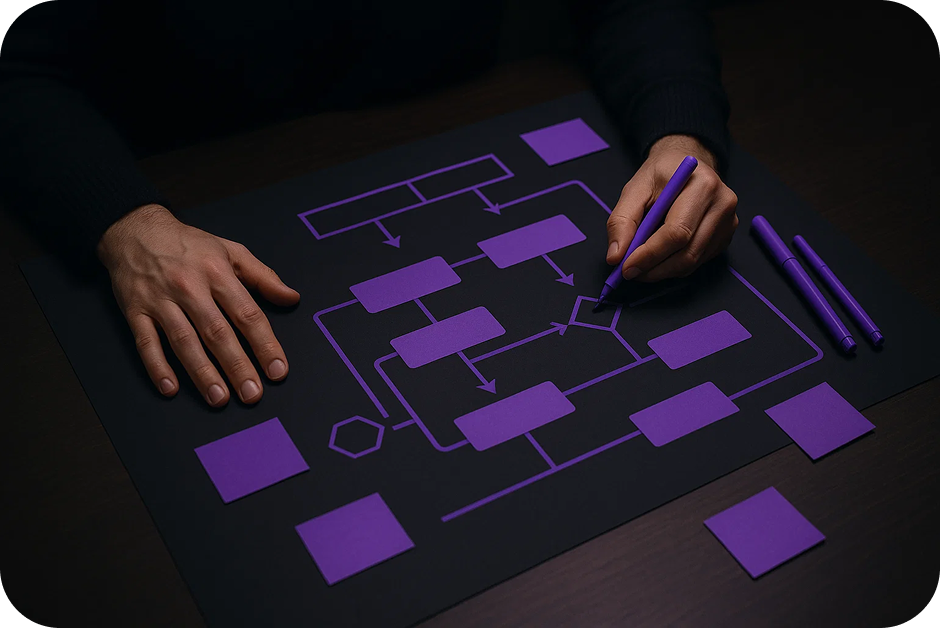
Draw flowcharts and diagrams for business processes and strategies.
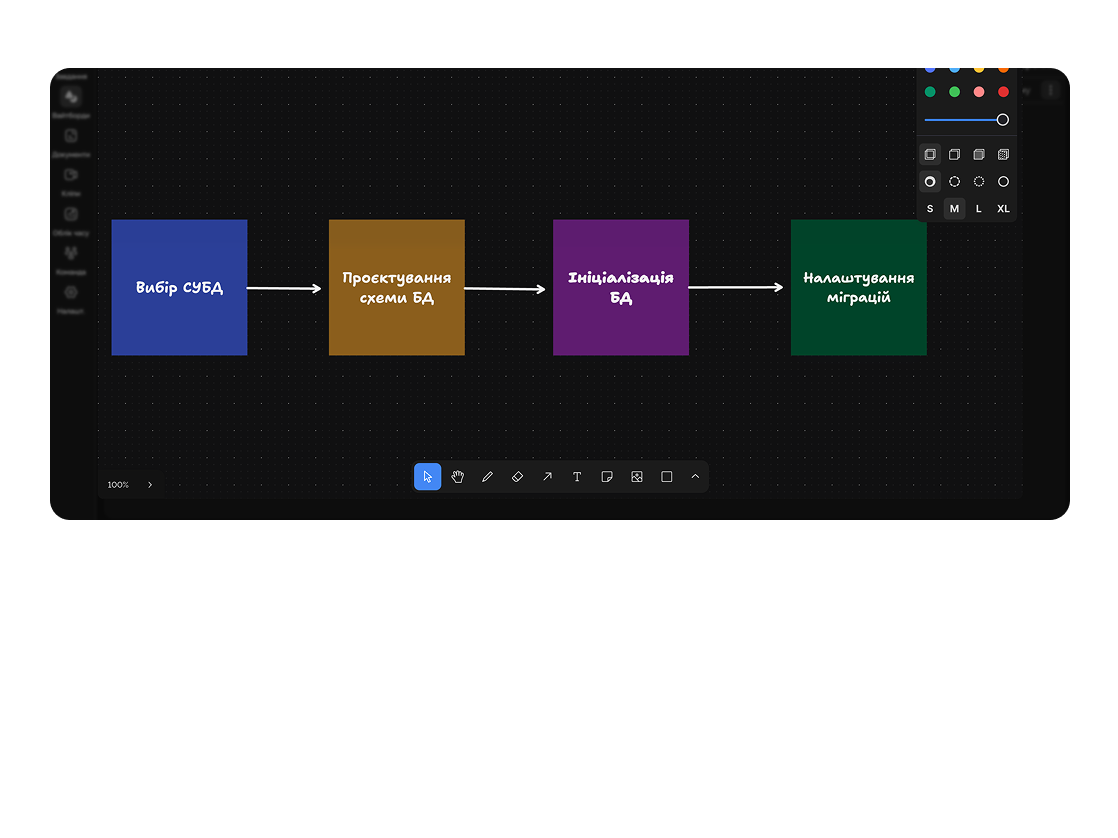
Build a campaign map with channels, budgets, and expected results.
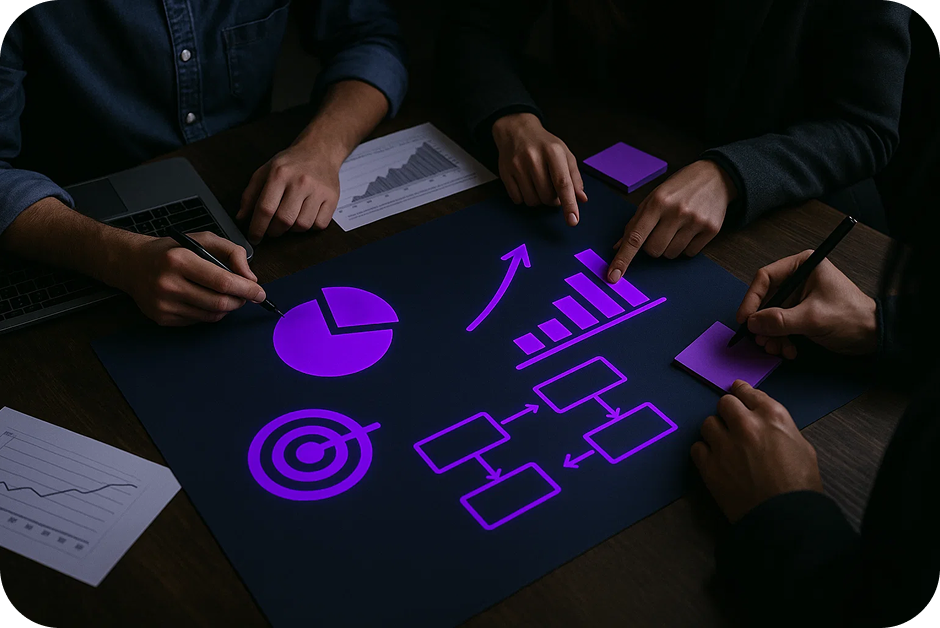
Visual representation of key releases and features on a timeline.
Deep dive
5 chapters
An infinite canvas feels like total freedom — draw anything, anywhere. Two weeks in, you've got 18 boards named "brainstorm-draft-final-v2", sticky notes scattered across five files, and nobody remembers what you decided in the March retro. Here's how to actually use a whiteboard so it helps your team think instead of accumulating visual junk.
Розділ
A whiteboard is an infinite 2D canvas where elements (sticky notes, shapes, arrows, text, images) sit wherever you put them — no tables, no columns. Unlike a Kanban board that enforces a "column → card" structure, a whiteboard enforces nothing — and that's its strength when no structure exists yet.
Teams reach for it when they need to lay thinking out: a mind map before something becomes a spec, a user flow before it becomes a mockup, a retrospective before it becomes a list of action items. Anything that in Slack sounds like "let's discuss" — a whiteboard lets you see in one frame.
The biggest single property is realtime with live cursors. In a workshop, 12 people drop 80 sticky notes across the canvas in 8 minutes — the same effect as a physical wall in an office, but without having to fly to that office. Easylim shows who's clicking where, and it creates the feeling of being in one room even when half the team is six time zones away.
Розділ
First rule — a structureless board is an unused board. A blank canvas paralyses people. Spend 30 seconds upfront dropping anchors: 4 framed zones with headers (for a retro: "What went well / What didn't / Ideas / Action items"), or a ready template from the Easylim library.
Second — one whiteboard, one goal. Don't mix "onboarding flow" and "blog post ideas" on the same canvas. A month later you won't find either. Name boards specifically: "UX flow — onboarding v3, December 2025", not "Brainstorm 12".
Third — use frames as architecture. A frame in the whiteboard is a named zone you can drag, hide and export separately. One frame = one logical block (e.g. "User journey: onboarding"). When you only want to show one part, you open presentation mode and walk through frames like slides.
Розділ
A good whiteboard isn't one that looks pretty — it's one that produces concrete decisions. The key mechanics that make that happen: voting on stickies, AI-generated diagrams, comment threads, and one-click export to tasks.
Voting — every participant gets N votes (usually 3) and drops dots on the stickies they consider most critical. Two minutes later you can see the top three problems from the retro, and you only debate those. Without voting, 12 people will spend 40 minutes arguing which of 30 points actually matters.
AI generation — describe in plain text "our SaaS architecture: Next.js front, API gateway, microservices for orders/payments/notifications, Postgres, RabbitMQ queue" and Easylim renders a diagram with blocks and arrows in 5 seconds. Then you edit with the mouse. Faster than placing 20 shapes by hand.
Comment threads on stickies enable async discussion — not everyone has to be online at the same time. Export sticky to task turns "we should fix CI" from a retro into a tracked ticket in your Kanban with an owner and a deadline, in one click.
Розділ
Monday. The PM opens a new whiteboard "feature: shared dashboards". Twenty minutes of mind-mapping: who it's for, why, edge cases, dependencies. Saves, shares with design and the tech lead.
Tuesday. The designer opens the same board, adds a "user flow" frame, draws three usage scenarios with arrows. Leaves a comment on one sticky: "what do we show if the dashboard is empty?"
Wednesday. The tech lead adds an "architecture" frame, calls AI with "React front, new /api/dashboards endpoint, Postgres + Redis for widget caching". Edits the blocks. Replies to the designer's comment.
Thursday. Workshop with 6 people: walk all frames in presentation mode, vote on open questions. Friday — 12 action-item stickies convert into Kanban tasks. The whiteboard is archived as reference material.
Розділ
Whiteboards are bad for text-heavy work. If you catch yourself writing 4 paragraphs on a sticky, close the whiteboard and open a document. A sticky is one thought in 5–10 words, not an essay.
Structured planning with deadlines doesn't belong on a whiteboard either. Once you have 30 tasks and need to know "who's doing what and when", use Kanban or a Gantt chart. A whiteboard shows thinking, but it won't show you who's overloaded on Tuesday.
Knowledge base and documentation live in Pages. Nobody opens a whiteboard a month later, because you can't really search it — search finds sticky text, not layout meaning. If the content needs to live for a year, move it to Pages.
Working rule: a whiteboard is for the divergence phase (generating ideas, seeing the picture). The moment you converge (decisions, plans, execution), that's a different tool.
Visual thinking: mind maps, flows, retros.
Written thinking: briefs, PRDs, specs.
2D thinking → whiteboard · linear → docs
This feature connects to the apps your team already lives in.
More features
No card required. Free tier forever.


