Feature 01
Content Planning
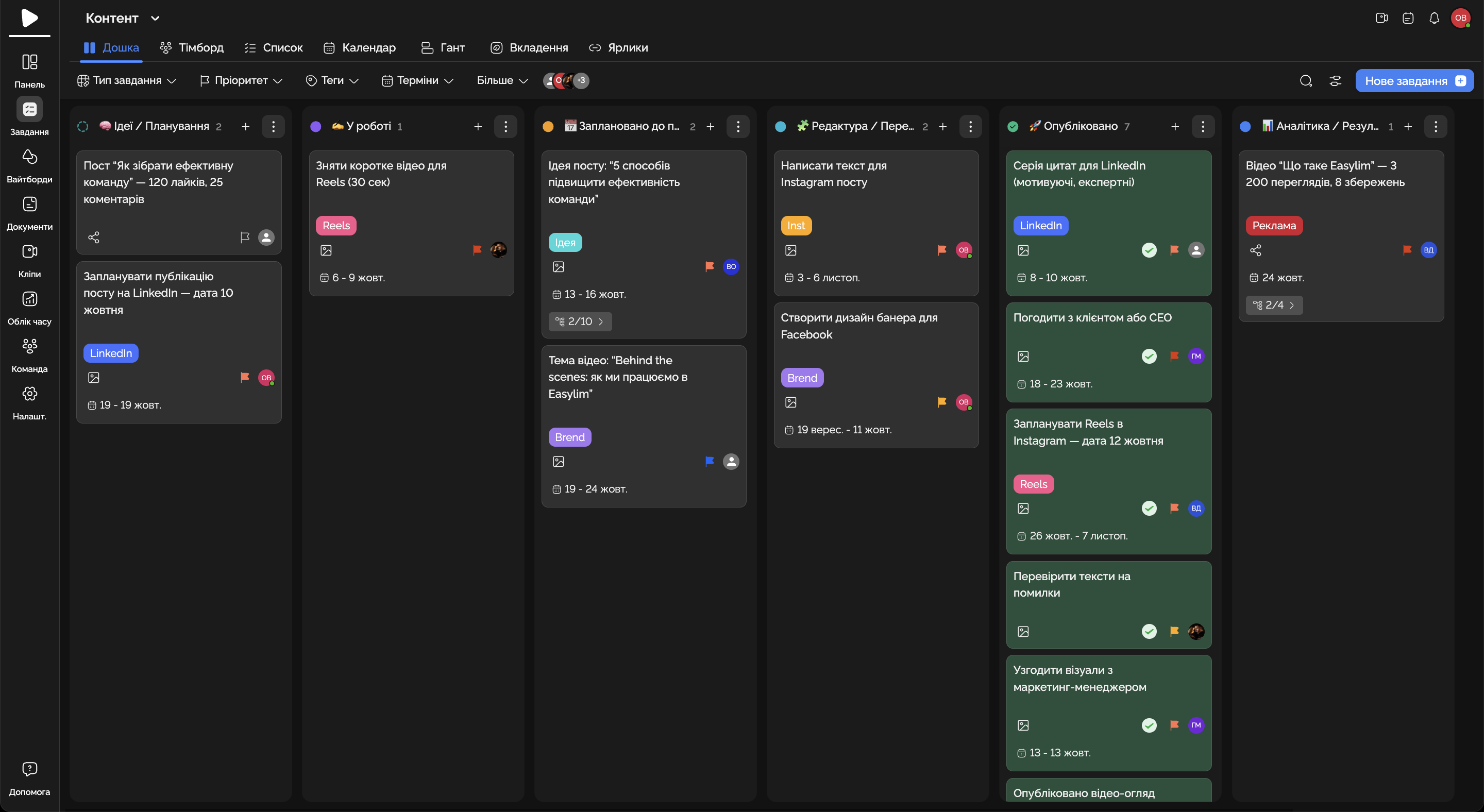
Create a Kanban board for publications and track all materials in one space.
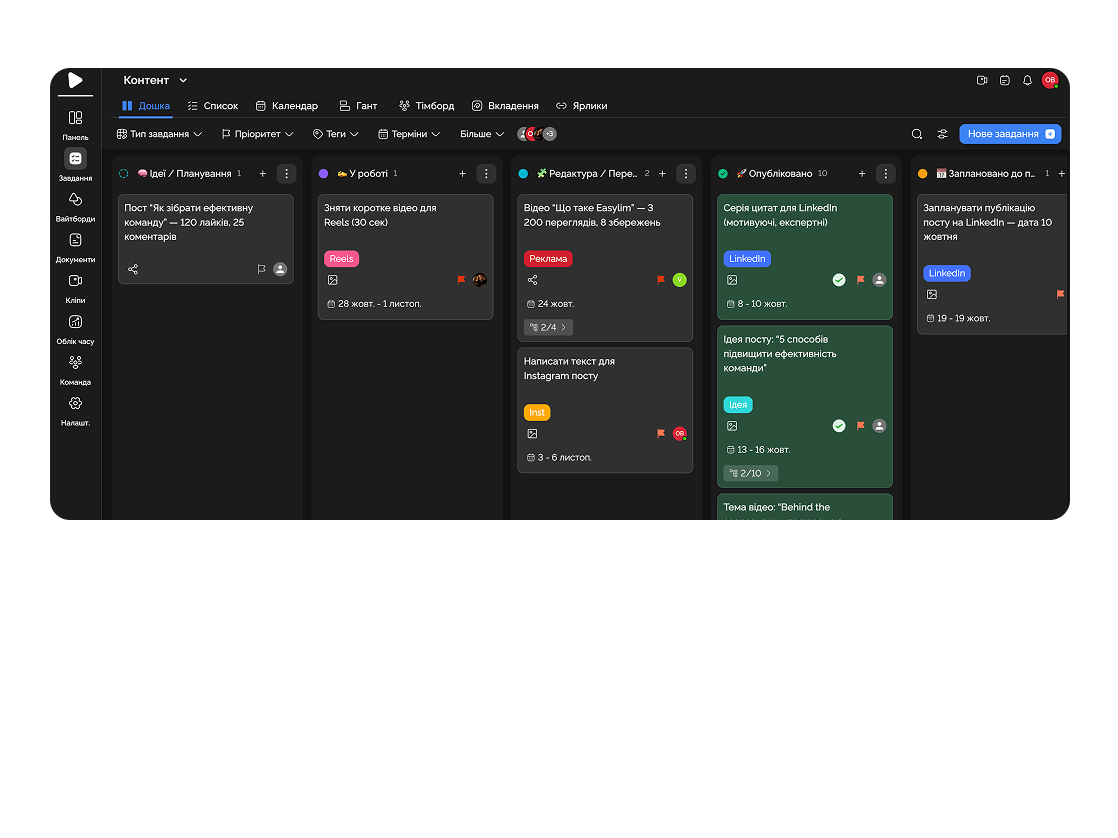
Control projects, content, deadlines, and your team all in one place.
Built for
By the numbers
3×
faster campaign launches
customer data
−40%
time on status updates
Easylim CRM
100%
content-plan visibility
2025 survey
Publishing kanban, campaign sprints, creative work together — clear and managed.
Feature 01
Create a Kanban board for publications and track all materials in one space.
Feature 02
Assign tasks, deadlines, and responsibilities for quick execution.
Feature 03
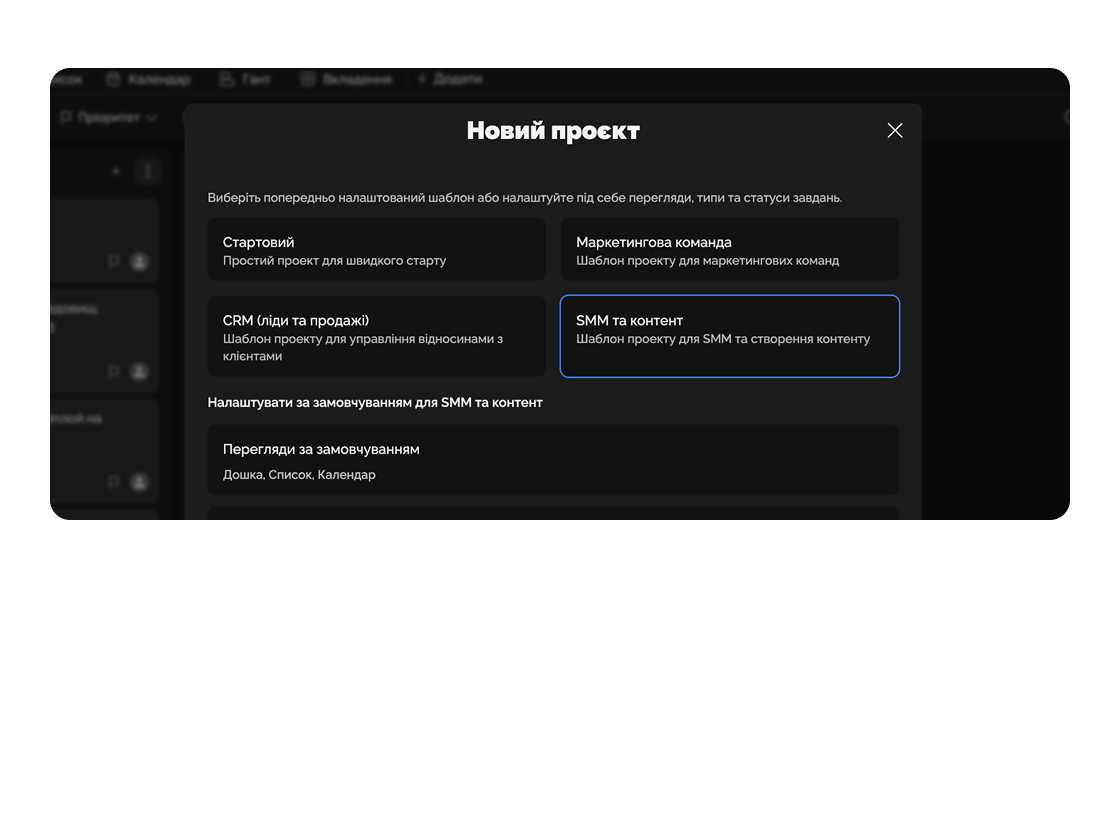
Monitor progress, workload, and efficiency of each team member.
Feature 04
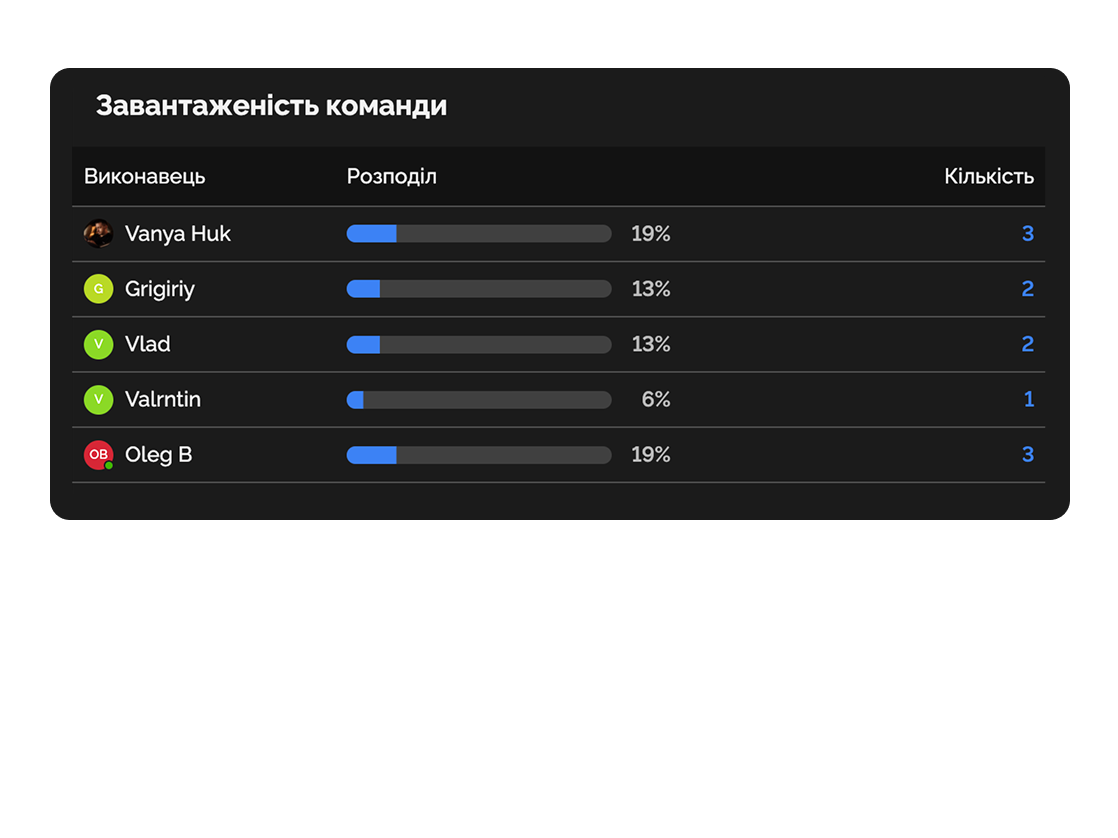
Exchange comments, get feedback, and coordinate tasks with clients.
Track posts, plan content, and collect analytics for Facebook, Instagram, TikTok.

Manage budgets, deadlines, and outcomes of ad campaigns.
Deep dive
5 chapters
Most marketing teams live on Slack threads, Figma comments, Google Doc briefs, and a content calendar that was last updated a week ago. A six-asset campaign launch eats three to four weeks, and <strong>60% of that time isn't work — it's hunting for the latest version, waiting for approval, and asking "where's the file?"</strong>. Here's how to rebuild your marketing process inside Easylim so a launch takes 7-10 days instead of three weeks, and the moment to call in an agency instead.
Розділ
Marketing is a conveyor belt, not a single event. Every campaign walks the same path: brief from PM/client → strategy (channels, budget, KPI) → creative (banner, video, copy) → approval → launch + tracking. If that path isn't formalised as a pipeline, every campaign gets reinvented from scratch in Slack.
In Easylim that's five columns where a card equals one creative unit (a banner, an email, a video), not "the whole campaign". Now you can see that of 12 campaign assets, 8 are in creative, 2 in approval, and 2 are live. Your lead doesn't ask "how's the campaign going" — they can see it.
The biggest mistake is mixing campaign work with always-on ops ("write a blog post", "refresh Google Ads meta") in the same pipeline. Run two workspaces: Campaigns with a fixed pipeline and Always-on with a Kanban for recurring work. Otherwise the big launches drown in micro-tasks.
Q3 launch brief
PM
Persona refresh
Channel mix · paid
Strat
Hero banner · A/B
Design
Video 15s
Motion
Email · v2
Copy
Landing copy
CMO
IG carousel
Meta Ads
Newsletter
Розділ
A spreadsheet content calendar looks great in screenshots but is impossible to work in: you can't tell who owns what, which slots are free, or drag a date around easily. By week three your editor lives in Notion, your copywriter in Trello, and social in Google Calendar.
One calendar with colour-coded content types (post / email / ad / video) and platform filters (IG, LinkedIn, TikTok, blog) is the bare minimum. In Easylim, calendar cards are the same tasks as your pipeline — just viewed differently. Drag a date, the card's deadline moves. No duplicates.
The 60/30/10 rule: 60% of slots planned a month out, 30% reactive buffer (trends, news-jacking), 10% deliberately empty. If the calendar is 100% booked, the first sick day breaks the whole month.
Розділ
An agency's most expensive resource isn't the designer — it's your account manager forwarding files to the client. One large client equals 30-50 emails a week with Drive links, Figma screenshots, and "is this the final version?".
Instead, give the client a scoped view of one board — they only see their projects, and only cards in "in review / approved / scheduled / live", no internal kitchen. They comment in the card. Your AM gets a notification inside Easylim, not in their fifth inbox of the day.
The same idea works for in-house marketing: "the client" is your CMO or CEO who doesn't want to dig through twelve team projects, just see "what's launching this month". One shared view replaces the weekly status meeting.
Розділ
The classic loop: creative done → sent to client → client signs off → goes live → CMO sees it on the site → "change the button colour and the tone of voice". The team reworks overnight, budget burns, everyone's tense.
An approval chain is a hard-coded order of sign-offs per asset type. Landing page: copy lead → design lead → CMO → client. Social post: copy → SMM → client. Each reviewer sees the previous person approved, and can't "jump the queue".
In Easylim this is a checklist inside the card with assigned reviewers. Until the previous box is ticked, the next reviewer doesn't get notified. If the CMO clicks "request changes", the card moves back one step — not to the start. Saves 1-2 revision cycles per campaign.
Anti-pattern: approving "across all channels" (Slack + email + DMs). There must be one source of truth — the button in the card. If someone writes "approved" in Slack, the AM replies "please tick the box" — that's not pedantry, that's preserving the audit trail.
Maria
Copy lead
Alex
Design lead
Olha
CMO
ACME
Client
Розділ
Easylim helps your in-house team move faster, but it doesn't turn 3 people into 12. If you need to launch a product across 4 markets in a month with localisation and native ads, that's agency work, not a task-tracker problem.
In-house wins on recurring work: brand knowledge, daily tone of voice, tight feedback loops with product and support. Agencies win on launches: niche creative (TikTok, performance, B2B funnels), burst mode (short project, big scope), and a fresh outside view.
A realistic model: in-house owns always-on (social, email, blog), agency takes 2-3 launches a year. Easylim holds both: the agency board has a read-only client view + approval chain for the external team, the in-house board runs the full internal process.
If your launches depend heavily on design systems and brand, read about whiteboards for brand brainstorms and versioned documents. That's where brand guides live before the agency ever touches them.
recurring · brand · daily
launches · niche · burst
pick by job · not by ego
Easylim connects to the apps your team already lives in.
Other industries
No card required. Free tier forever.


