Feature 01
Documents and Files
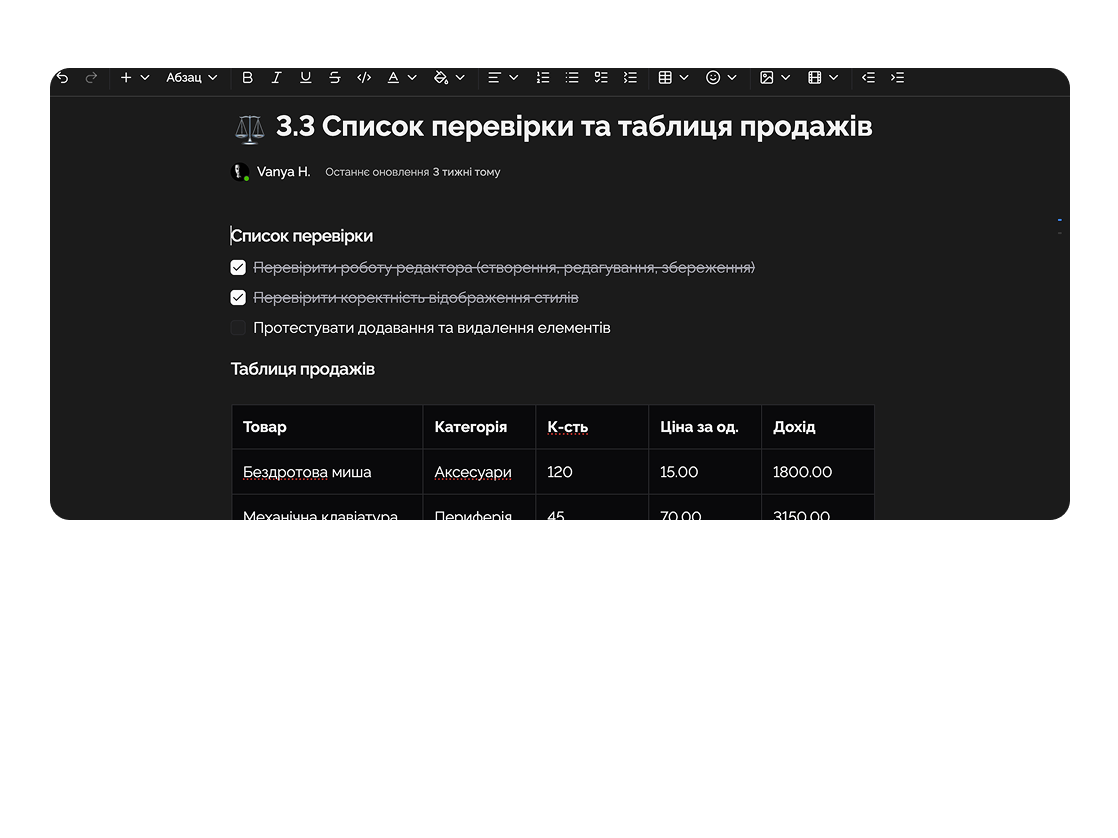
Store all client data, documents, and files in one space with functional editing.
Easylim helps coaches, consultants, and mentors organize clients, programs, meetings, and progress in one place — without chaos or overload.
Built for
By the numbers
20+
clients per coach
customer data
1 click
to a client's full history
Easylim docs
0 dupes
in session notes
2025 survey
Programs, session notes and client progress — without scattered documents.
Feature 01
Store all client data, documents, and files in one space with functional editing.
Feature 02
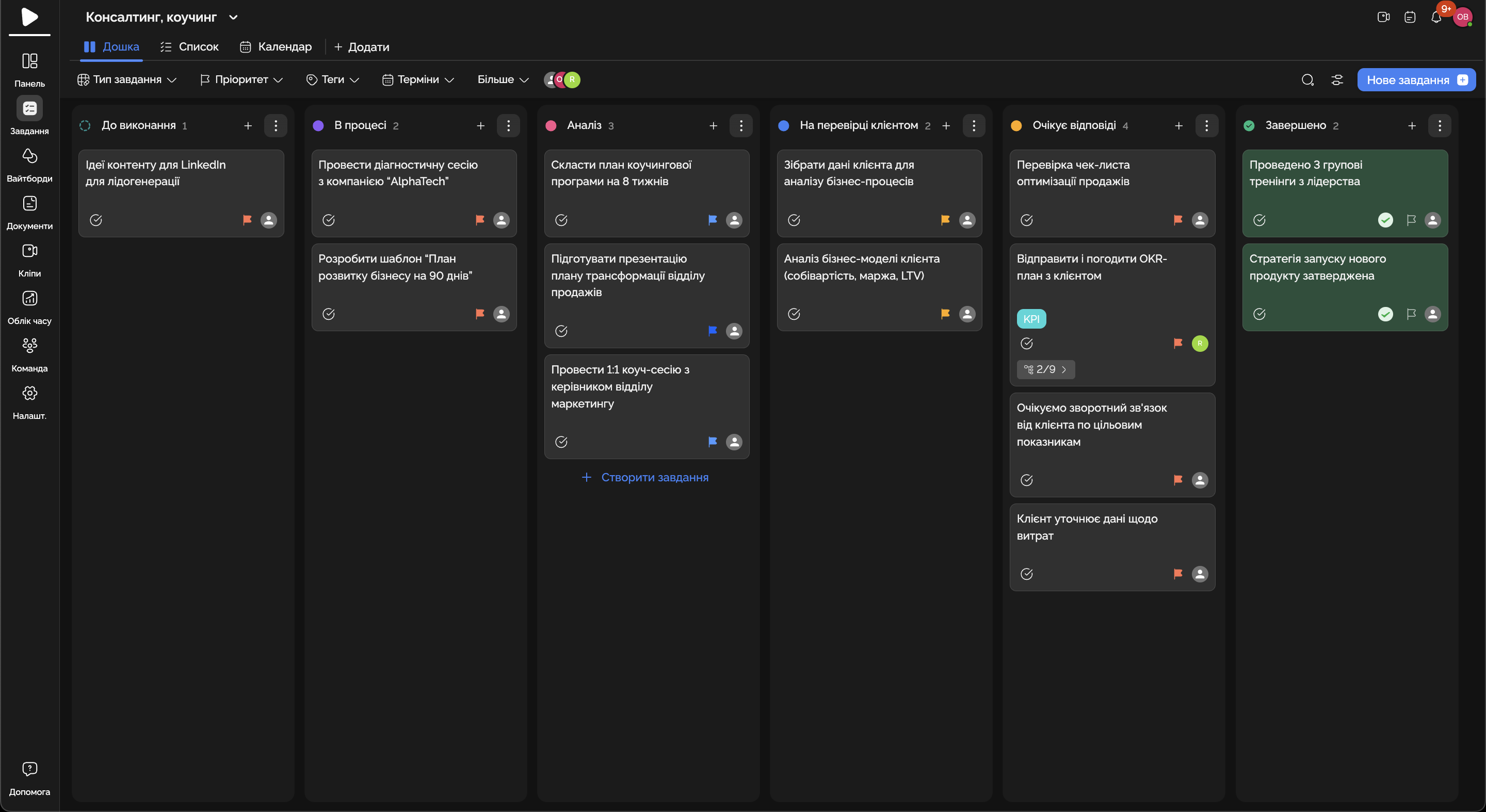
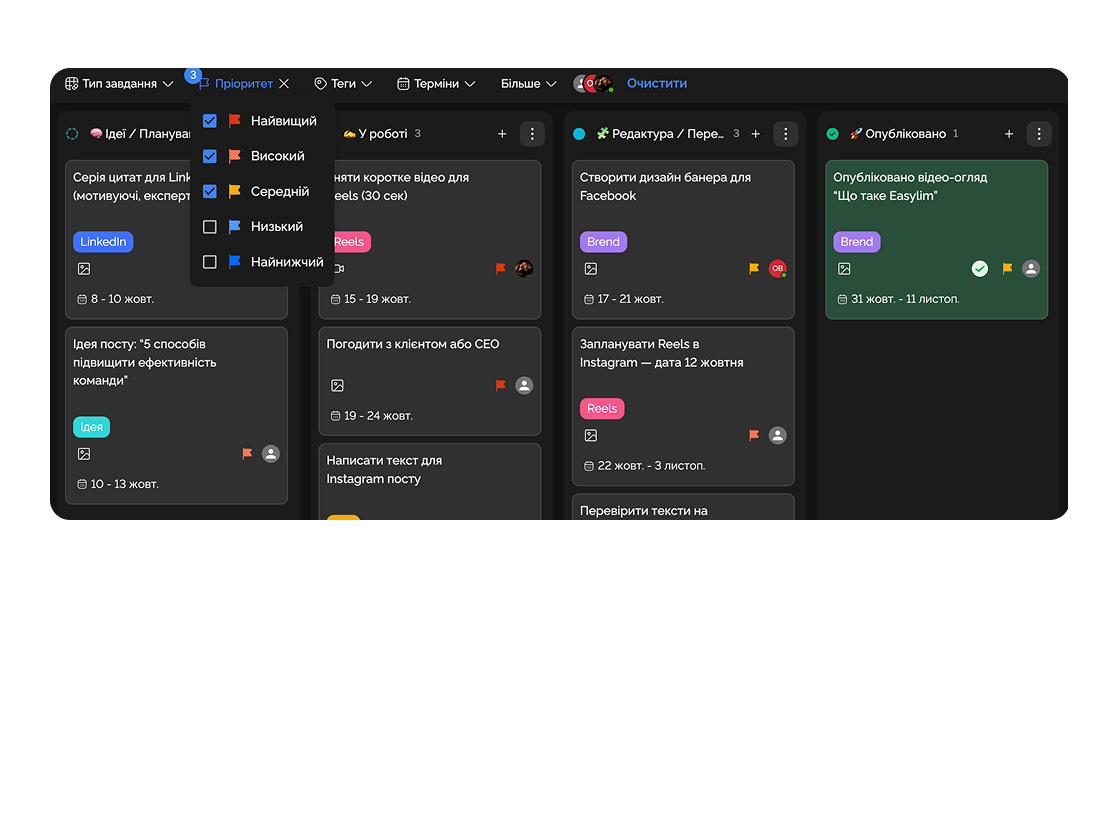
Create program structures, stages, and tasks for each client.
Feature 03
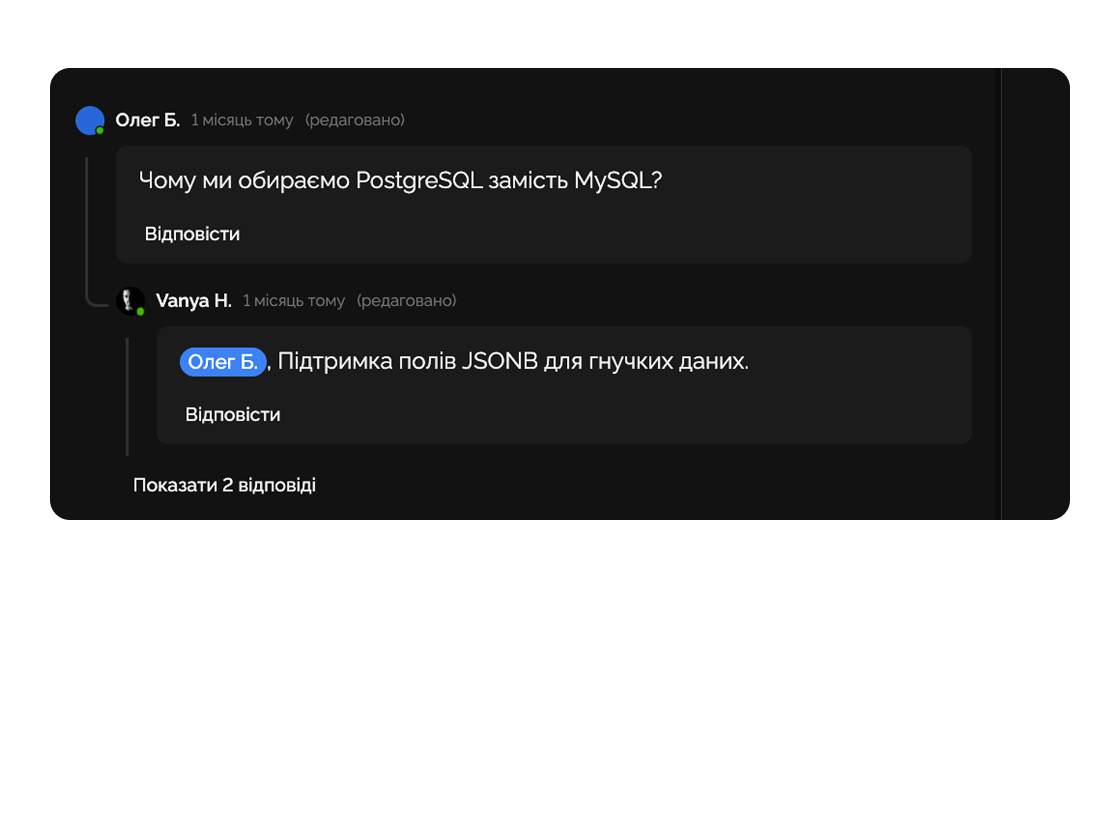
Discuss directly within the task to stay in context.
Feature 04
Manage session schedules, meetings, and important milestones in Easylim calendar.
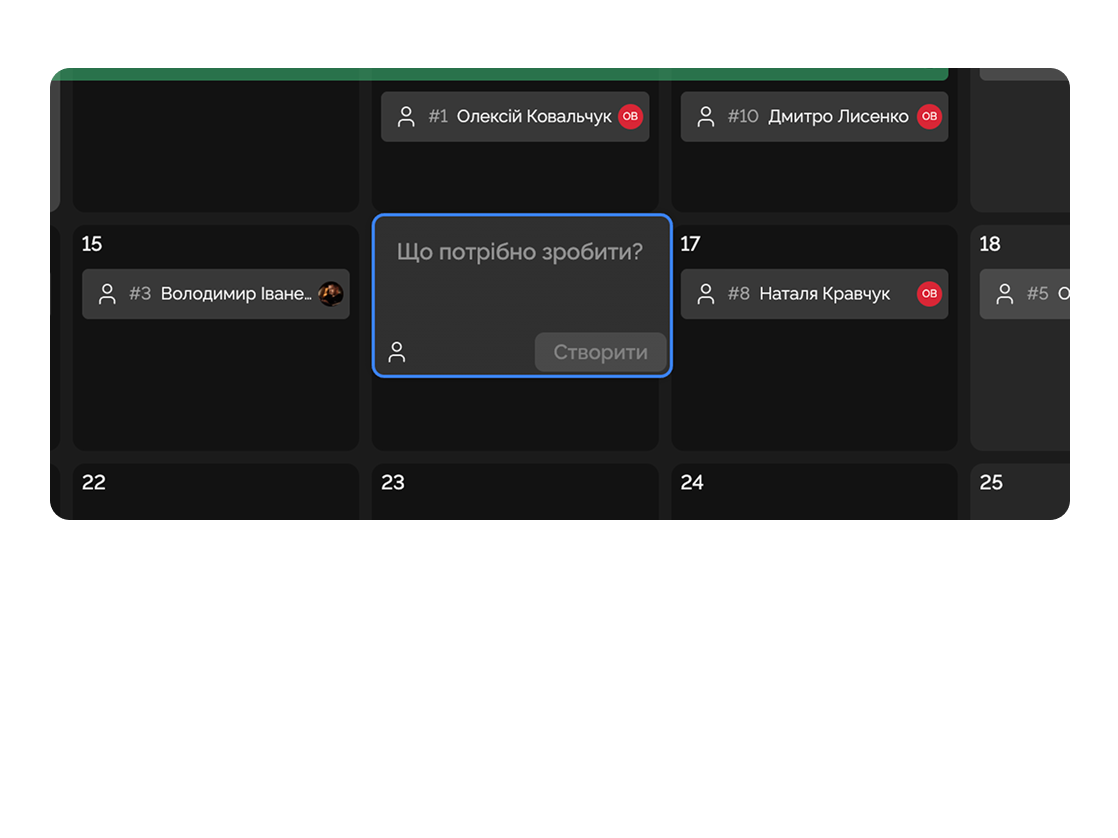
Creates a dedicated workspace for each client with tasks, analytics, and deadlines.

Tracks client progress on development programs, monitors achievements, and creates action plans.

Deep dive
5 chapters
Most consulting teams run on the same formula — Trello for tasks, Toggl for hours, Google Drive for reports, Slack for the client, Excel for billing. It looks cheap and flexible right up to the moment the team grows from 3 to 12. Then it becomes painfully clear: one client already got 40 hours of unpaid scope creep, another has gone silent for two weeks, a third still hasn't paid last month's invoice. Here's how to fold consulting ops into a single workspace.
Розділ
An engagement in consulting is a clearly defined chunk of work for a client: start date, phases, deadlines, deliverables, payment. If you don't lay out those phases on day one, the client will assume you're doing whatever they ask forever, while you assume you're doing exactly what's in the pitch deck.
In Easylim an engagement is a project with 5 phases: Discovery (1–2 weeks of interviews and data), Analysis (2 weeks of models and benchmarks), Recommend (a week of deck and presentation), Implement (4 weeks of pilot or support), Review (a week of retro and impact measurement). Each phase is a list of tasks, and each phase ends with a deliverable tied to a payment milestone.
That gives you three things: predictable cash flow (an invoice at the end of each phase rather than one big one at the end), honest scope (a new client request becomes a change order or a new engagement, not a free bonus), and a repeatable template (the next client starts from the 5-phase template, not a blank canvas).
Discovery
W1–2
Analysis
W3–4
Recommend
W5
Implement
W6–9
Review
W10
Розділ
Consulting economics are simpler than they look: if a consultant logs under 70% on client work, you're paying them and the client isn't paying you. If they're consistently above 85%, you're hitting burnout risk and quality issues — no buffer for internal work, learning or new proposals.
In Easylim, hours get logged directly on tasks: each task has a "client" field and a "billable yes/no" flag, and Time Control rolls up weekly/monthly utilisation per consultant. The dashboard shows a horizontal bar with a 70% marker — some people overshoot, some undershoot, and you instantly see who needs more load and who needs offloading.
This is especially useful for principals and partners doing quarterly planning. Instead of "everyone's busy", you see "Maria 82% — pull one project, Bohdan 48% — either a new project or a serious conversation". Without the data, it's a feeling; with the data, it's a management decision.
Розділ
A deliverable is the tangible artefact of a phase: a report, a deck, a template, a dashboard. Clients don't pay for "we worked", they pay for "here is the result". If you don't keep a deliverable list separate from your task list, you'll spend your life in the position of "we're almost finished".
In Easylim, each deliverable is a task with type "deliverable", with fields for due date, status (in progress / client review / accepted), file, sign-off owner. The engagement dashboard shows: 2 of 5 delivered, next up Recommendation deck due 26.05 in client review.
This makes expectations symmetric. The client also sees that list (via a limited-permission portal view), understands what's next and when. The end of the quarter never arrives as a surprise — each deliverable becomes a milestone where you can invoice and collect feedback while there's still time to course-correct.
Discovery report
due 12.05
Process maps × 6
due 19.05
Recommendation deck
due 26.05
KPI tracker template
due 02.06
Final readout
due 16.06
Розділ
Every consultant knows that email: "Hi, just a quick check-in on where we are?". The reply takes 20 minutes — open Trello, gather the cards, reword everything in client-friendly language, attach a screenshot. Multiply by 6 clients and 4 times a week.
In Easylim the client gets a read-only portal: scoped access to their engagement project only, with the progress dashboard, deliverable list, next steps and shared documents visible. Internal things — your private notes, billable hours, utilisation, other clients — stay hidden.
The client opens the portal on Tuesday morning, sees "46% engagement, 2 of 5 deliverables done, this week we need to approve the deck" — and doesn't send the email. Communication moves into comments next to specific deliverables, where the team sees them in context and where it's easy to find them four months later when the client comes back for a follow-on.
Engagement
46% · week 5/10
Deliverables
2 / 5 · on time
next steps · this week
Розділ
Easylim covers the operational layer of consulting: engagements, deliverables, utilisation, client portal, documents, time logs. That works well for teams from 1 up to about 25 consultants — admin overhead stays low, billing can be handled by hand, and forecasting lives happily in a Google Sheet for half an hour a week.
But when you have 50+ consultants, 80+ active engagements running in parallel, you need forensic billing at six-figure hourly rates, 12-month revenue forecasts weighted by sales-pipeline probability, integration with SAP/Oracle to issue invoices, complex subcontractor logic — that's the job of a real PSA (Professional Services Automation) system: Kantata (Mavenlink), Certinia (FinancialForce), Deltek, Replicon.
The usual move is start in Easylim, mature the process, then add a PSA. A small boutique firm starting with a PSA is a 4-month implementation at $50k+ — instead of standing up a working system in a week and revisiting the question in 3 years when the problem becomes real.
boutique · ≤ 25 consultants
enterprise · finance-grade
Easylim connects to the apps your team already lives in.
Other industries
No card required. Free tier forever.


