Feature 01
Task Assignment
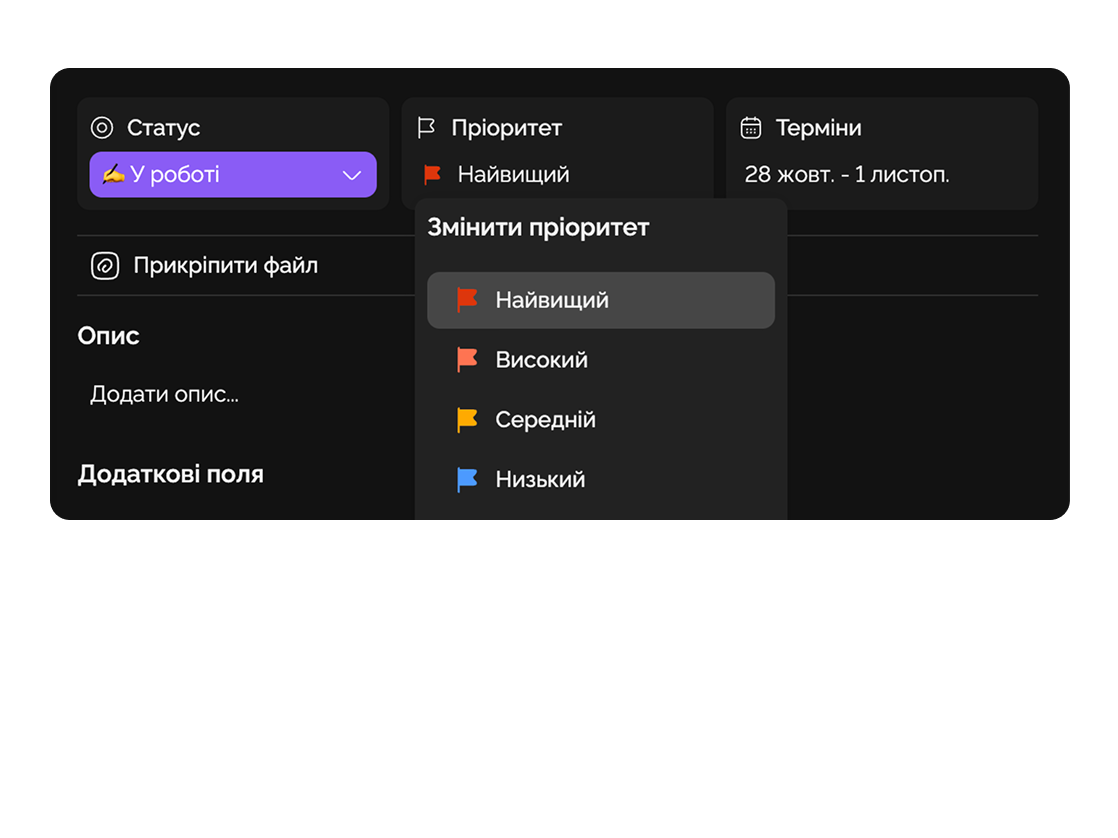
Easily assign tasks to team members, set deadlines, and define priorities for each.
Easylim helps create learning programs, manage team collaboration, and track student progress in real time.
Built for
By the numbers
500+
students per team
customer data
−50%
time on admin
Easylim CRM
1 workspace
content + chat + progress
2025 survey
Courses, cohorts, student progress — one workspace for the whole education team.
Feature 01
Easily assign tasks to team members, set deadlines, and define priorities for each.
Feature 02
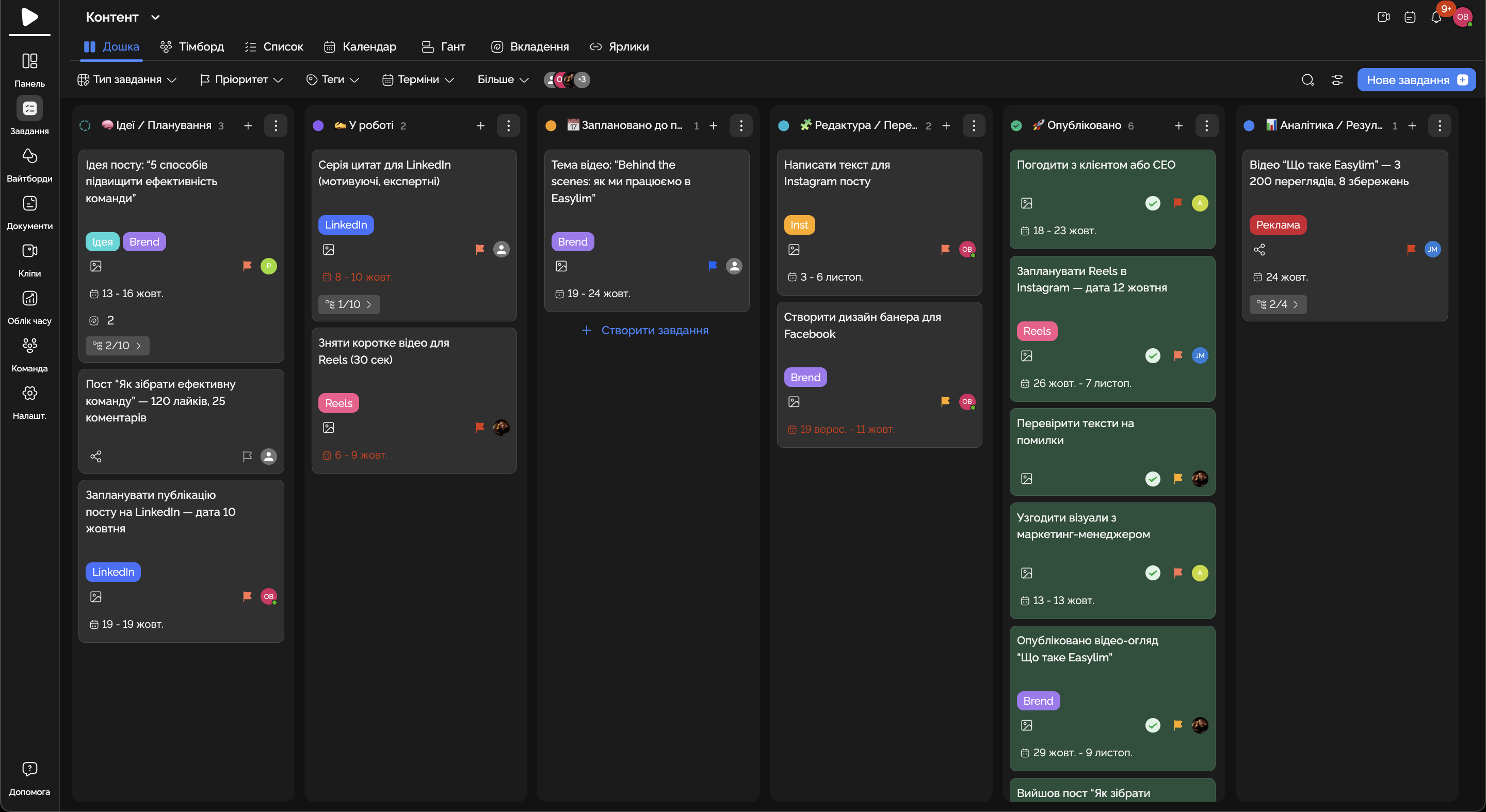
Monitor task completion and project milestones in real time without missing critical details.
Feature 03
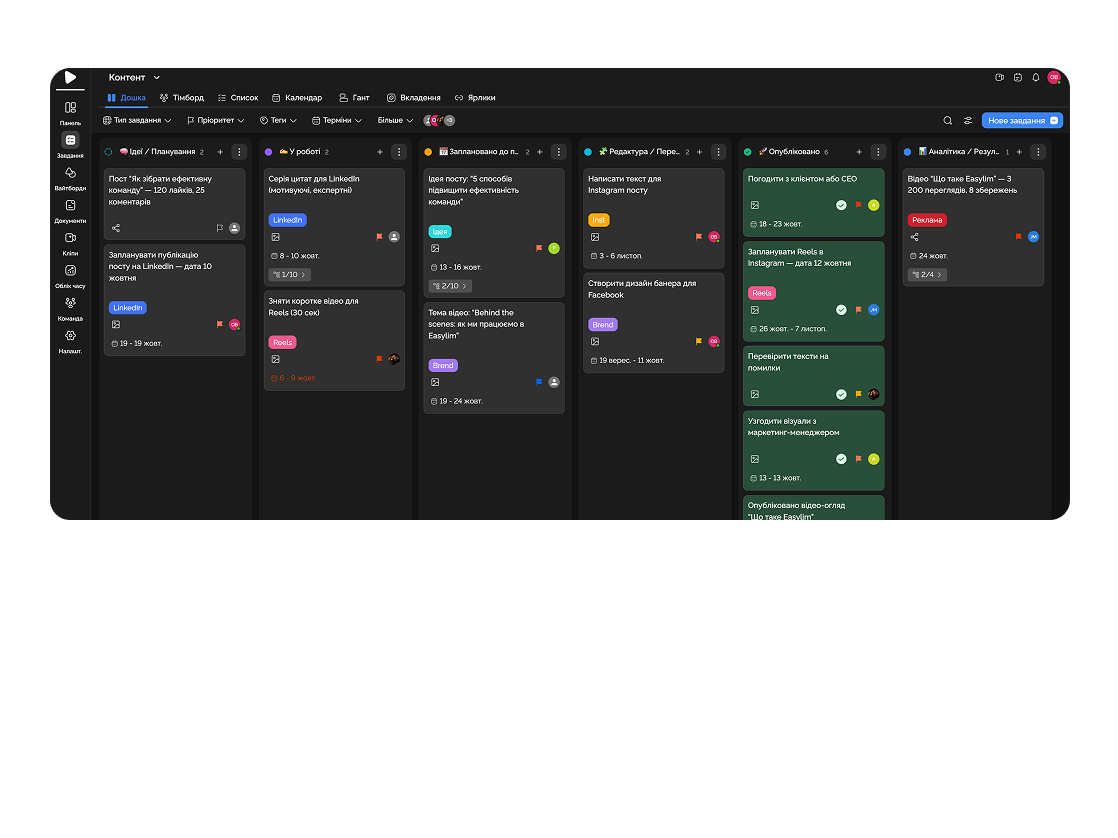
Easily adjust task deadlines and team schedules to meet changing requirements and situations.
Feature 04
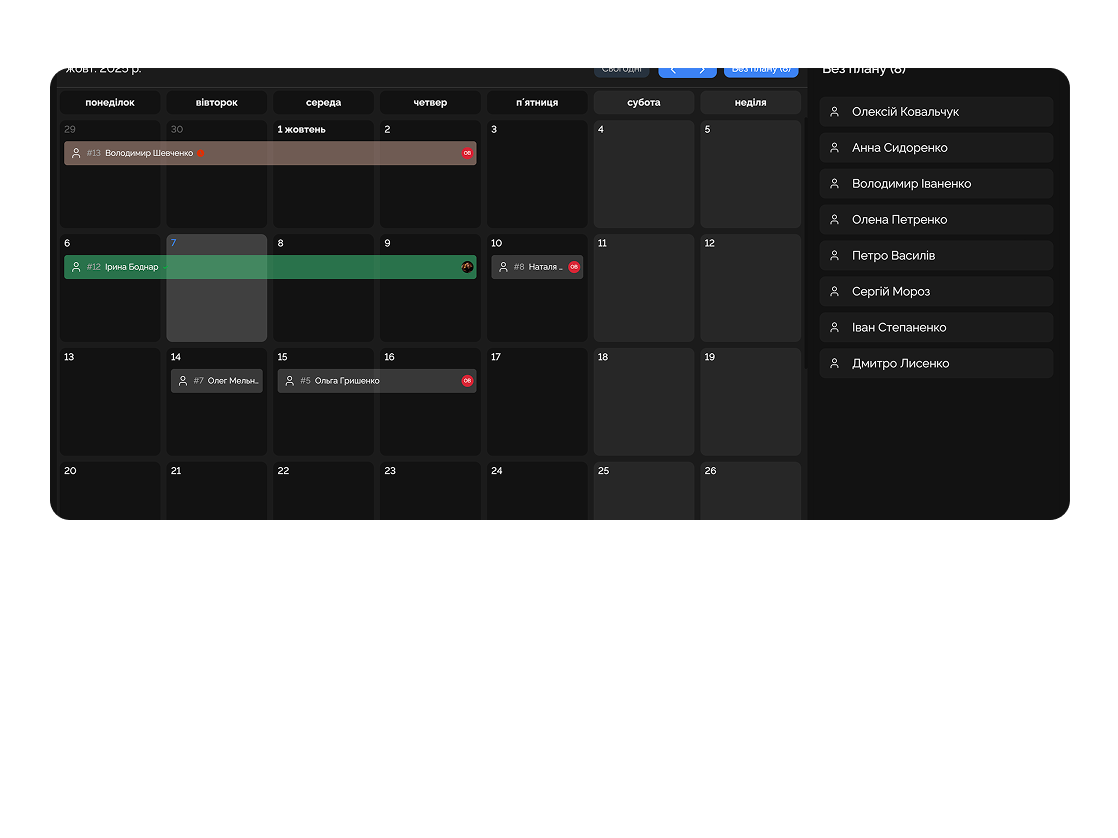
Teams can work together on documents, discuss changes, and track edits in real time.
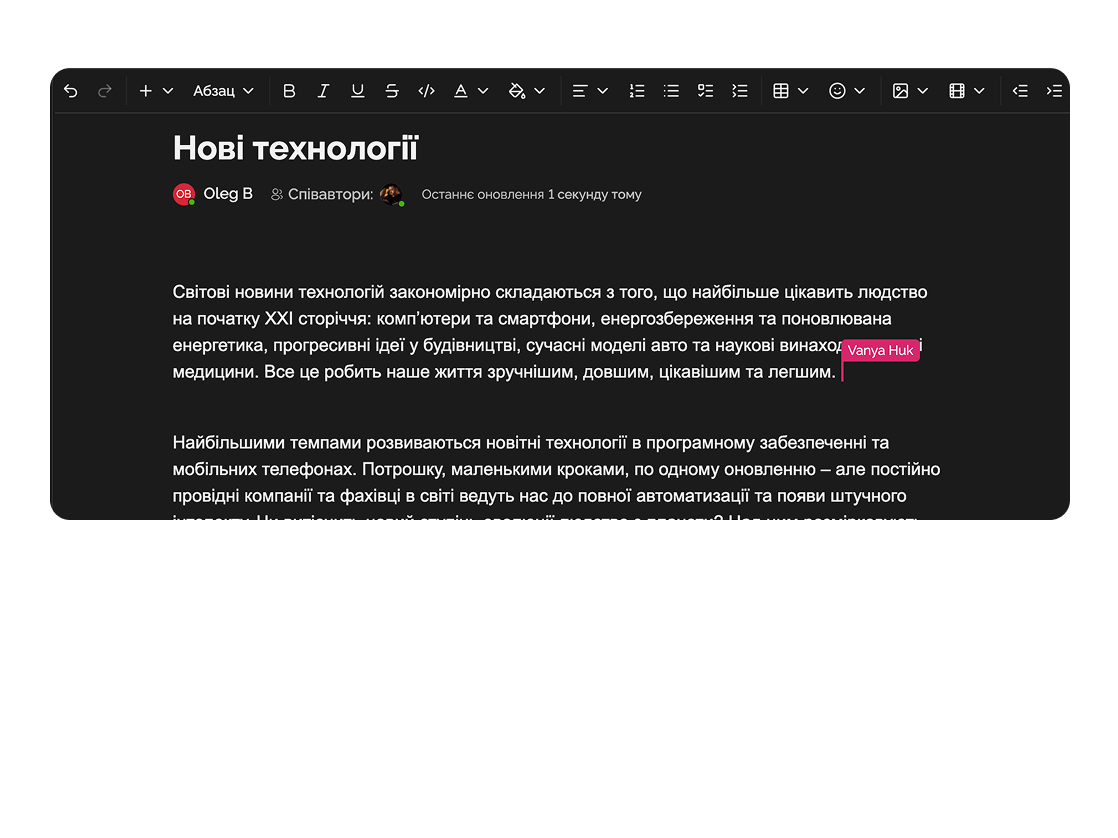
Manage course creation, coordinate between instructors and students, track student progress — Easylim allows structured course planning and document storage in one place.

Prepare and run employee training sessions, monitor progress and effectiveness. HR and trainers can organize sessions, track employee progress, and provide feedback.

Deep dive
5 chapters
Most education products live in a strange mix of Google Docs, Telegram chats, an Excel sheet of deadlines and one overloaded Notion. As soon as a cohort grows from 20 to 200 students, that construction starts leaking in every direction — instructors don't know who submitted, coordinators don't know who dropped off, students don't know what they're supposed to do on Wednesday. Here's how to set up your course in Easylim so it doesn't turn into the same spreadsheet, only worse, three months later.
Розділ
The most common mistake an EdTech startup makes on day one is selling a course as "18 videos plus a Telegram chat". Within a month, half the students don't know which lesson they're on, the chat has 4,000 messages, and the instructor can't tell you how many people actually finished module 5.
In Easylim, a course is a project, modules live inside it as lists, and lessons live inside modules as tasks. Each lesson has an owner, a deadline, a status ("not started / in progress / submitted / accepted"), descriptions, files, checklists. Students see only their lessons; instructors see the whole cohort; coordinators see all cohorts.
That structure gives you three things at once: honest progress (78% of course = 78% of tasks in "submitted"), predictable feedback (comments live on the task, not across three chats), and preserved context (a year from now, a new tutor can open the course and understand what was happening here).
Module 3 · Unit economics
5 lessons · 1h 32m
Розділ
When you have 20 students, you know each one by name. At 80 you start mixing them up. At 200, it's physically impossible to spot who's stalling without an aggregated view.
Easylim ships a "cohort progress" view: rows are students, columns are lessons, cells are statuses. A dark cell means the lesson was submitted and accepted; mid-tone means submitted, waiting on review; pale means started; empty means never opened. In one glance you can see that four students stalled on lesson 4 a week ago, and three of them are in the same study group — likely the lesson itself needs a rewrite, not a stricter deadline.
The same view kills the boring "who studies badly" framing. The question stops being who's the weak student and becomes where does the cohort systematically stall — which is a product question, not a shame-the-student question.
Розділ
Schools and universities tend to keep grades in a separate Google Sheet that has four formulas, three filters and one student coordinator who's the only person who remembers why column J is highlighted yellow. A semester later, nobody can touch that sheet without her.
In Easylim, grades live on the same tasks: you create "Essay #2", give it a custom field called "Grade", and the tutor sets "A−" after marking. The gradebook view pulls those fields automatically — rows are students, columns are assignments, cells hold the grades.
That gives you an audit trail (who graded what, when), per-assignment averages (you can see immediately that quiz #3 was too hard — 62% scored C or lower), and feedback in context (the student sees the grade with the tutor's comment attached to the exact assignment, not a "see feedback_final_v3.docx" message).
Розділ
Education has its own funnel: 120 enrolled → 96 active → 64 finished → 51 certified. If you only see that funnel after the course is over, it's already too late — refunds aren't coming back, students aren't returning.
Easylim tracks this funnel in real time: enrolled = student card exists, active = at least one submitted task in the last 14 days, completed = all required tasks in "accepted", certified = certificate document attached. The coordinator dashboard shows where the leak is widening week over week.
More often than not, the real leak isn't "they don't reach the end" — it's "they don't start on time": 120 enrolled, but only 70 active a week later. That's not a course-quality problem, it's an onboarding problem, and it's usually fixed with one welcome email plus two reminders.
Розділ
Easylim is a workspace for the team that runs an education product — instructors, coordinators, methodologists and students in the same flow of tasks. It fits online schools, training centres, corporate L&D, university chairs running cohorts of up to a few hundred students.
But if you need a SCORM player for off-the-shelf vendor courses, xAPI for click-level analytics, accreditation reports for a Ministry of Education, or complex retake logic on an ECTS scale — that's the job of a real LMS like Moodle, Canvas or Blackboard. Don't try to wedge it into Easylim.
The usual answer is both, side by side: the LMS stores the official content and issues certificates; the team (coordinators, methodologists, tutors) works in Easylim projects with tasks, deadlines and conversations. If you have 5–500 students and no regulator on your back, start with Easylim — add an LMS only if and when you outgrow it.
pick by team size and compliance need
Easylim connects to the apps your team already lives in.
Other industries
No card required. Free tier forever.


