Feature 01
Unified Workspace
All tasks, documents, and updates in one place and always at hand.
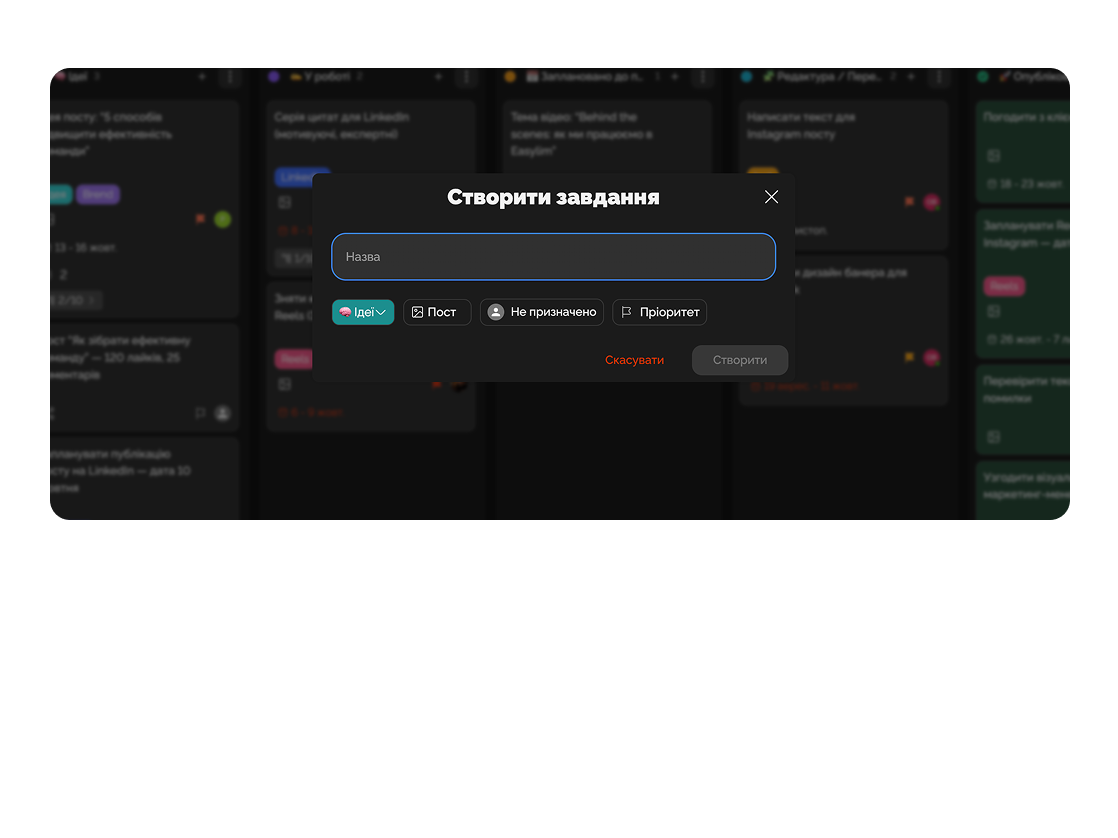
Easylim helps coordinate teams from different locations while maintaining clarity, transparency, and efficiency.
Built for
By the numbers
−2 hrs
on daily syncs
customer data
100%
async progress visibility
Easylim CRM
12+
time zones in one workspace
2025 survey
Work in sync as if the whole team were in the same room.
Feature 01
All tasks, documents, and updates in one place and always at hand.
Feature 02
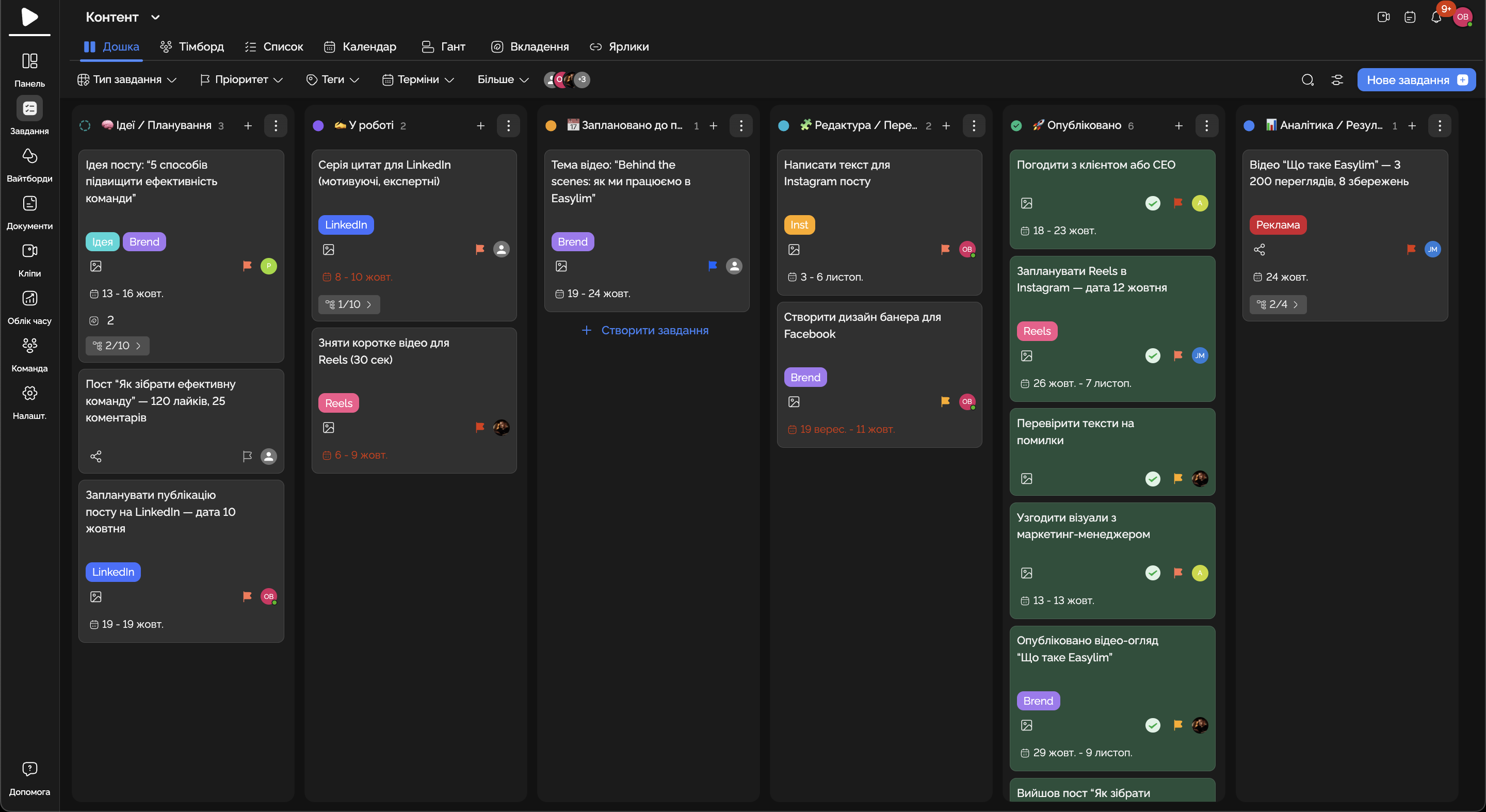
Everyone sees who is responsible for what and at which stage the work is.
Feature 03
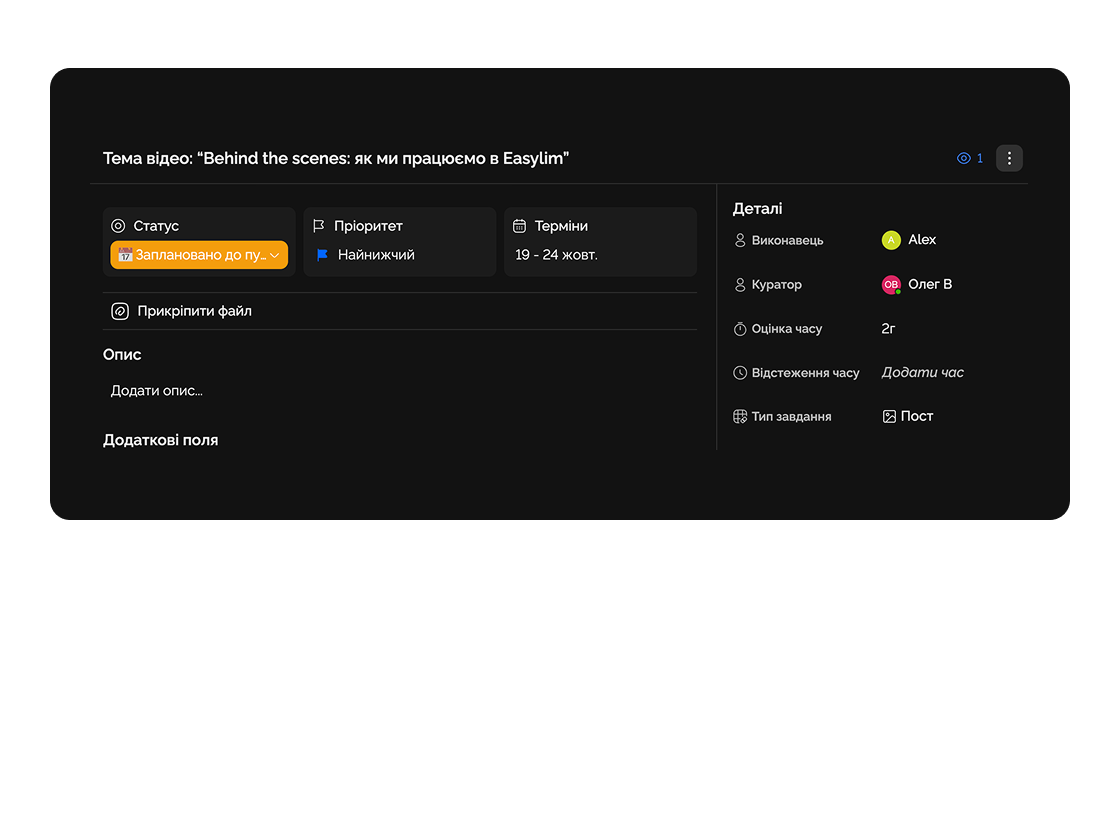
Communicate without chat chaos — everything stays within the context of tasks.
Feature 04
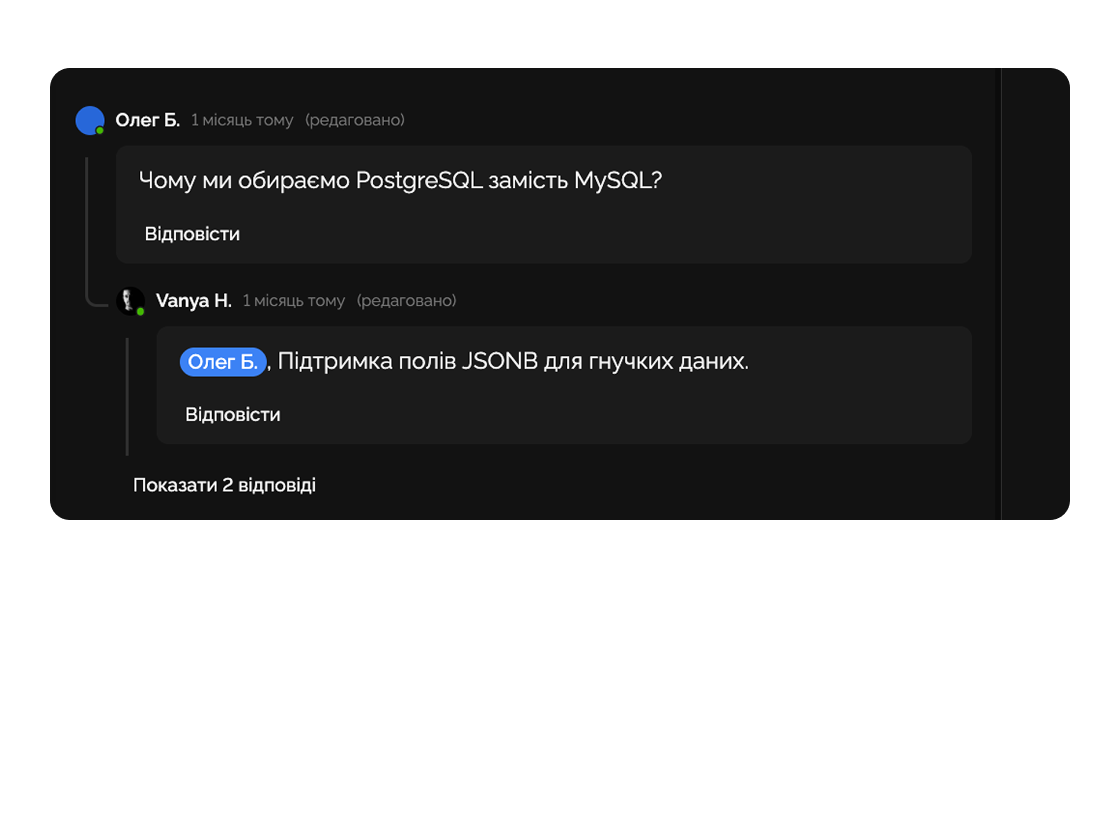
Analyze productivity of remote employees and teams.
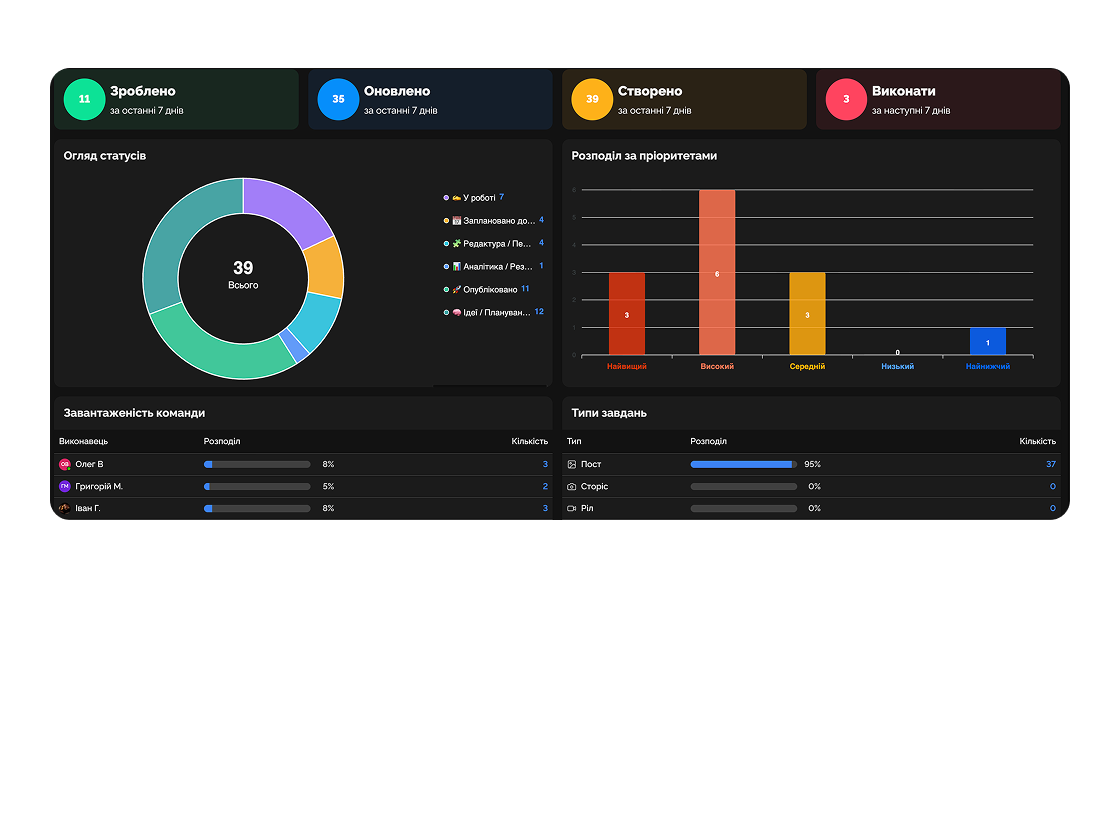
Remote management of production stages and coordination between departments.

Control goals, priorities, and KPI execution across different regions.

Deep dive
5 chapters
A remote team in two neighbouring cities is almost an office. A team across San Francisco, Kyiv, and Tokyo is a different class of problem: six hours of active overlap, the rest asynchronous. Tools built for a one-time-zone office break first in this environment.
Розділ
The first thing to do for any distributed team is to draw a time-zone map and honestly look at how many hours per day everyone is awake at once. For a US-West / Europe / APAC team the real window is one to two hours, often falling on someone's lunch or evening.
That window is sacred. Do not schedule solo work, focus blocks, or training inside it. It should be reserved for conversations that cannot happen async: hard decisions, hard talks about role or scope, live crises. Everything else goes to text.
A useful habit: quote times in UTC, not in someone's local time. It sounds boring but it kills the endless 'the meeting is 14:00 Kyiv — what is that in Tokyo?' Everyone reads UTC and converts in their own head.
Розділ
A classic 9 AM standup in a distributed team is cruel. For SF it is 6 AM, for Tokyo it is 11 PM. Someone shows up sleepy, someone skips entirely. Pull standup off the calendar and move it to a post format.
The format is simple: each person, when starting their day, posts a card in #updates with three sections — Yesterday / Today / Blockers. Two minutes to write. Others read when they start. If there is a blocker it is flagged red and the person who can unblock sees it in their inbox.
What this buys you: full visibility without 30 minutes × 5 days = 2.5 hours per week per person. And a searchable trail — three months later you can look at what someone worked on for a quarter. Zoom calls give you nothing of the sort.
Y
Shipped auth refactor PR #482
T
Pair-review payments edge cases
B
none
Y
Closed 6 onboarding issues
T
Draft v3 spec for billing
B
Need access to staging DB
Y
Investigated Android crash
T
Land fix · regression tests
B
none
read when you start · no calendar fights
Розділ
Most 'let's discuss this on a call' moments are questions that should have been a comment on a line in a document. A doc with threaded comments lets each person reply in their own time, see the context, and reach a decision without a synchronous meeting.
The cycle works like this: SF leaves a comment at 9 AM (5 PM in Kyiv). Kyiv replies by 6 PM. APAC sees the thread in their morning and weighs in. By next SF morning the thread is resolved and the doc is updated. 24 hours, full decision cycle, zero calls. Try the same loop on Zoom — it takes a week.
The rule that makes this work: threads must close with a decision, not 'let us think more'. If a thread is open beyond 48 hours it lands on a stuck list and the author either closes it or escalates to the next sync.
On 5xx response, retry with backoff. Increment
attempt counter and stop at max attempts (5).
Should we cap retries at 3 or 5 here?
Five — matches the SLA we agreed Tue.
+1 to five. Will update the runbook.
Розділ
The unique advantage of a truly distributed team is the 24-hour work cycle. When SF logs off, Kyiv logs on and carries the work forward. When Kyiv finishes, Tokyo wakes up. The same chunk of work passes through three pairs of hands in a day and moves three times faster than in a single office.
This only works if there is end-of-day handoff discipline. Before logging off, each person creates a handoff card: 'What I shipped today / What is still open / What I am passing to whoever picks it up next'. Not a status report to a boss — a baton pass to a colleague across the ocean.
The honest caveat: the 24-hour cycle works for some kinds of work only — modular tasks with clean interfaces (PR reviews, content editing, QA). Heavy architecture or design still needs a synchronous conversation, inside your two-hour overlap.
Americas
EST
Europe
EET
APAC
JST
Розділ
Async fundamentalism is its own disease. Not every conversation deserves to be a comment in a document. There are four kinds of conversations that async breaks: tense conflicts between colleagues, sensitive talks about role or pay, real-time customer crises, and onboarding a new hire in their first week.
In these situations text distorts tone. A short reply reads cold. A delayed reply reads as a snub. What resolves in ten minutes face to face drags for days on Slack and leaves scars. A live conversation (see the enterprise page on governance for examples) saves weeks of relationship repair down the line.
A simple test: if you suspect the other person will be disappointed in your reply, that is the signal to switch to a call. Async-first does not mean 'never call'. It means 'call when calling is honestly the right tool', not out of habit.
Easylim · written context
spread across 24h
Zoom-first · live calls
crushed into 3h
right tool per job · not religion
Easylim connects to the apps your team already lives in.
Other segments
No card required. Free tier forever.


