Feature 01
Task Management
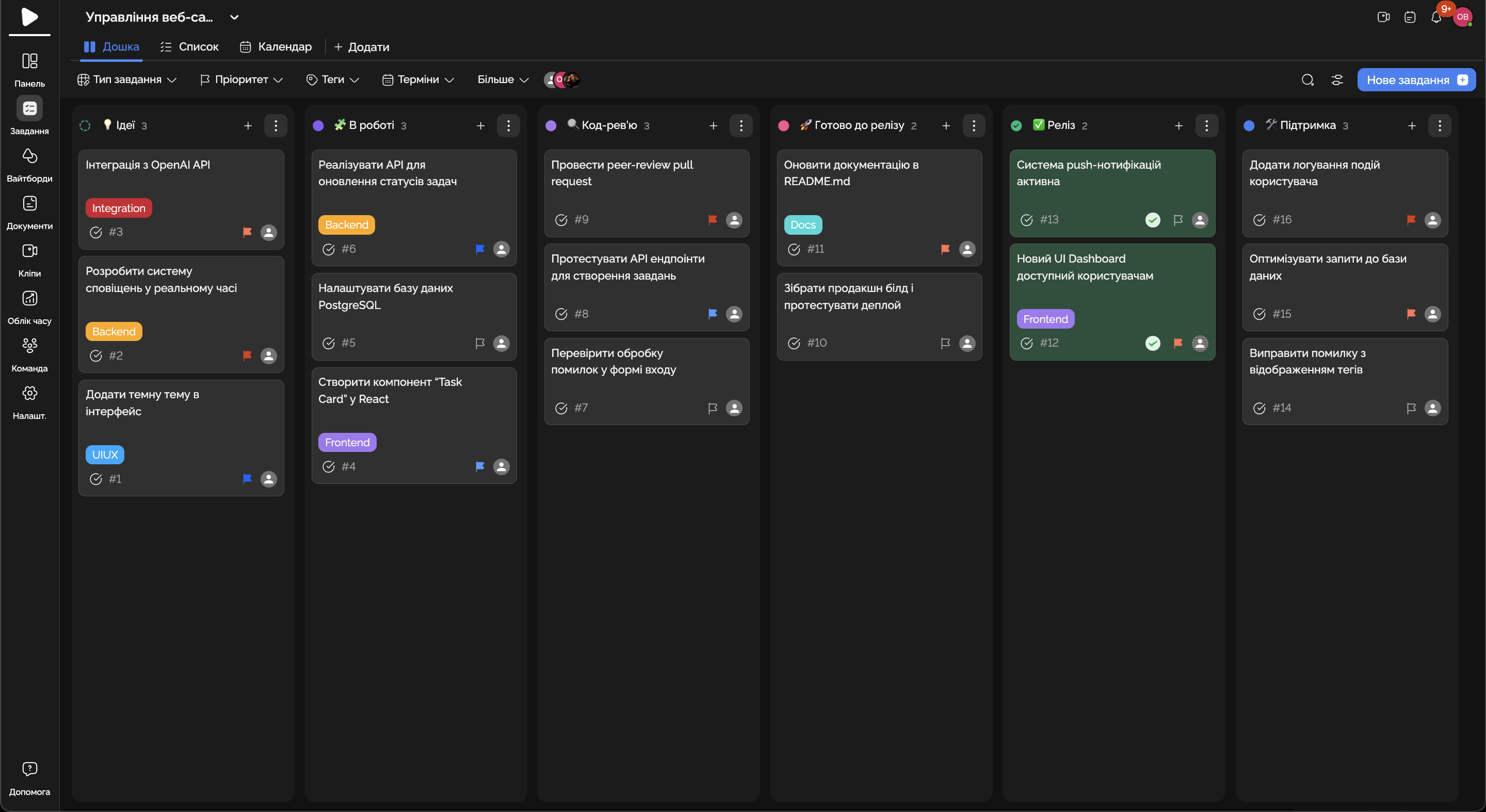
Easily create, track, and prioritize tasks within a project.
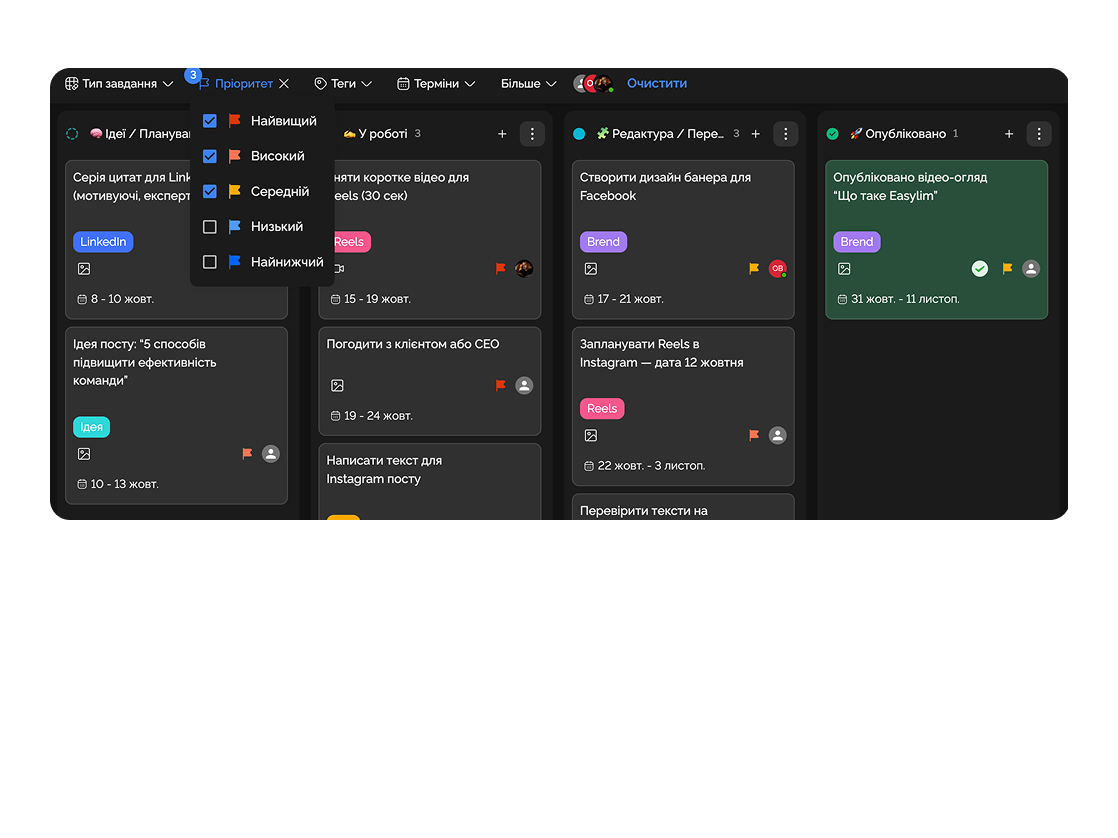
Sprints, docs and code reviews — in one workspace. Fewer stand-ups, more code.
Built for
By the numbers
20+
sprints without chaos
customer data
−45%
time on stand-ups
Easylim AI
100%
backlog visibility
2025 survey
Backlog, sprints, documentation — all at hand. Less coordination, more code.
Feature 01
Easily create, track, and prioritize tasks within a project.
Feature 02
All documents are centralized and accessible to the team at any time.
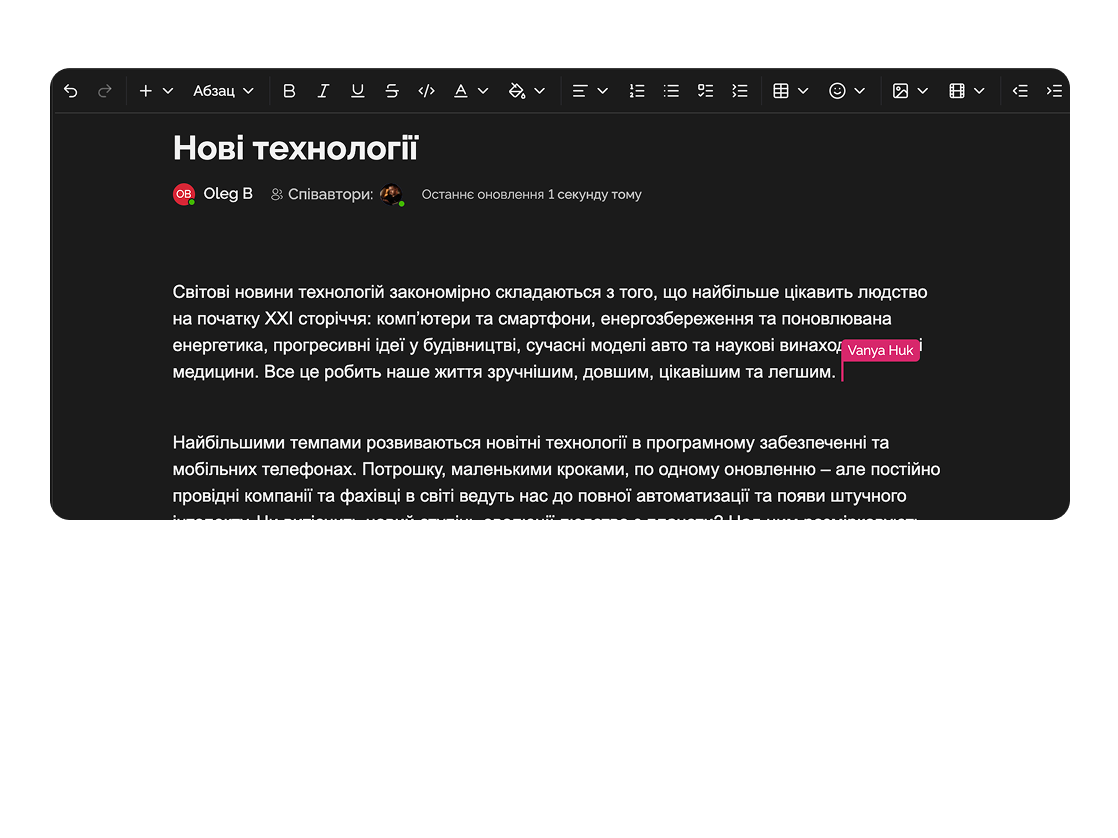
Feature 03
Ensure smooth information exchange and collaborative work on tasks.
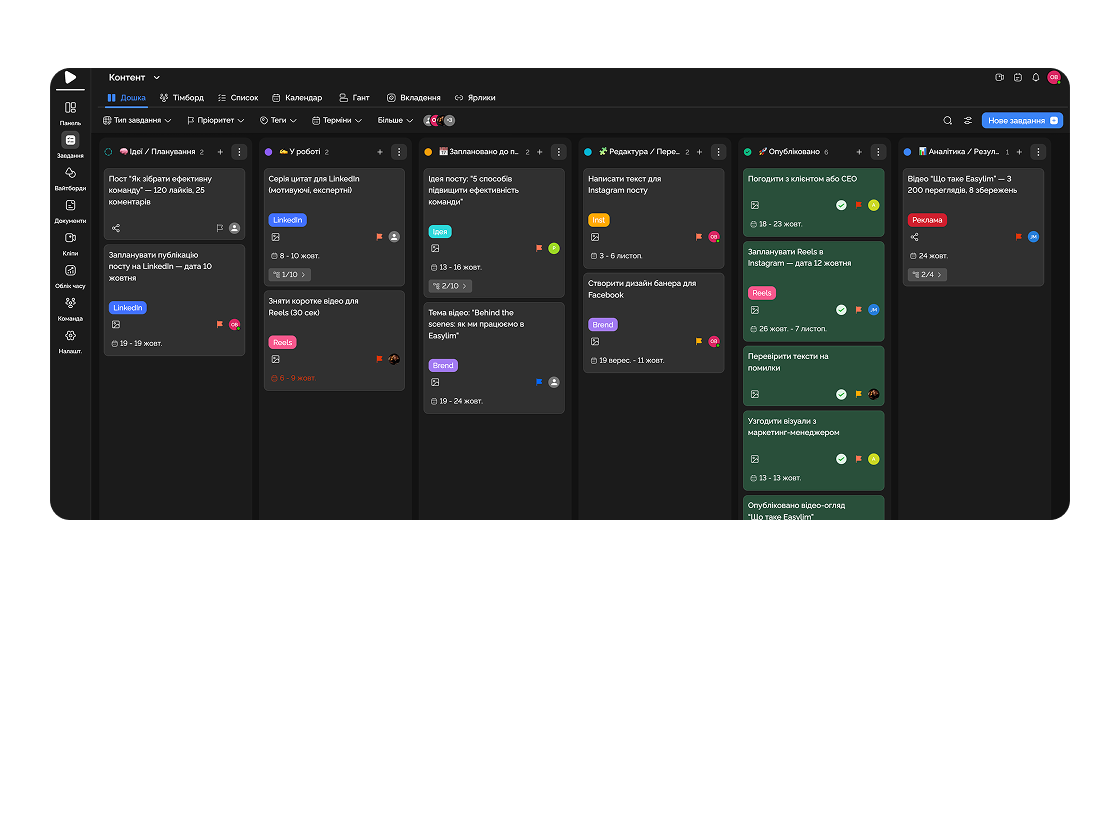
Feature 04
Monitor task and project status with the ability to adjust deadlines.
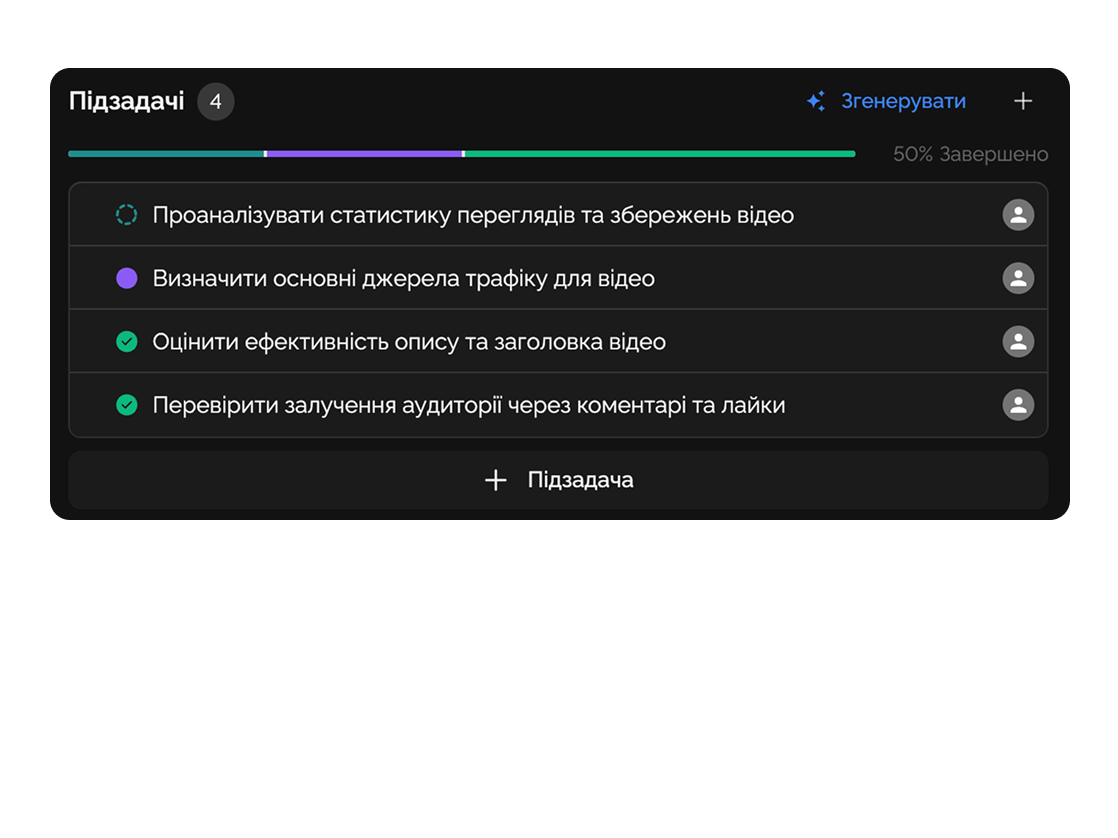
Manage technical tasks and documentation, automate task assignment, and keep documentation up to date.

Coordinate projects and tasks; the entire team works on shared projects without forgetting tasks.
Deep dive
5 chapters
A typical 8-to-15 engineer startup has GitHub issues for bugs, Notion for docs, a private channel for incidents, and a Google sheet for the quarterly roadmap. Once you cross thirty people the seams start to show — a stand-up runs forty minutes because nobody knows which tab holds the truth. This guide walks through sprints, releases, incidents and roadmap on a single working surface, plus when it really is time to move to a heavier tool like Jira.
Розділ
A classic first-sprint mistake is to dump forty flat tasks into a backlog with no hierarchy. A week in, nobody can tell whether the team is moving toward the sprint goal or just clearing small bugs while the headline story rots.
The structure that actually scales: sprint → 4–6 stories → sub-tasks. A story is a user scenario or outcome ("search returns relevant results"). Sub-tasks are concrete work chunks (index schema, ranking, UI). Story points sit on the story, never on the sub-tasks — that single rule removes 80% of estimation arguments.
In Easylim a story is a parent task and sub-tasks are nested cards with their own assignees. The burndown builds itself because SP, time and status are fields on the same task, not a separate Jira tree with its own permissions. At stand-up everyone opens the sprint, walks through 4–6 stories, and sees the same picture.
EL-204 · search v2
EL-207 · OAuth fix
EL-211 · billing webhook
EL-219 · dark mode
Розділ
Engineers know what's in prod because they have CI access. Product managers don't, because nobody showed them how. That's where the "when is feature X shipping?" Slack question comes from, and the answer arrives four hours later when someone notices it.
A pipeline view solves this with three environment cards (dev → staging → prod) showing version, status and recent deploys. The PM sees "feature X is on staging, awaiting QA" and stops asking. The engineer sees "prod is two versions behind" and knows it's time to plan a release.
In Easylim that's a separate project dashboard fed by a GitHub Actions webhook. Every release is a task tagged with a version, linked to the sprint stories it contains, and watchable by business stakeholders — so notifications go where status questions used to.
v4.2.0-rc7
18 deploys
v4.2.0-rc4
6 deploys
v4.1.3
2 deploys
awaiting QAРозділ
When prod goes down what matters is not "who is at fault", it is "how fast did we recover". MTTR is the headline metric. Without a timeline you can't tell where you lost time — between detect and ack? Between ack and mitigation? In the postmortem queue?
Easylim keeps each incident as a timeline task with fixed events: detected → acknowledged → mitigated → resolved → postmortem. Each event is a record with a timestamp, an owner and a link to a Slack thread or PR. After the fact you can see that rollback ate 18 minutes (your bottleneck is deploy speed) while detection took 3 minutes (alerting works).
Postmortems are not blame documents — they are four action items with owners and dates. Easylim turns those action items into tasks inside the relevant sprint; otherwise they live in Notion and nobody ever opens them again.
Розділ
A roadmap with 40 epics and exact dates on a spreadsheet is a promise that cannot be kept. A realistic roadmap is 8–12 epics across four quarters, colour-coded by the owning team (product / eng / design).
No dates inside a quarter. "Feature X in Q2" gives you room to re-prioritise; "feature X on 15 May" either misleads a customer or breaks a release. Specific dates appear only when the epic is broken into stories inside a sprint.
In Easylim the roadmap is the same task set, filtered by an "epic" tag and grouped by quarter. When an epic's status changes the roadmap updates automatically — no quarterly slide deck. Stakeholders see the live state any time they want and stop asking for status updates.
Onboarding v3
product
Search rewrite
eng
Mobile app · beta
eng
Design system 2.0
design
Pricing tiers
product
Audit log + RBAC
eng
AI summarise
product
Marketplace
product
i18n full coverage
eng
Brand refresh
design
Розділ
If you run a 200+ engineer org with SAFe, a dedicated auditor and a yearly question about trace IDs, Easylim is not going to cover that. Large enterprises with compliance constraints (banks, medtech, public sector) need Jira, Azure DevOps or an on-prem solution with multi-year audit logs.
The second boundary is highly branched custom workflows with 15+ statuses and matrix permissions. Easylim supports custom statuses and fields, but if you employ a full-time business analyst to maintain the workflow scheme, that is a clear "Jira" signal.
Small and mid-sized tech teams (up to roughly 50 engineers) usually lose speed by adopting Jira: two weeks of setup, three months of onboarding, a dedicated admin forever. Easylim ships in a day, integrates with GitHub, covers 80% of the surface. For the underlying mechanics see Kanban, Gantt and Dashboard.
Easylim connects to the apps your team already lives in.
Other industries
No card required. Free tier forever.


