Content management
Track content creation at every stage.
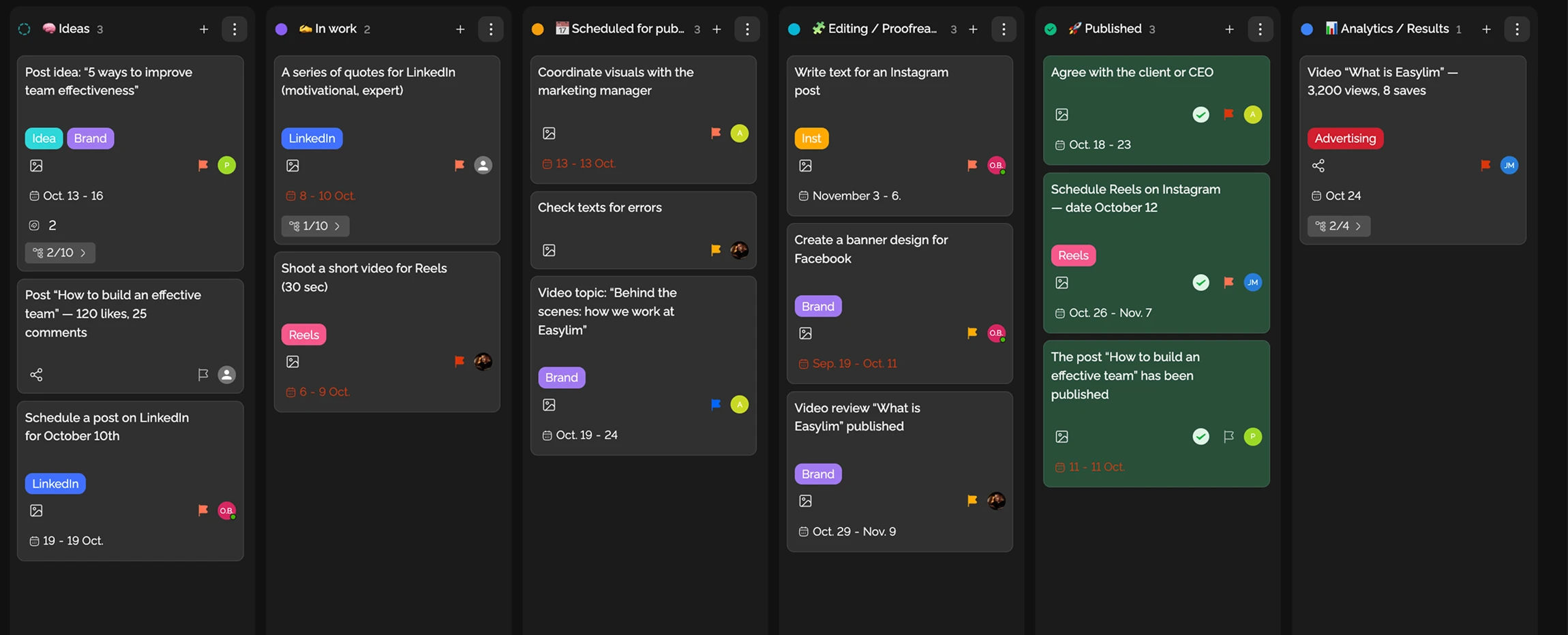
Create your own statuses for any board — no system limits. Pre-built templates for marketing, dev, sales, and CRM out of the box.
Built for
Refresh hero
Pricing v2
Mobile menu
Footer links
Checkout flow
Onboarding tour
Search bar
Auth refactor
CMS schema
Brand refresh
CMS migration
Analytics setup
By the numbers
15+
ready-made templates
Easylim CRM
∞
statuses per board
customer data
100%
no-code customization
2025 survey
Pick a direction and see how a status board looks for that real-world process.
Track content creation at every stage.
Run campaigns step by step.
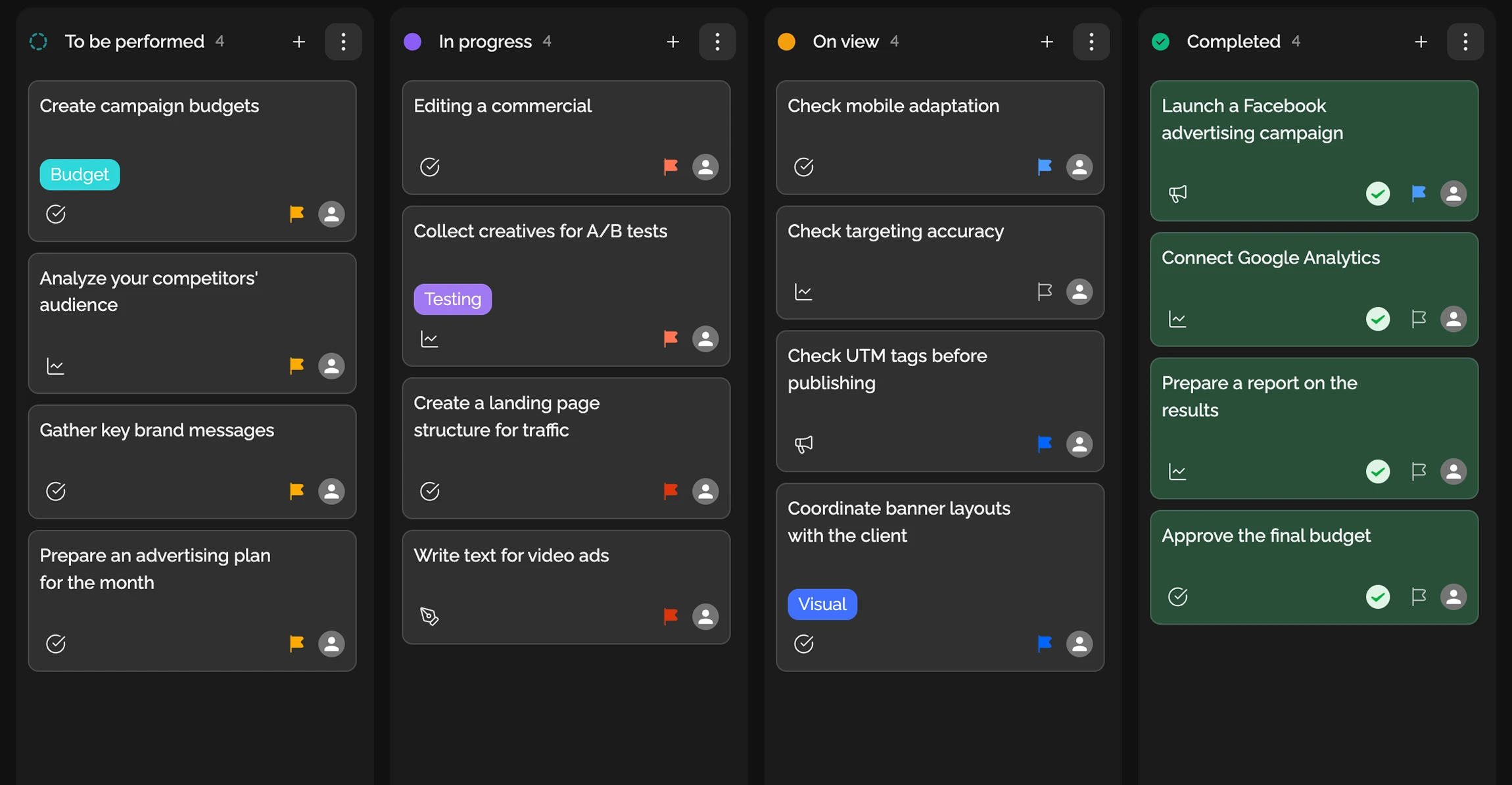
The whole SMM flow in one place.
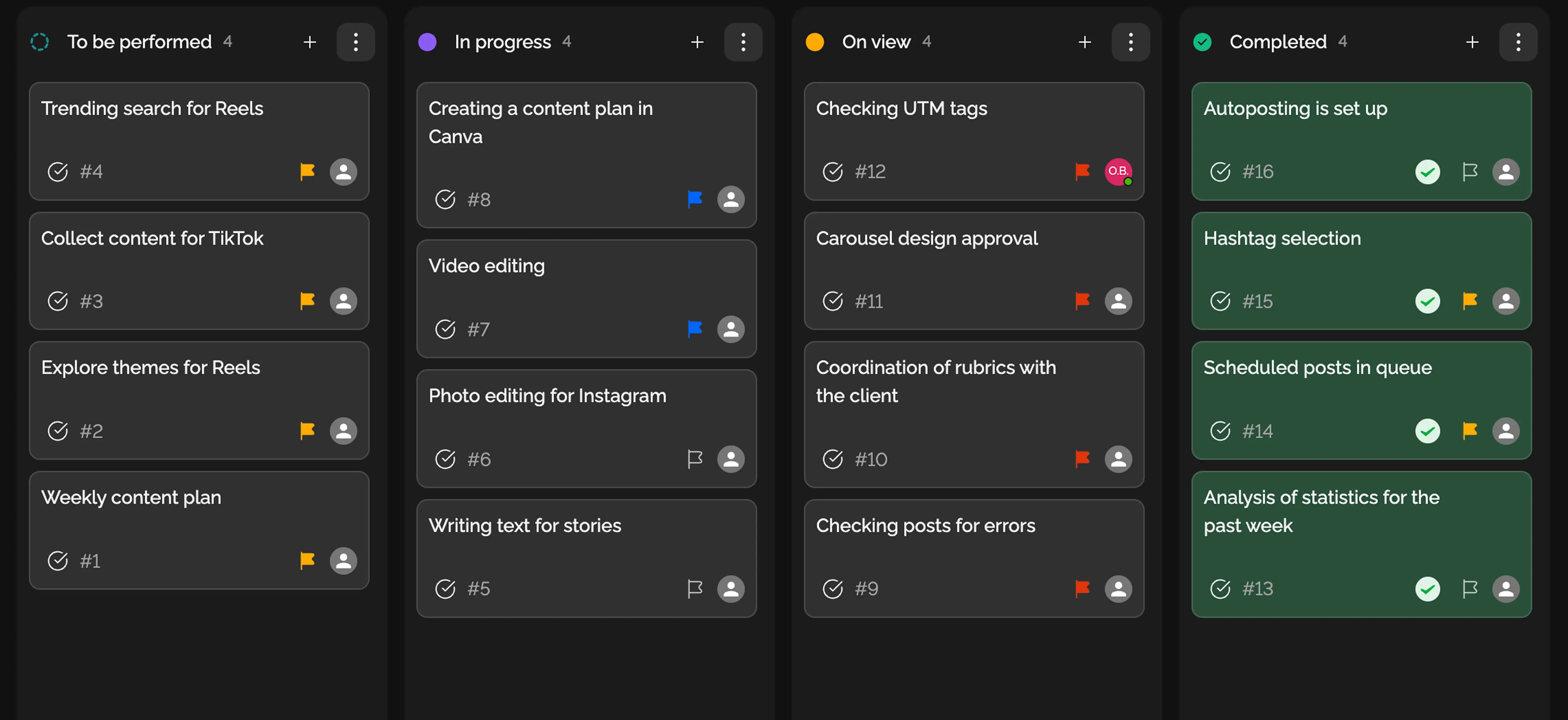
Manage sprint tasks Scrum-style.
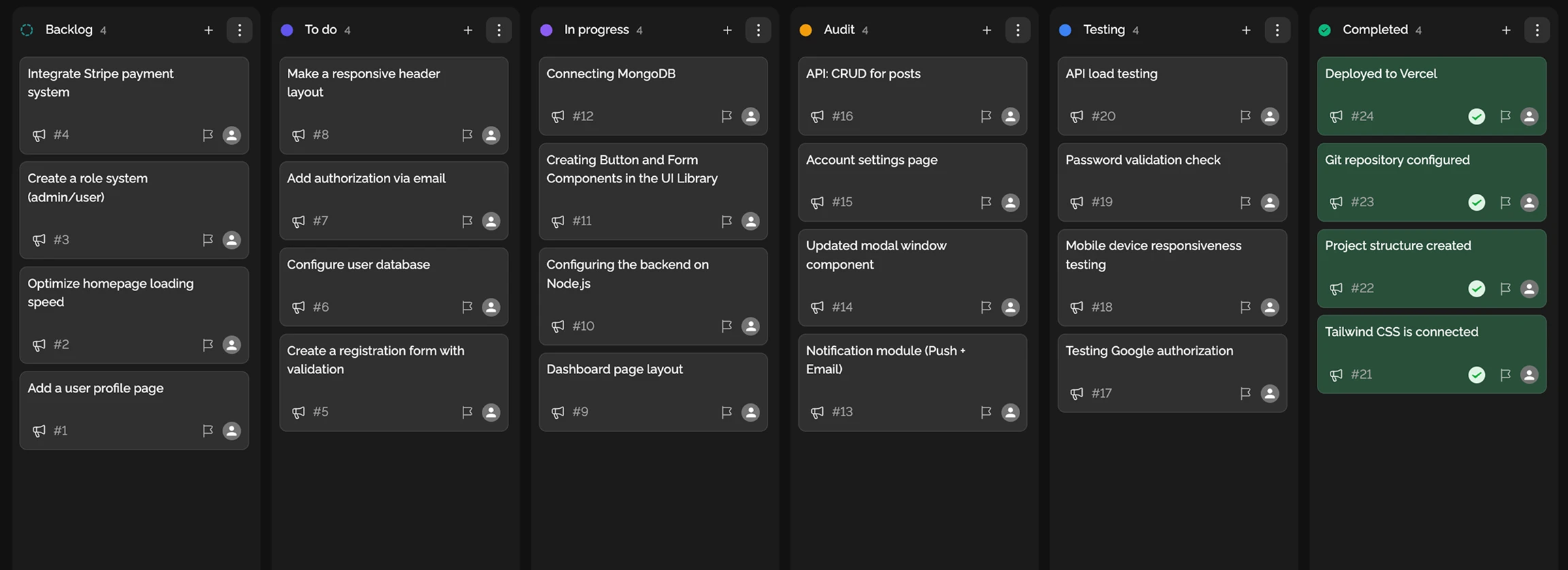
Standardize technical processes across the team.
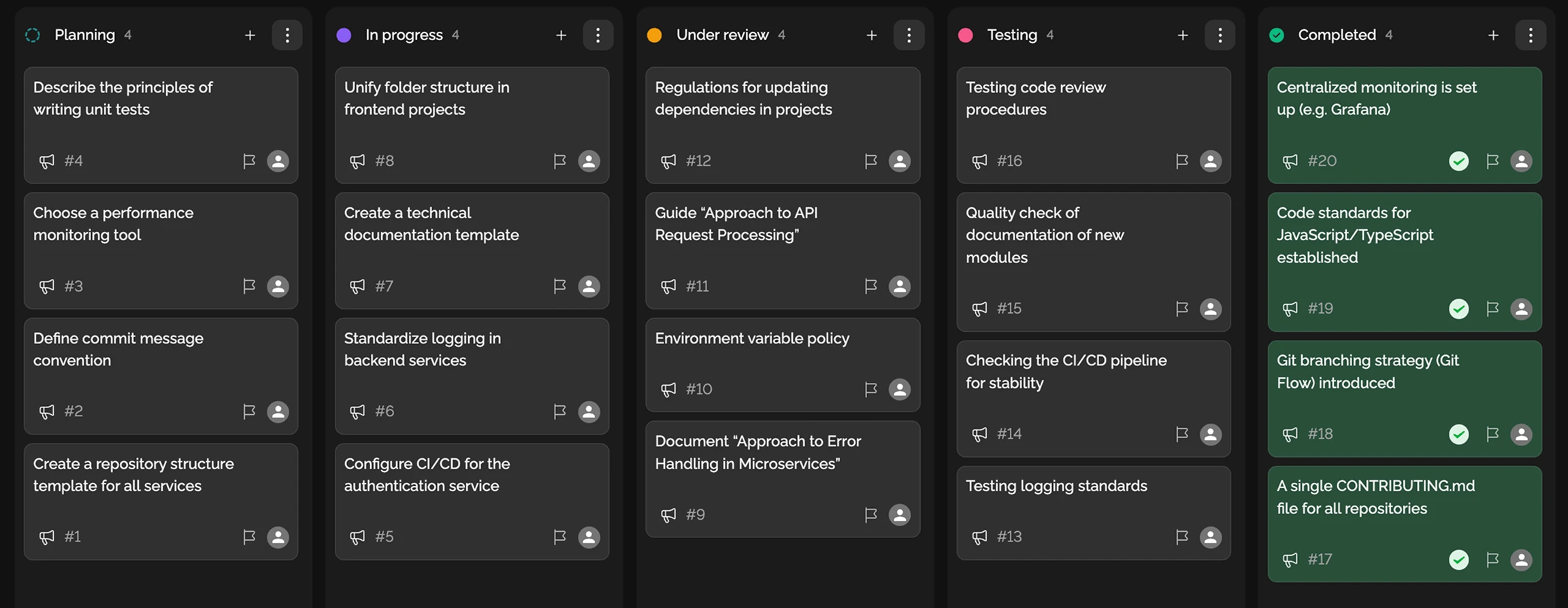
Transparent work on the site: redesign or updates.
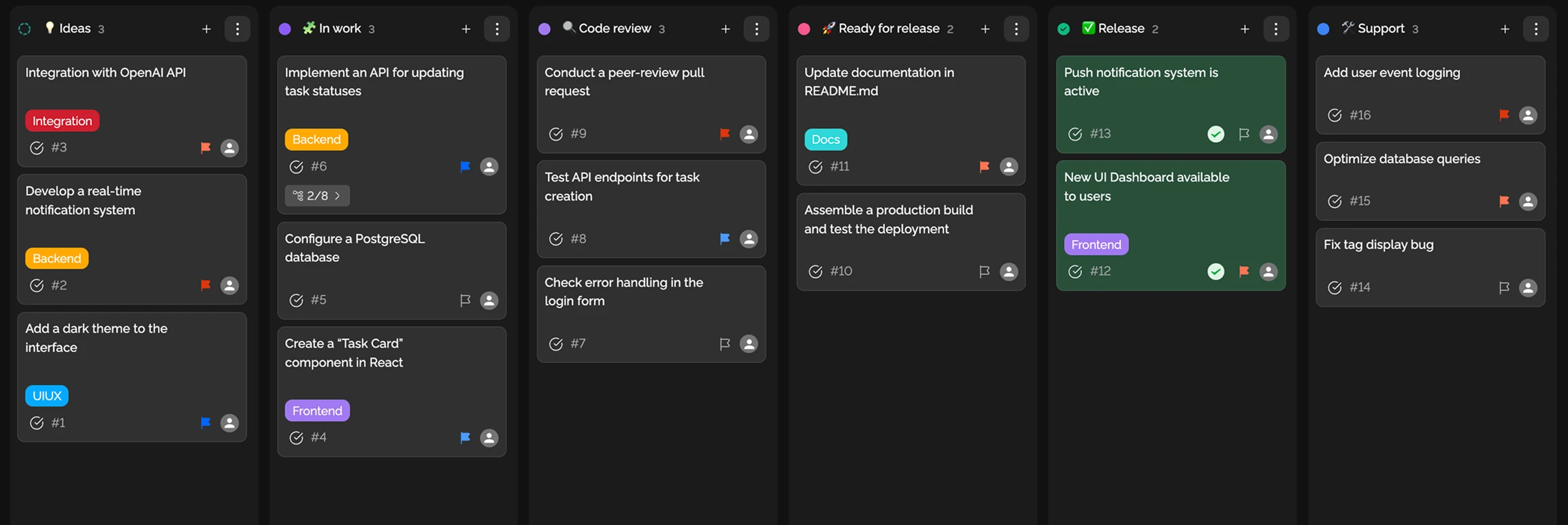
Structure product development.
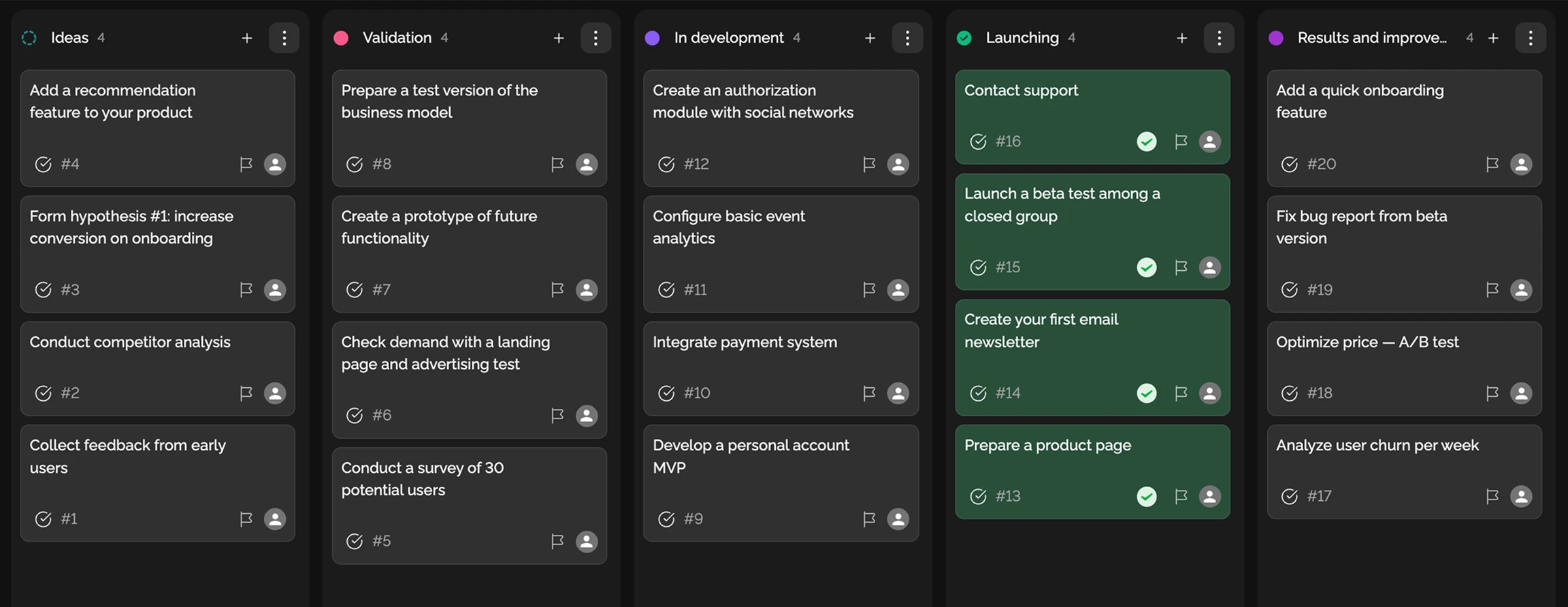
Keep work transparent across large teams.
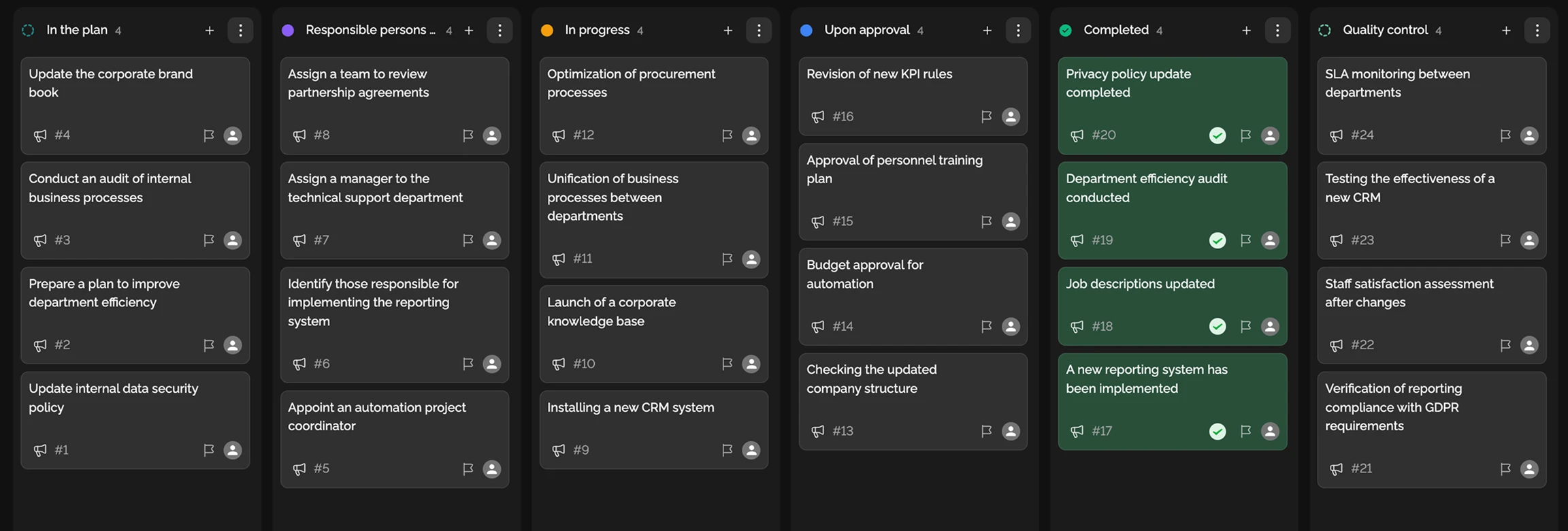
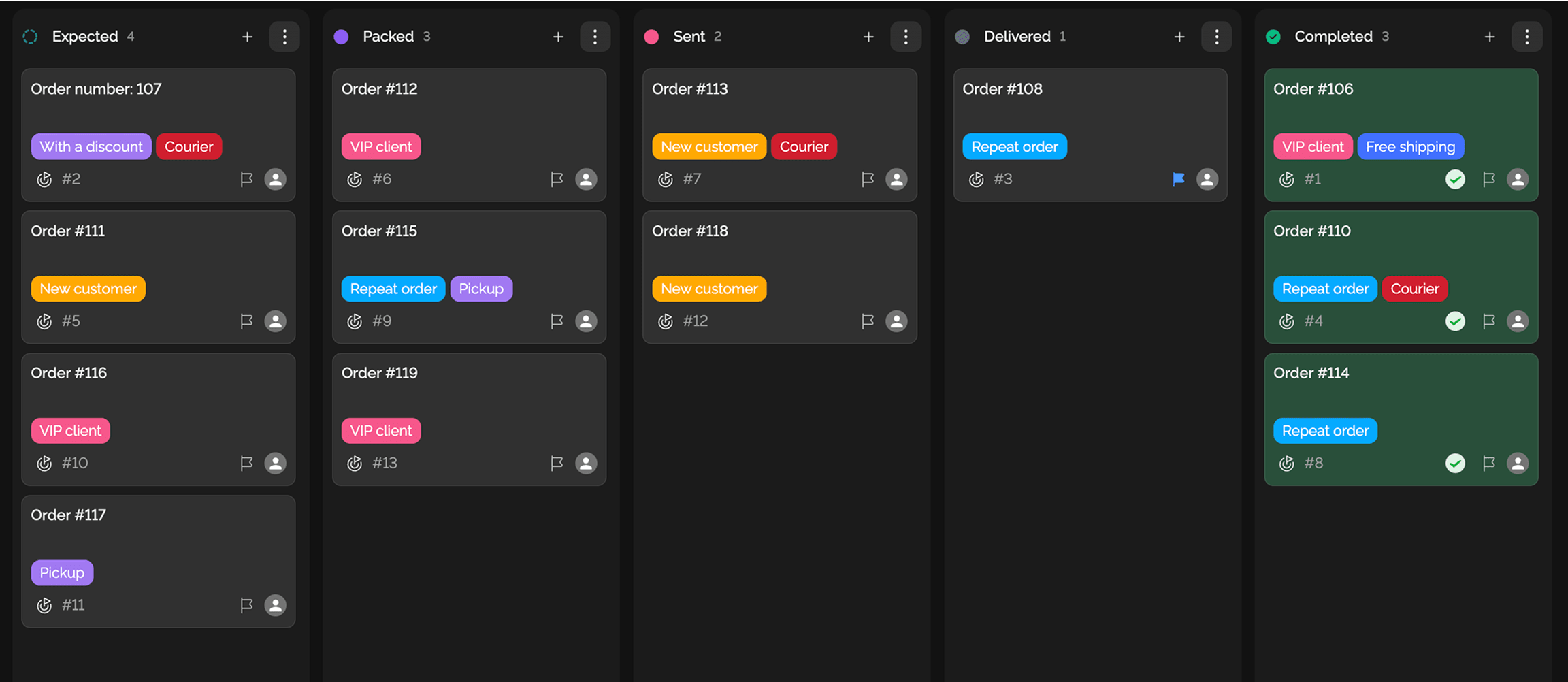
Run an online store smoothly.
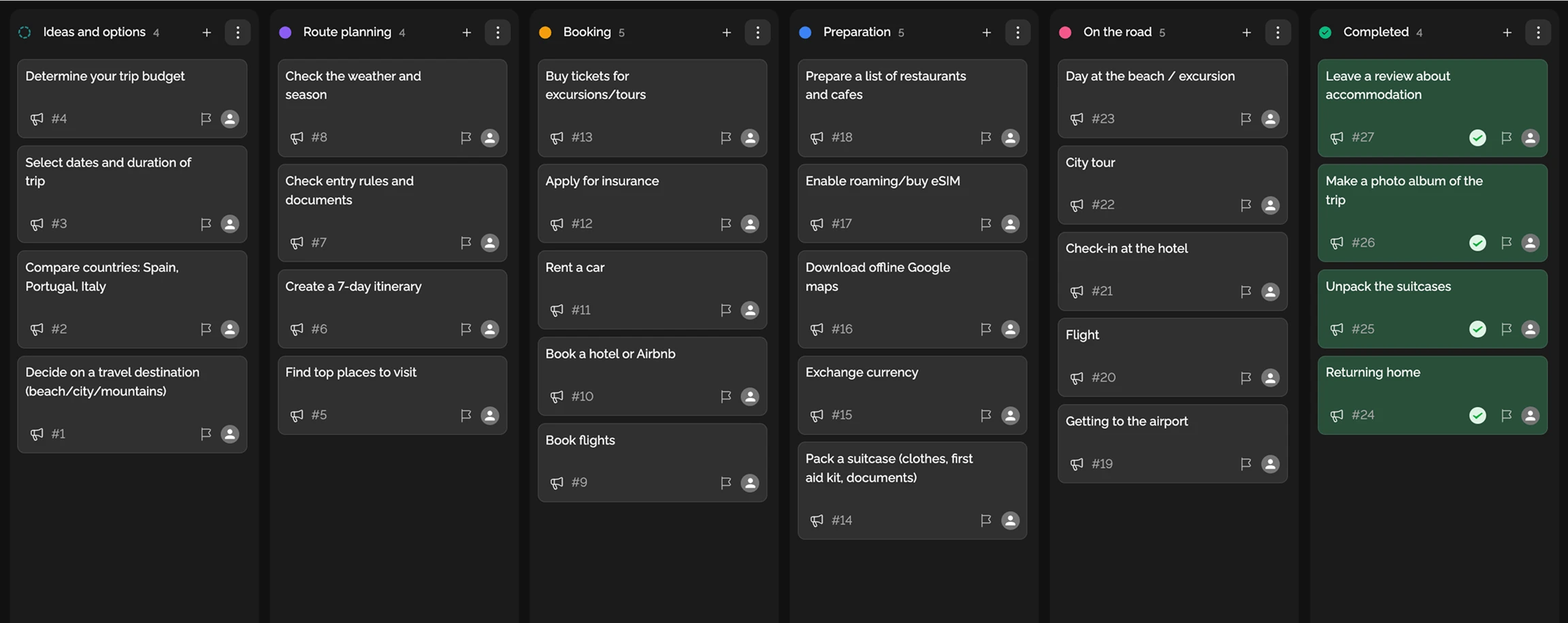
Organize personal plans and downtime.
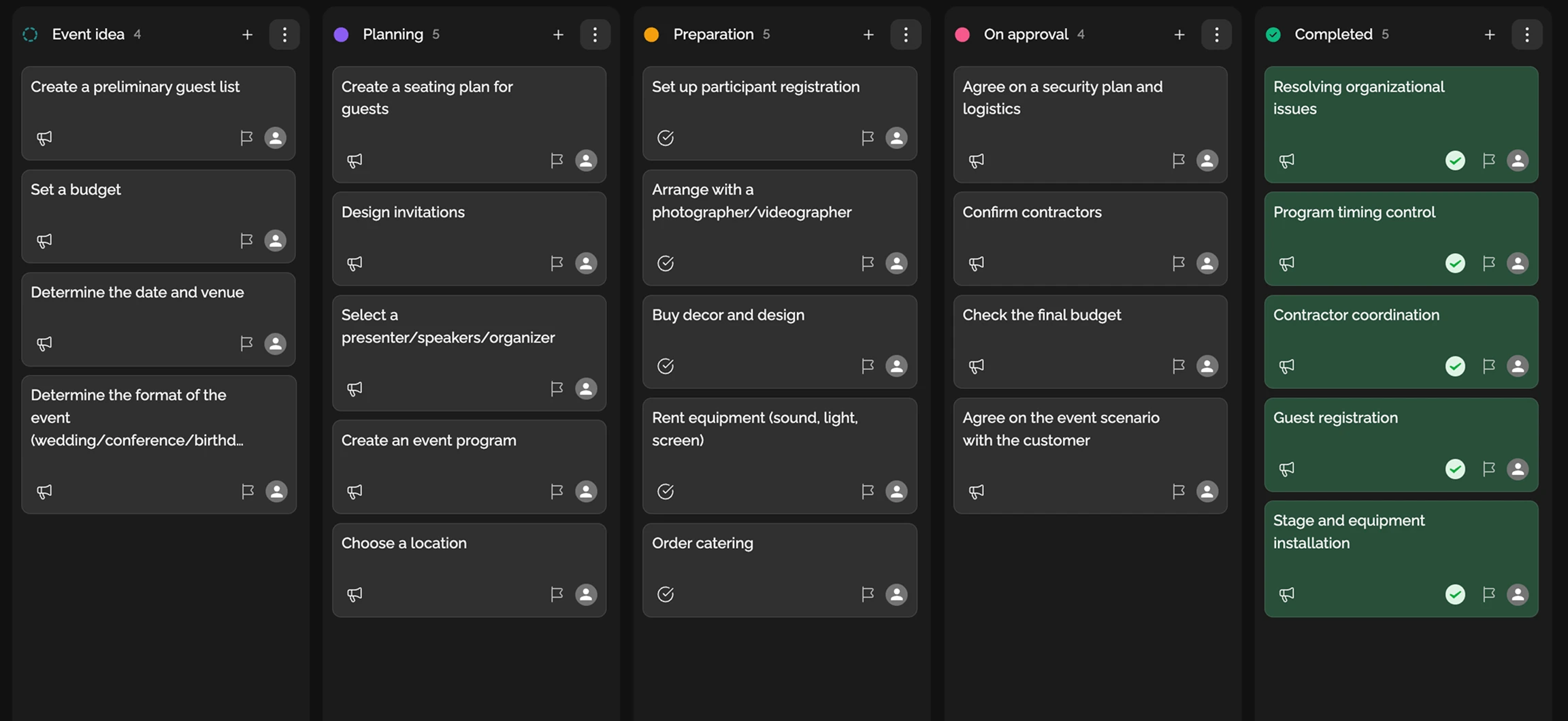
Plan events and meetings.
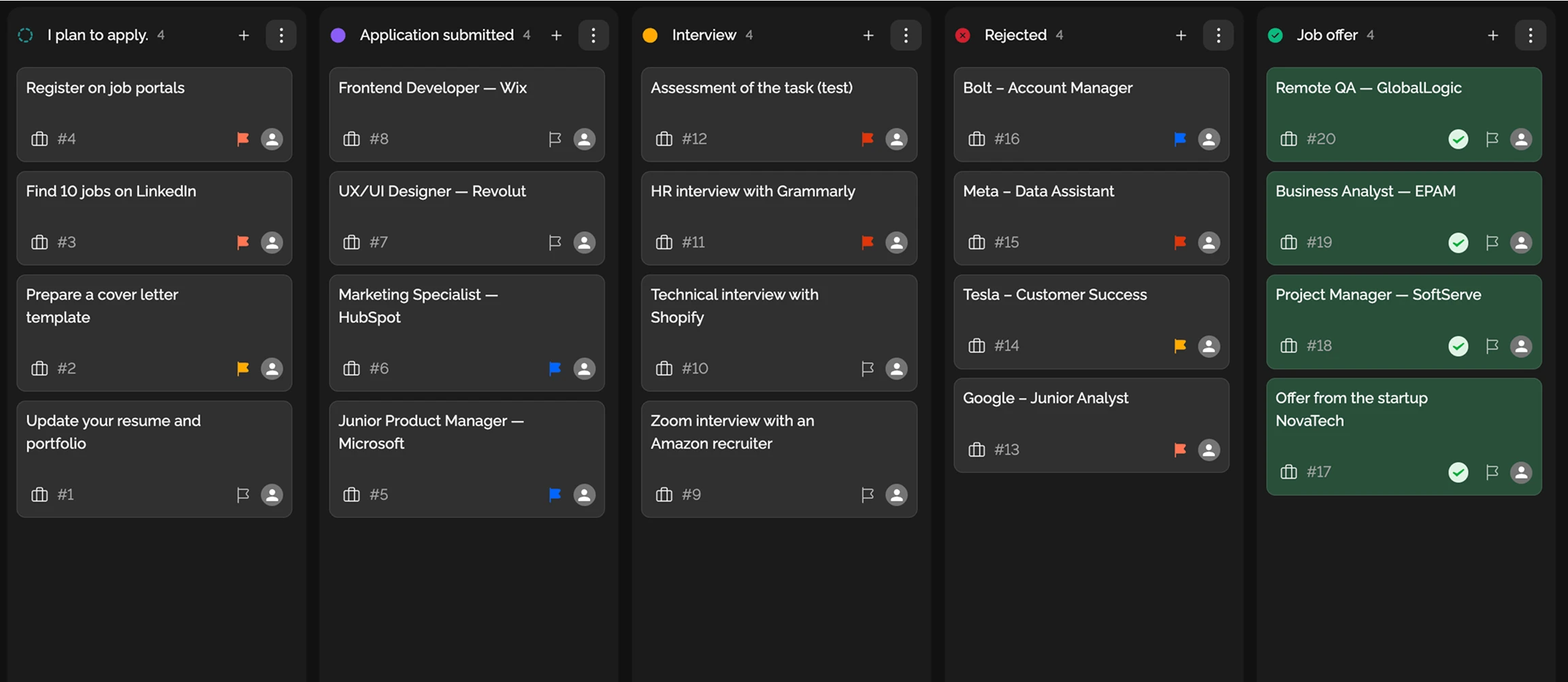
Track your application pipeline.
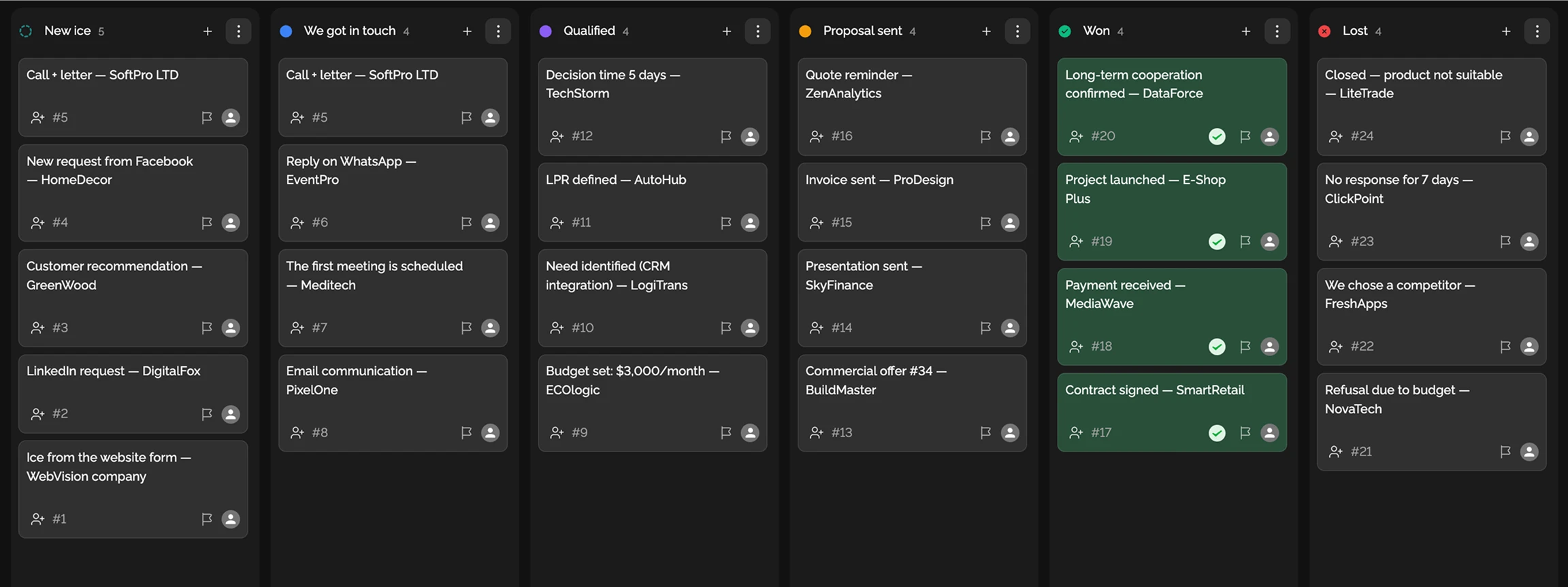
Full sales pipeline on one board.
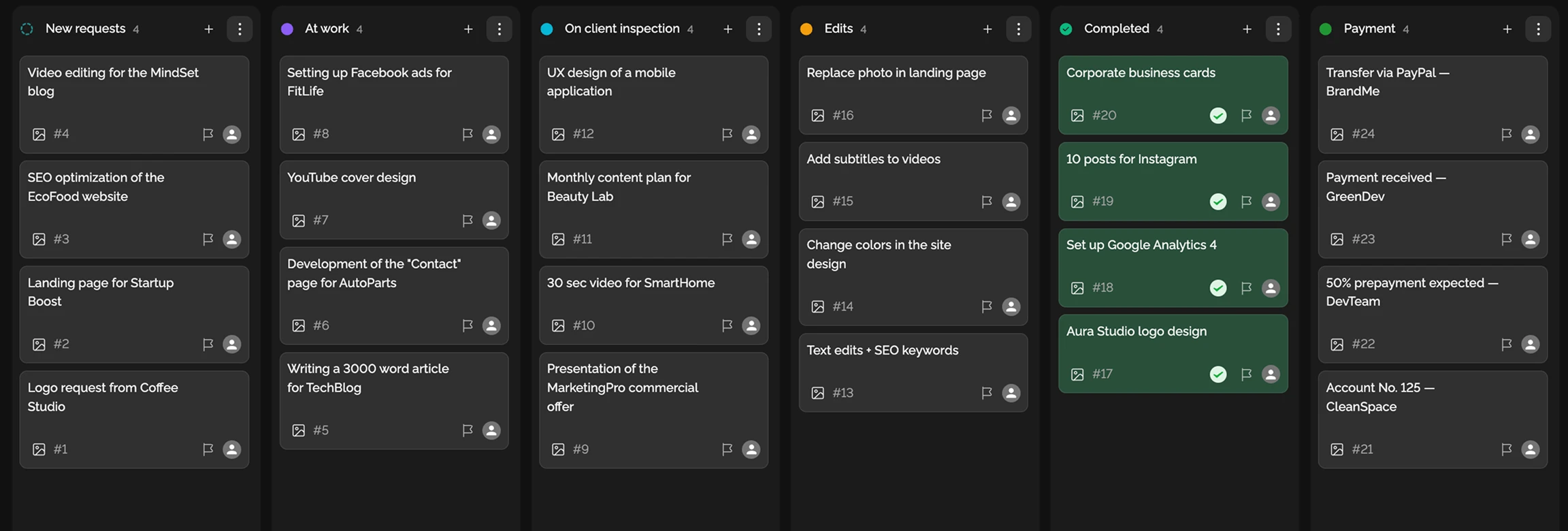
Organize freelance work.
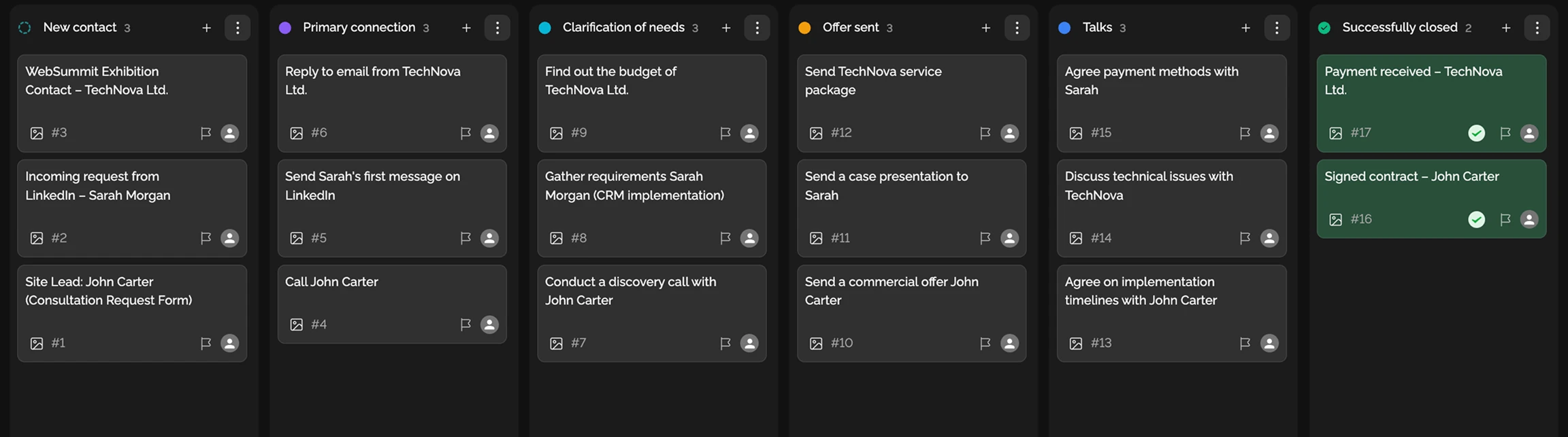
Manage customer comms.
Deep dive
5 chapters
"To Do / In Progress / Done" isn't a workflow — it's a starting screen. Real work has many more states: waiting on design, waiting on legal, bounced back from QA with a bug, cancelled by the client. If you hide all of that under a single "In Progress", the lead can't see where work actually stands. <strong>Custom statuses</strong> in Easylim let your workflow match reality. Below: how to design them so you don't end up with 25 statuses nobody understands two weeks in.
Розділ
A custom status is a stage of your real workflow expressed as a column on the board. Marketing doesn't work like engineering; support doesn't work like sales. Universal "To Do / Done" hides specifics — and that's exactly where the truth about a task's real state gets lost.
Why three defaults aren't enough: when a task sits in "In Progress" for a week, you don't know what's happening. Is the assignee working on it? Waiting on something? Blocked? Custom statuses answer instantly. "Waiting on design" — not the assignee's problem, it's the designer's. "Waiting on client" — not our bottleneck. "Blocked by legal" — needs escalation.
In Easylim you can run different status sets on different boards inside one project: the engineering sprint board uses "Backlog → In Progress → Code Review → QA → Released"; the sales board in the same workspace uses "New lead → Contact → Demo → Negotiation → Closed-won/lost". That's not two tools; it's one system.
color = meaning · red = blocker, green = done
Розділ
The biggest mistake is creating 15-20 statuses "to cover all cases". The team won't remember the difference between "In Progress", "Working on it" and "Actively developing". Two weeks in, everyone uses "In Progress" out of habit — and your custom workflow is dead. The working range is 5-7 statuses per board.
Marketing (content): "Idea → Brief → Draft → Review → Waiting on brand → Published". Six statuses, each with a clear entry condition. Engineering: "Backlog → In Progress → Code Review → QA → Waiting on release → Released". Support: "New → Triaged → Waiting on customer → Waiting on backend → Resolved". Sales: "New lead → Qualified → Demo → Negotiation → Closed-won / Closed-lost".
The "Waiting on [X]" principle is the most valuable move. Instead of a single "In Progress", split it into "Waiting on client", "Waiting on QA", "Waiting on design", "Waiting on legal". Now at standup the lead doesn't see "3 tasks in progress" — they see "1 in progress, 2 waiting on client". The action is different: ping the client, don't pressure the assignee.
Розділ
Transition rules define which statuses can move where. Without them, someone will drag a card from "Backlog" straight to "Released", skipping Code Review and QA. In Easylim you can block illegal jumps: "Backlog → In Progress only", "Code Review → QA or back to In Progress", "QA → Released or back to Code Review".
Colors and icons aren't decoration — they're fast scanning. Red for "Waiting on [X]" because it's a blocker. Yellow for "Code Review" — needs attention. Green for "Released" — all good. The team looks at the board and understands where action is needed in 2 seconds, no reading required.
WIP limits per status: "In Progress" — at most 1.5× the team size. Four engineers → limit 6. Try to add a 7th and Easylim warns. "Code Review" — limit 4-5: when the queue grows beyond that, new work has to be paused so the reviewer can catch up. It doesn't slow the team down; it surfaces real capacity.
Status-driven automation: when a task moves to "Code Review", a reviewer gets assigned automatically; on "QA", a subtask checklist appears; on "Released", a Slack message fires into #releases. That's 80% of engineering discipline without anyone having to think about it.
Розділ
Monday 10:00 — standup. The lead doesn't look at "what are you doing" — they look at the "Waiting on [X]" columns. "3 tasks waiting on client — Elena will ping by 2pm", "2 waiting on design — Sam, when?". The team doesn't say "all good on my side" — the system shows reality.
Tuesday — blocker triage. The lead opens the "all tasks in Waiting*" filter and goes through them. Waiting on client → ping their channel; legal → escalate to the CEO; design → sync with the designer. This isn't "I'm reminding you for the third time" — it's systematic blocker work.
Wednesday — unblocking Code Review. The "Code Review" column has 5 cards (limit 4). The team pauses new work and helps clear the queue. Different culture: "unblock first, then pull new". Two or three weeks of this and team velocity climbs 20-30% with no headcount added.
Friday — retro on stuck tasks. The lead opens "in status for more than 7 days". Each card is a story. Why did it get stuck? What do we change so it doesn't repeat? Maybe rename "Waiting on client" to "Waiting on client Acme" — because Acme is systematically the bottleneck.
Розділ
If your team handles simple tasks without stages (personal to-dos, a basic ticket tracker, your grocery list) — the default "To Do / Done" is fine. Custom statuses here create bureaucracy without payoff: thinking each time about which status to use is pure overhead.
If what you want to control is time, not state — custom statuses won't help. A card can sit in "In Progress" for a day or a month. For that you need a Gantt chart with dates or a calendar with time slots.
If tasks automatically progress through stages (an email ticket → auto "New" → agent assigned → auto "In progress") — that's not custom statuses, that's workflow automation. Set it up via automation or Zapier-style integrations.
General rule: under 4 real workflow stages → defaults are enough. 5-7 → custom statuses pay off big. 10+ → you've designed it wrong, split it into two boards.
one value · workflow stage
many · labels, themes
a task has 1 status but many tags
status = where it is · tag = what it's about
This feature connects to the apps your team already lives in.
More features
No card required. Free tier forever.


