Capability 01
Google Workspace
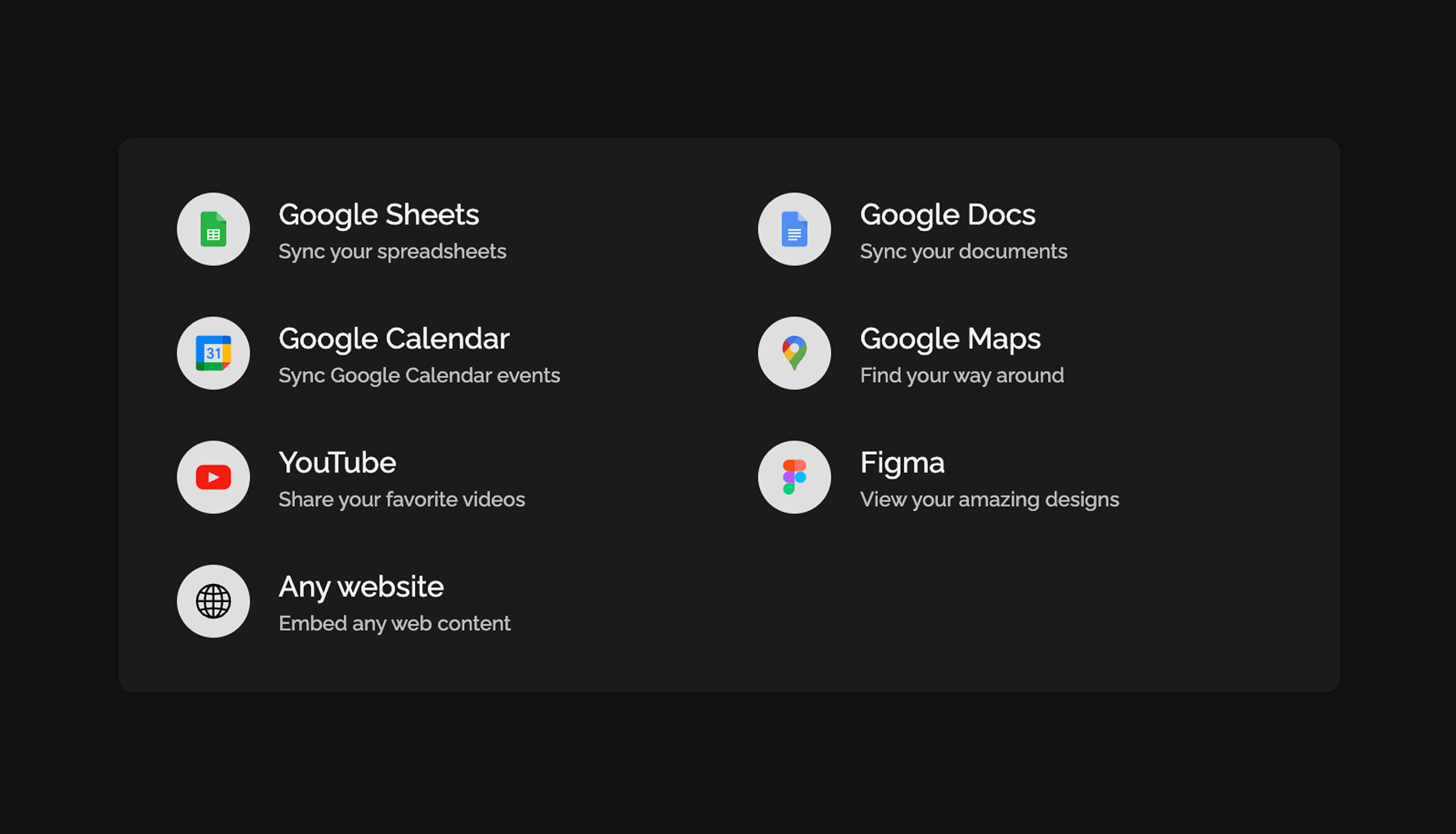
Sync Google Docs, Sheets, and Calendar directly in your team space.
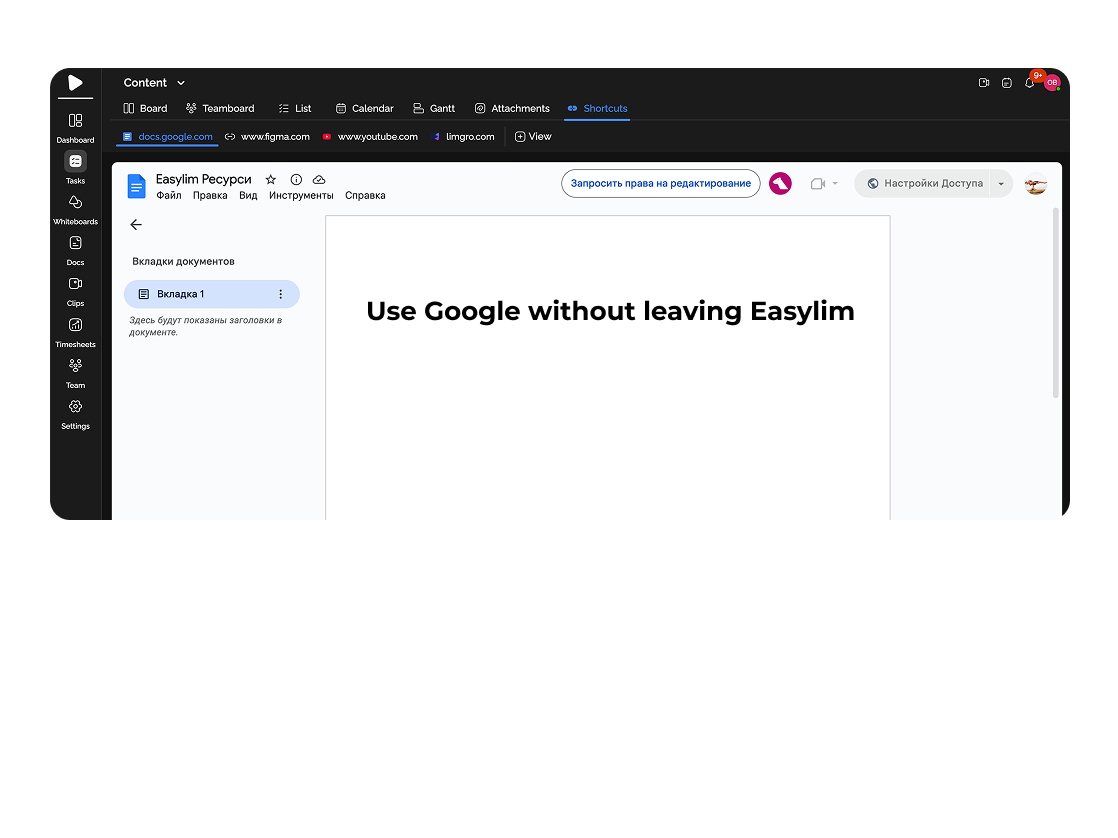
Store Google Docs, Sheets, Figma, YouTube, and any other links in a convenient tab accessible to the entire team.
Built for
By the numbers
∞
links per project
Easylim CRM
Preview
rich auto-cards
customer data
0
lost links
2025 survey
Keep all the web services you need at your fingertips.
Capability 01
Sync Google Docs, Sheets, and Calendar directly in your team space.
Capability 02
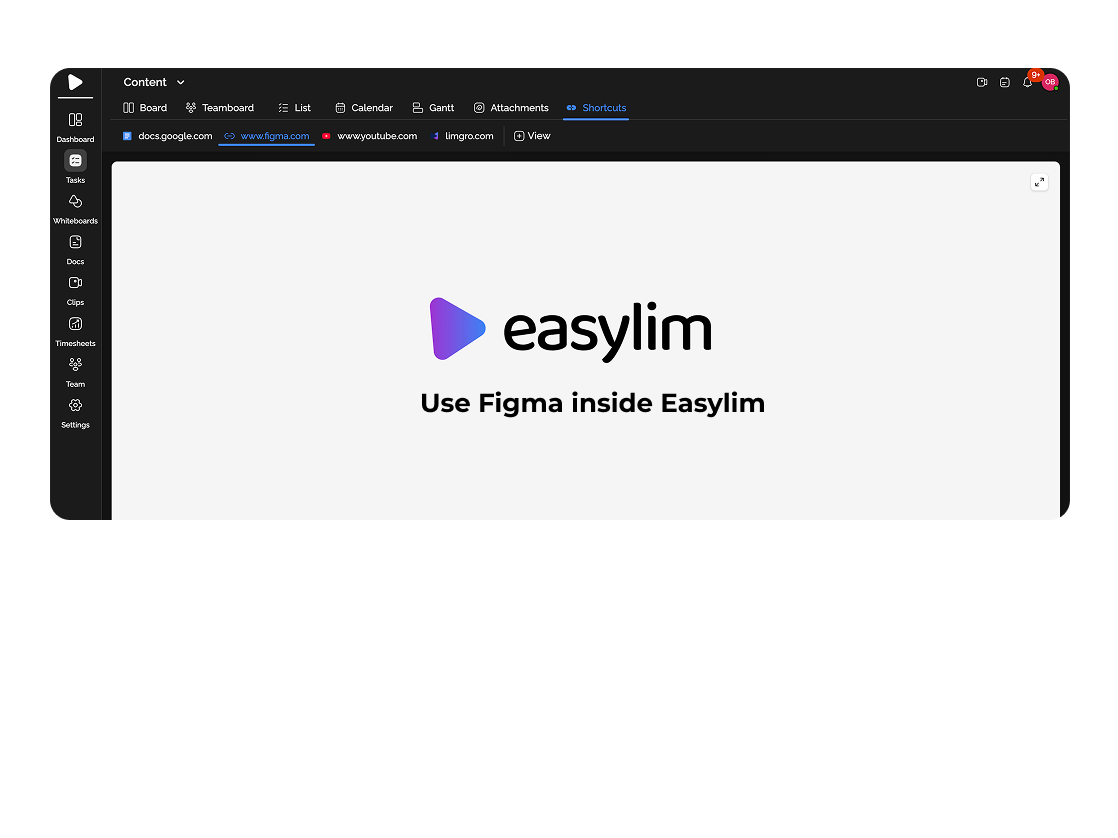
Store Figma and other creative platforms in one place.
Capability 03
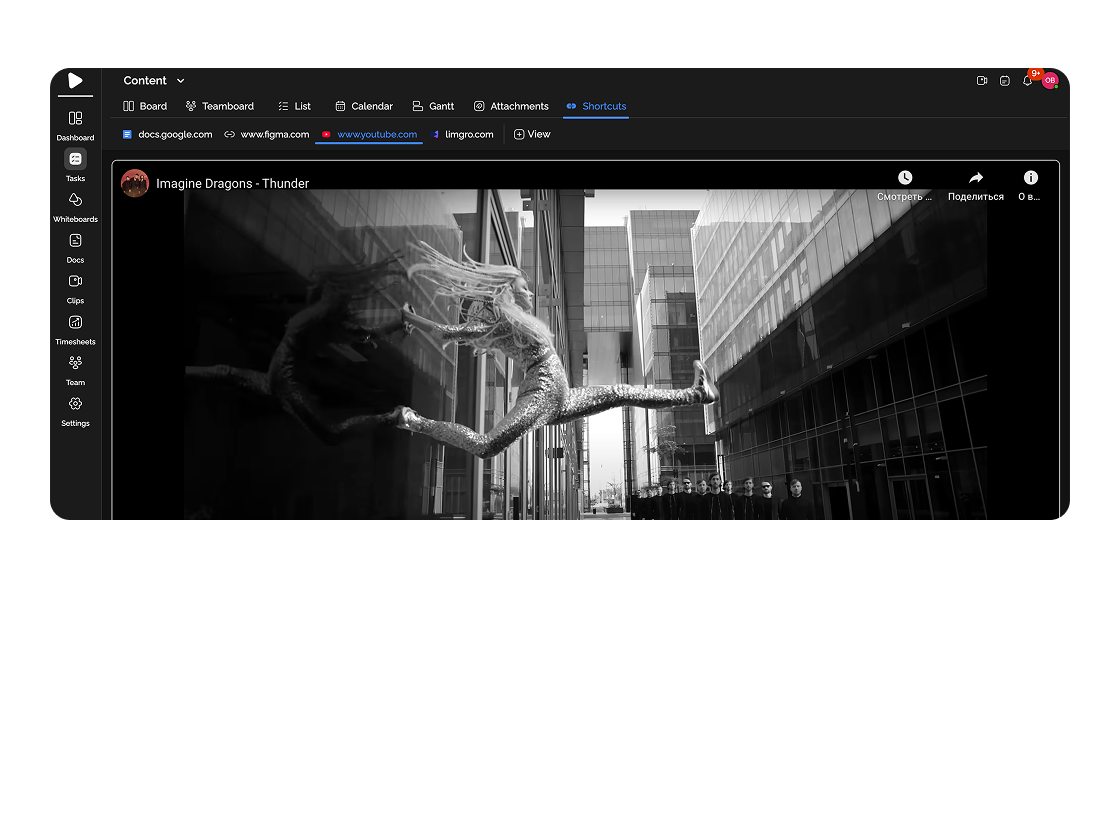
Add YouTube videos and Google Maps for quick access.
Capability 04
Insert links to any web content without restrictions.
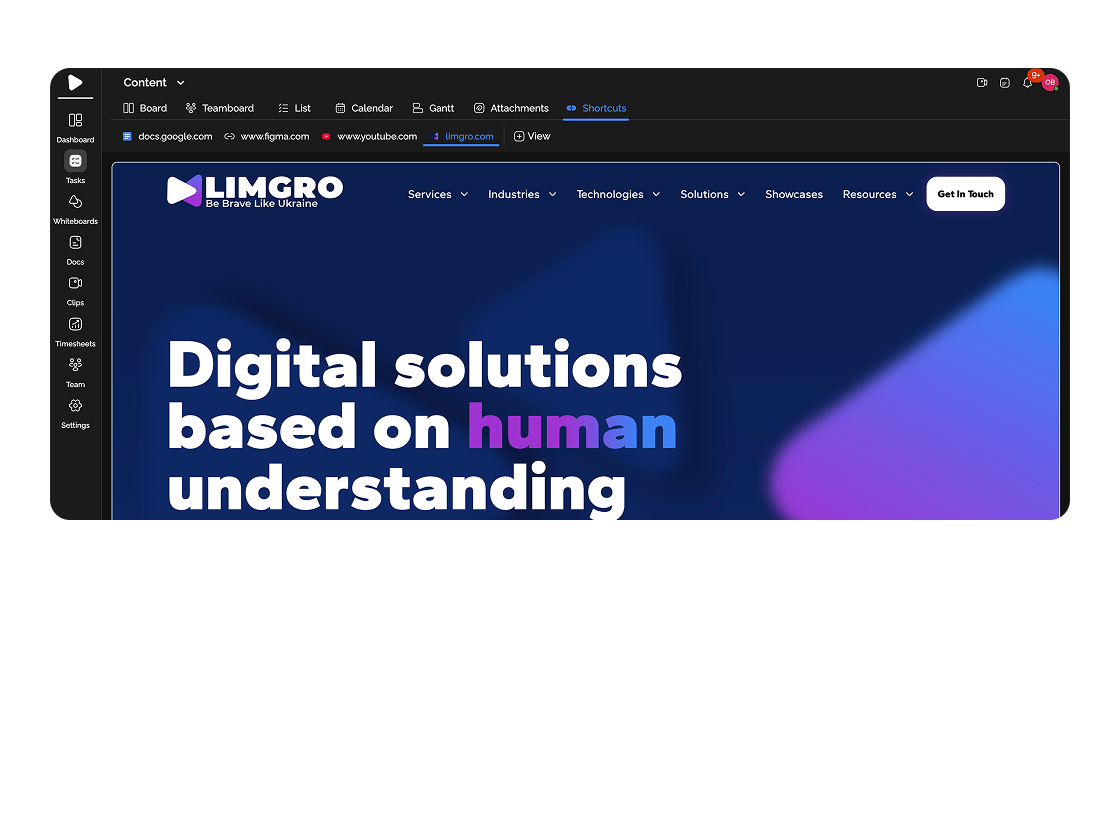
Attach spreadsheets with deadlines and budgets from Google Sheets for transparency.

Store links to ad campaigns, analytics, and dashboards.
Deep dive
5 chapters
The classic scene: a new engineer joins, asks where the Figma is, which account has access, where the design doc lives, the brand guide, the Google Drive of references. The tech lead searches Slack — finds 4 messages with different versions. Notion has a stale link. The pinned message points at last November's Figma. Forty minutes lost, and every new hire spends them again. Resources in Easylim is a project tab with all those links — design, docs, dashboards, videos — one URL for the whole team and zero "where's our…?" pings.
Розділ
Resources is a collection of links to external tools, attached to a project: Google Docs, Sheets, Figma, Miro, Loom, Mixpanel, dashboards, internal sites, YouTube tutorials. Easylim doesn't try to replace those tools — it makes them findable.
Difference vs notes: resources isn't for your own writing, it's for links to someone else's content. Notes are "I jotted down a pitch idea". A resource is "the link to the analytics dashboard". Difference vs documents: a document is something you edit inside Easylim; a resource just points outward.
Every resource automatically gets a rich preview: page title, thumbnail (OG image), domain favicon. It's not a flat list of URLs — it's a visual grid of cards where Figma looks like Figma and YouTube looks like YouTube. The team recognises a link in 0.2 seconds, without reading the text.
google drive
figma file
notion page
loom video
github repo
youtube video
Розділ
Open the project, go to the Resources tab, click "+ Add". Paste a URL — Easylim reads the OG tags and builds a card with title, description, thumbnail. Nothing to type by hand, except a tag or category.
Categorise: "Design" (Figma, Miro, Adobe), "Docs" (Google Docs, Notion pages, specs), "Analytics" (Mixpanel, GA, custom dashboards), "Video" (Loom tutorials, YouTube, demos). Custom categories work — the goal is that a newcomer knows where to look without asking.
For Google Workspace you can connect OAuth — Google Docs / Sheets / Calendar get richer previews: last editor, last updated, comment count. For Figma — a thumbnail of the actual frame. YouTube embeds via iframe — click the card and it plays inside Easylim, no tab-switch.
Checkout v2 · iOS Safari
12 frames · last edited 2h ago by Mia
Розділ
Not every site allows iframe embedding: Stripe, Notion, many dashboards intentionally block it via X-Frame-Options. For those resources you still get the rich card preview, but clicking opens in a new tab instead of embedding. That's fine — you still have a recognisable visual entry and one-click access.
Privacy is per-resource: visible to the whole team, admins only, or specific members. Useful for links to accounting Google Sheets, password manager entries (1Password URLs), or client-restricted dashboards. Don't store passwords themselves in Easylim — store a link to your password manager.
No hard cap on the number of resources per project. But once you have 200, it's a junkyard, not a hub. Healthy range: 15-30 per active project, 5-10 for archived projects. Prune stale links (Figma files that shipped months ago) so the next newcomer isn't lost across nine different design systems.
Folders
UI · checkout · 3 items
Checkout v2 — frames
figma · 12 frames
Mobile flow
figma · 6 frames
UI assets
google drive
Розділ
Monday. A new engineer joins. Instead of 40 minutes spent answering "where's the Figma, where's the API spec, where's the dashboard", the tech lead sends one link to the Resources tab. 10 minutes and the newcomer has everything: invited to the Figma file, knows where to read the spec, has the Mixpanel dashboard open.
Tuesday. Client call about a new feature. The PM opens Resources and pulls up three cards: the Figma mockup, the product spec, the Loom demo. Three clicks instead of the Slack/email archaeology that would've taken 15 minutes.
Wednesday. Design review. The designer screen-shares the Resources tab → Figma card → it's embedded, so you can flip frames without leaving Easylim. Task discussion (other tab) and visual review (Resources) — one window.
Thursday. A frontend engineer realises the API spec link is stale (new endpoint added). They update the Resources entry once — the new version is visible to everyone. In the old world this would be 4 Slack messages "here's the new version" and two people still using the old one.
Friday. The PM opens Resources, sees 8 entries nobody opened in 3+ months. Archive the old Figmas and videos. The hub stays clean — the next newcomer won't drown in noise.
checkout Figma ·
figma.com
checkout brief — Q3
docs.google.com
Розділ
If you want to record your own thoughts (an idea, meeting minutes, throwaway notes), that's notes, not resources. Resources is links to someone else's content; notes is your own text. Don't use Resources as a Notion-page substitute.
If you're writing long-form documentation (a user guide, an ADR, a 20-page project spec), that's documents — edited inside Easylim. You can drop a link to that document into Resources, but the document itself lives separately with version history and comments.
If you need a team knowledge base with search, tags, hierarchy (rather than a flat list of 30 links), Easylim works better with notes + documents inside a project than with Resources. Resources is a fast project hub, not an enterprise wiki.
Summary: link to external tool → Resources. Your own text → notes. Long-form editable doc → documents. Don't mix — otherwise a year later you have three places with the same content and nobody knows which is the truth.
Team-shared project hub with rich previews.
Personal browser links — only you see them.
team-shared → resources · personal → bookmarks
This feature connects to the apps your team already lives in.
More features
No card required. Free tier forever.


